




With the digital revolution now we have the liberty to take and store pictures within smartphones which comes very handy nowadays. Collage is one of the ways to compile your photos in one place giving them an aesthetic look. There are a plethora of applications all over the app stores that can help with collage editing and compilation. Having said that, we are here with the list of the 8 best free photo collage apps for android.
Collage apps in the modern digital world do quite a job that not only includes compiling all of your selected photos within one frame but also provides aesthetic templates.
With a collection of fancy templates, frames, texts, filters, music, and animations based on various styles and themes, the best collage app delivers everything from a minimal collage to putting photos in video animations.
 Also readHow To Install Google Play Store On Windows 11: Step-By-Step Guide
Such apps on your android smartphones come in very handy for photo editing, social media management, and presentation purposes. Here are the best apps that can help you create stories with your photographs providing a range of editing features available for free download.
1. Collage Maker
Collage Maker is a very simple and complete collage maker app that does the job with minimal fuss and maximum efficiency. The app interface is so easy that the only time this app takes is you select photos and choose the templates.
Collage Maker offers a whole lot of trendy and aesthetic templates based on stories, greetings, posters, and more. Collage Maker is one of the best photo collage apps for android.
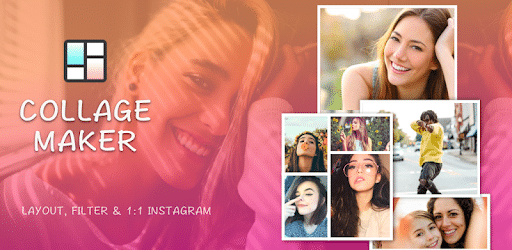
One can easily add fancy animation, GIFs, texts, and stickers to their photo along with sparkling backgrounds and frames. It offers a range of filters, fonts, and layouts to make it better out of your precious photos.
Also, you can resize, crop, and adjust the grid on the go. With over 100 million+ downloads and 4.8 stars rating on Google Play Store, it is very evident why Collage Maker tops our list of the best photo collage apps for android.
2. Moldiv
Moldiv is an app that minimally offers sophisticated collage edits. The app is very flexible with picture quality as you can convert your photo edits from low resolution to high resolution.
Moldiv creates a beautiful collage over a range of themes and styles with its numerous features which include more than 50 photo effects, 180 premium frames, and 80 patterns for the frame background.
It also offers many doodles, texts, stickers, backgrounds, and fonts to add more stories to your photos. Using this app one can easily put their photos in a collage based upon various themes such as posters, greetings, albums, or magazines. Moldiv is rated 4.5 stars on the Google Play Store with over 5 million downloads.
3. Pixlr
Pixlr, which is ultimately a complete editing app with a whole range of photo editing features, offers great photo collage assistance as well. The interface is simple as you just have to select photos to put in the collage and there you have a wide variety of layouts, templates, fonts, and backgrounds.
Pixlr gives you firm control over adjusting your photos with very accurate cropping, border adjustment, and dimension tools.
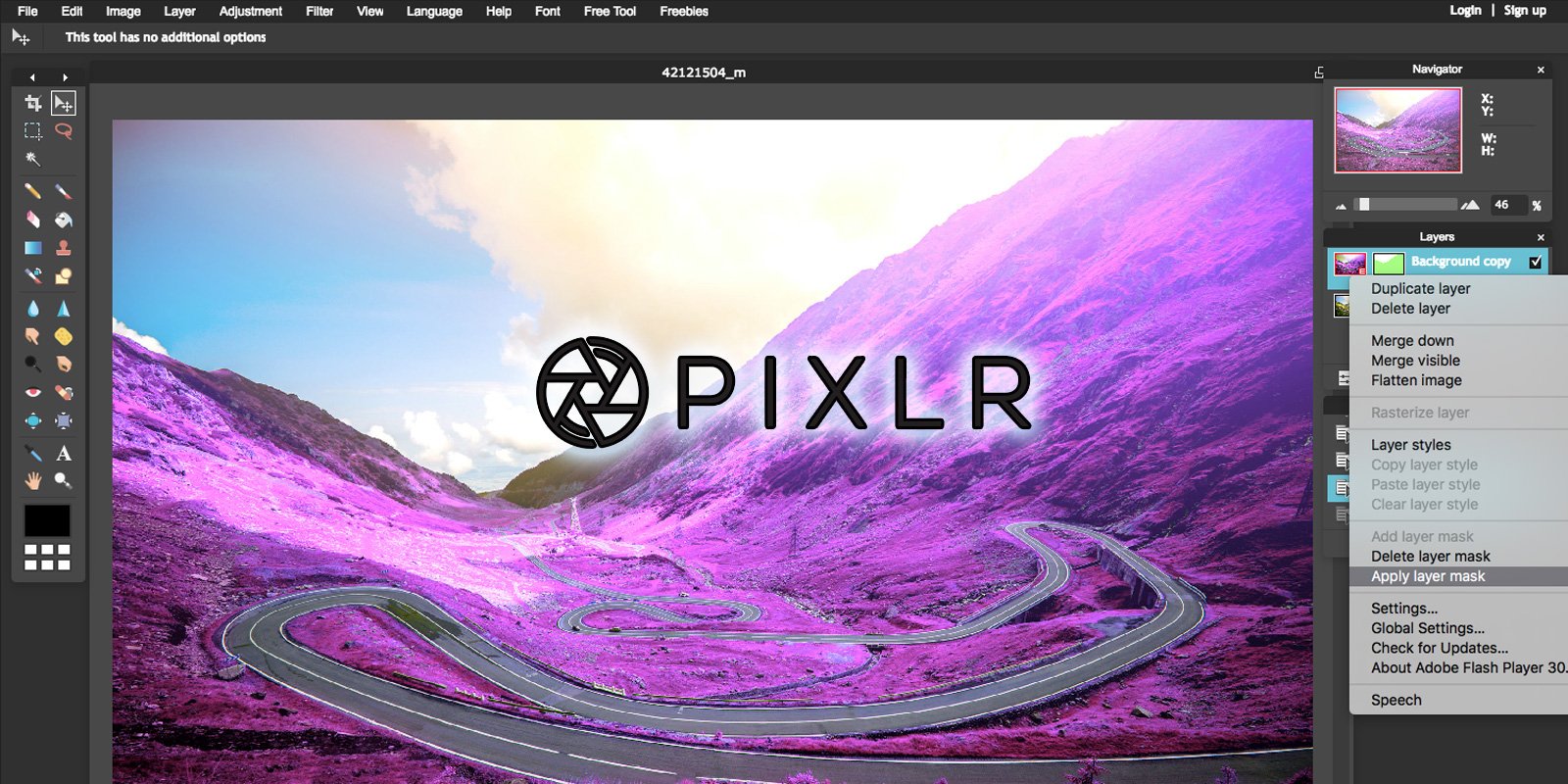
You can save your collages in various dimensions based on your display preference in high quality. The round corner adjustments and lightning effect feature only make this app better.
The Auto fix app is an added blessing, as it adjusts the brightness, contrast, and saturation of your photos in one single tap for a quick edit. The app is available for free download with more than 50 million downloads and 4.3 stars rating on Google Play Store.
4. Canva
Canva is a giant photo editor that comes with very professional potential and is one of the best photo collage apps for android. The app delivers a huge range of graphic and photo editing features including collage-making.
You can make both photos and videos collage on Canva which offers a huge range of in-built templates and themes ranging from professional to aesthetic styles.

Anything more said about Canva is less as it is preferred by graphic professionals as a go-to app for daily work purposes. Canva is a giant application with a treasury of graphic editing.
One can also create logos, posters, templates and more using this app. Canva is the number app on Play Store App under the “art & design” category with over 10 million downloads and 4.4 stars rating.
5. Pic Collage
Pic Collage is a dedicated collage maker app that delivers everything you need to create a good set of photos. Including a huge number of templates, fonts, stickers, backgrounds, and frames throughout varied themes, Pic Collage comes up with regular template and layout updates based on recent trends and festivals.

The app interface stands out to be very unique and seamless which makes it a solid ‘top collage-making app’ contender. Being one of the highly-rated android apps on the Google Play Store under the photography category with a rating of 4.5 stars, it has been downloaded more than 50 million times already.
6. PicsArt
PicsArt is well PicsArt! One of the high-rated android editing apps used widely for photo editing on smartphones for a long time now also delivers a decent collage-making tool. With all the valor of this veteran app, PicsArt offers a range of layouts, filters, templates, fonts, stickers, and effects to add life to your photos.
What’s more to ask to make a photo collage on this app? To our surprise, it has been downloaded over 500 million times on the Google Play Store with a rating of 4.2 stars. Having said that, PicsArt is one of the best photo collage apps for android.
7. Photo Collage Maker
Another full-fledged collage-making app has been downloaded more than a whopping 100 million times on the Google Play Store.
Photo Collage Maker does the collage-making job easily offering a plethora of choices among layouts, designs, and dimensions. The packed features include adding layouts, stickers, backgrounds, effects, texts, and frames.

You can easily fix and adjust your photos with its handy features. Photo Collage Maker has quite a vibrant range of layouts to give that aesthetic finish to your savings of memories. The app is rated 4.0 stars on the Google Play Store.
8. Layouts from Instagram
A very special mention of the most minimal collage-making oriented apps coming out from the house of Instagram. Layouts from Instagram is a simple yet well-equipped application that makes the collage-making job smooth and hassle-free.
Although it doesn’t include the same range of features as the above-mentioned apps such as adding stickers, texts, or effects to photos, a collage-making app is meant to compile your photos in one place, and Layouts does that with immense efficiency.

The app is an Instagram tool made into an app that can be very handy for social media enthusiasts. Layouts from Instagram have been downloaded over 100 million times on Google Play Store with a rating of 4.1 stars which reflects why people do consider this app to be one of the bests.
Also check out: How To Install Google Play Store On Windows 11: Step-By-Step Guide








