



As the world moved on further without this useful image-organizing tool, it was hard for many to get another platform that can manage their images with ease and perfection. There are a lot of apps out there claiming to be as good as Google Picasa but do they fall any closer? Not to bother you more, here we list the 8 best Google Picasa alternatives that can assist you better in managing your photos.
Google Picasa used to be one of the best image organizers and photo management tools back in the day, also serving editing purposes. The basic editing feature along with image management tools was a benchmark in those days and we can assume it would have been only developed into a whole institution of image management tools with the modern updates. Never mind, Google had other plans and they launched Google Photos to take over the Picasa experience but they couldn’t even meet the basic requirement.
Google Photos comes with a very complex interface which increases the fuss around your image files. Anyway, the world didn’t stop just there, a plethora of apps, programs, and tools to replace Google Picasa are available out there with some similar and some distinguishing features.
Here are the best Google Picasa alternatives:
1. Adobe Lightroom CC
Adobe and everything around digital images! By far the best image management and editing program available out there. Adobe Lightroom CC has all the features packed inside it from deep editing options to cloud savings.


The DAM or Digital Asset Library feature allows users to import all the images and it automatically categorizes them based on performance. The program’s functioning is smooth and it can deal with heavy image files easily.
The best feature comes with the cloud feature where you can always save your images and go back to them whenever you want. It also backs up the images if your device breaks down in the middle of the operation.
Editing features are simple and effective that will not take much time for beginners to get a grip on. The only thing is that you have to pay for accessing all the features of Adobe Lightroom CC and you are good to have a great alternative to Google Picasa in your hands.
2. Windows Photo Gallery
Windows Photo Gallery is a rather minimal application that is good and easy to use on your desktop. With simple and sleek layouts, the interior of this app looks classy and works smoothly.
Although it doesn’t help you with the cloud storage of images that Picasa delivered primarily, Windows Photo Gallery will not put you down in helping you out with image management on the desktop.
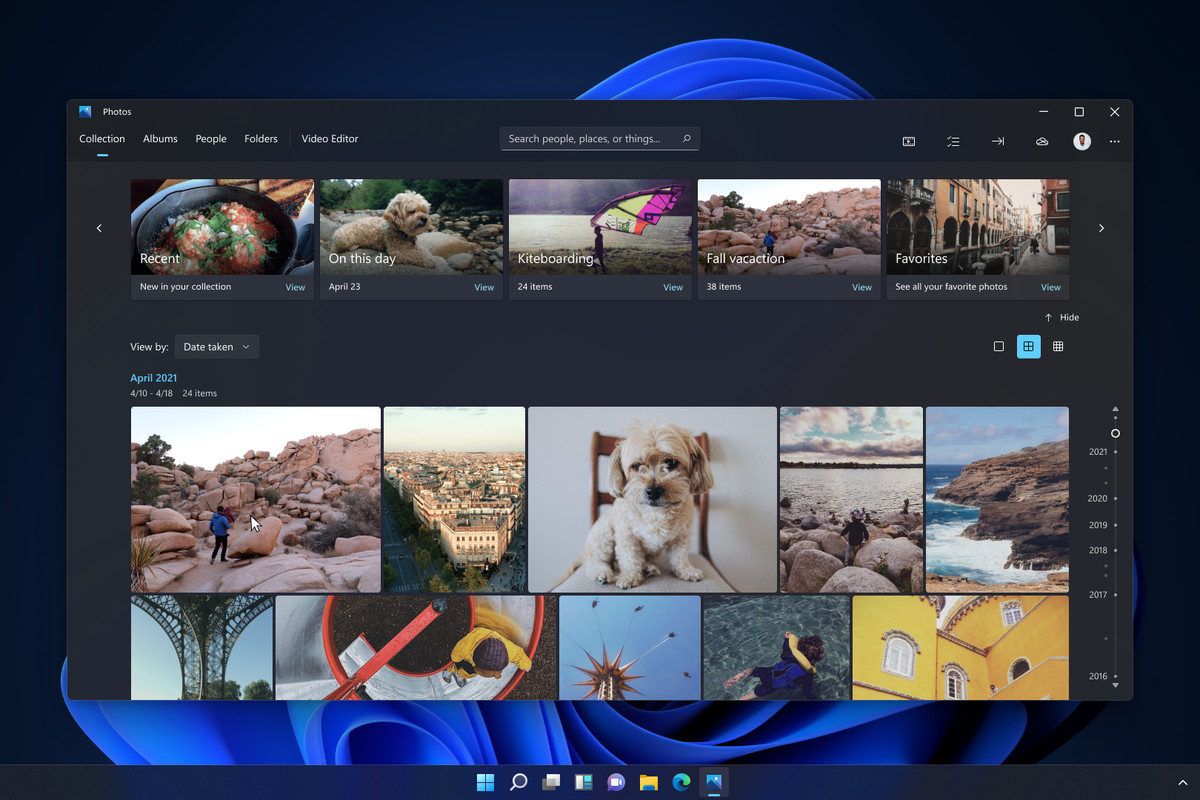
As it doesn’t store images on its own, you can always upload your images on various platforms such as OneDrive, Facebook, Flickr, etc. The editing features are good and the one distinguishing feature it has is that it can identify the images by adding names and geotag information.
3. Flickr
Flickr is a great app to manage your images and have track of the photography community on the same page. With great storage solutions for your images, one can bank on Flickr the most with image savings. The sharing feature is smooth and you can always share your images with your community on the go.
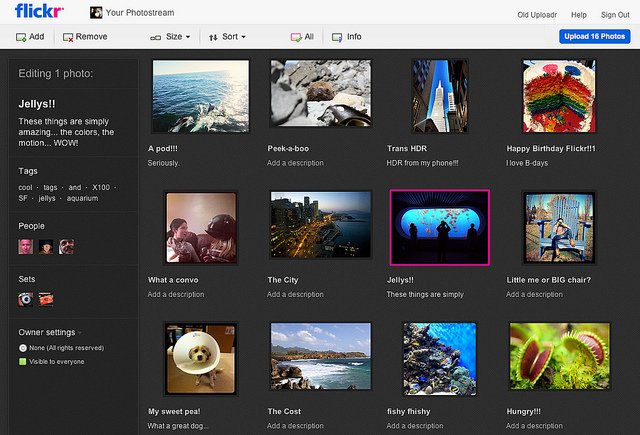
It provides a great social platform for photographers to have a hold on the community and stay connected within. No matter how heavy or large image files you gotta deal with, Flickr does the better job in this league.
4. Photoscape
Photoscape is a very handy app for the on-screen management of images. It has large and versatile options to edit and fix while going through a minimal layout. Basically, it makes the editing job easier.
The versatile features include editing, fixing, batch editing, collage making, gifs making using multiple photos, screen capture, splitting photos, color management, drawing, adding text, and many more.
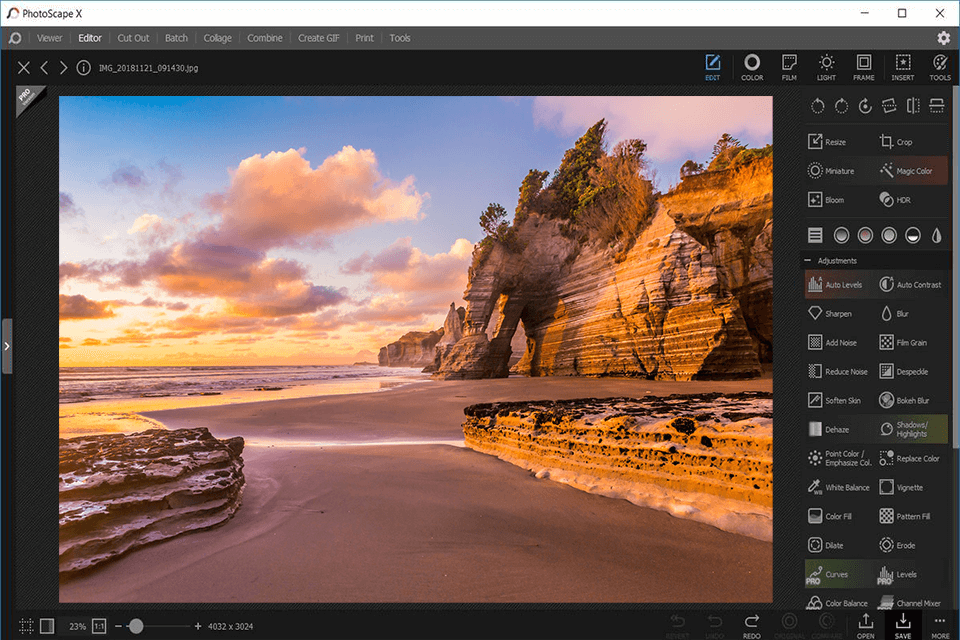
Not a whole alternative to Google Picasa, as Photoscape doesn’t have similar cloud storage potential but it can surely get the better of it with the editing features. The app is simple, you just go there, edit and move on. Minimum fuss and what more to ask?
5. Phototheca
Phototheca is the one app that only decreases your image management workload with the utmost decency and sufficient features. It allows an extensive organizational feature for your images which enables users to import images and organize them into their desired folders with smart search, tags, etc.
Adding more to this blessed software, you can create shared folders which can be very helpful with your workspace and among your family happenings. All the participants in the shared folder can access uploaded images.
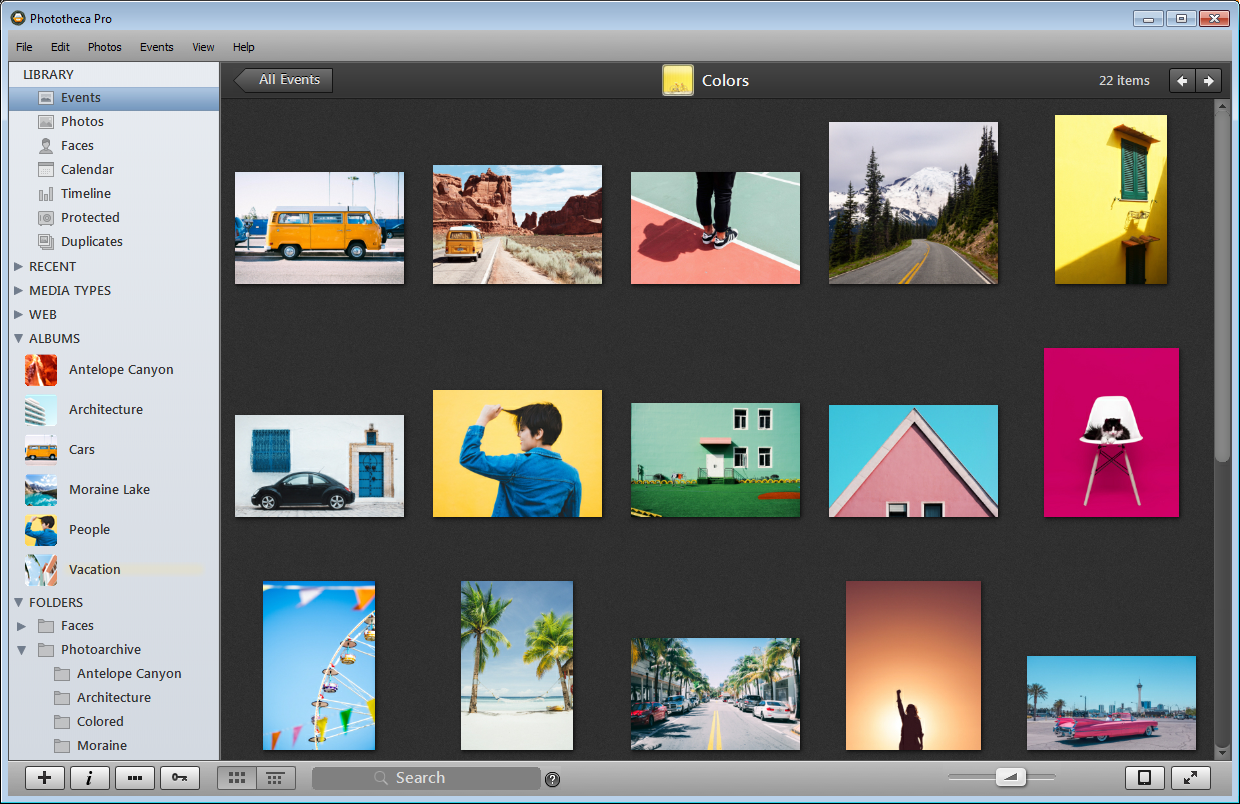
Phototheca can easily distinguish and arrange images based on geo-tags and people. The seamless image recognition enhances the user experience. It also allows easy sharing of images over Flickr, Google Photos, and Twitter.
Along with other add-on features such as duplicate detection, photo vault, dual view, and smart albums, Phototheca is a great alternative to Google Picasa. The app comes free and also with a paid plan, although Phototheca enables enough of its paid features to the free version also.
6. FastStone Image Viewer
Not just an ‘Image Viewer’, FastStone is a decent image management application with easy and simple steps. The application organizes your images with ease along with smart detection features such as adding tags, moving to folders, and recognizing favorite folders.

FastStone also has very basic editing features such as cropping, light and color adjustment, minimal effects, and more. Not a lot but FastStone surely does the bare minimum of an image management tool most importantly with ease and calm.
7. IrfanView
IrfanView is a very sleek tool to ensure your image management with possibly the most simple and minimal requirements. The software is a free photo viewer as well as an image organizer based on a Windows interface.
The build of this software is so light that it barely comes in 3MB of size. It’s a great management tool for outdated Windows users. The app is so simple that it can run on any device.
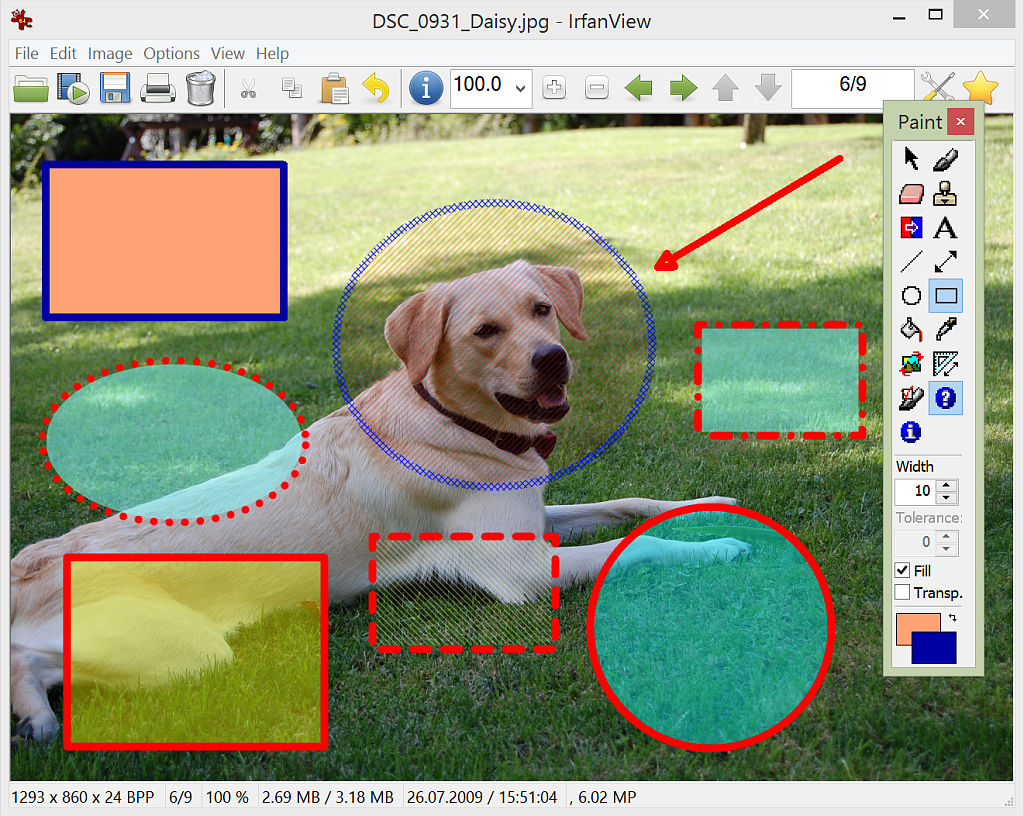
IrfanView wins the recommendation for Google Picasa alternative with its easy resource availability and that also in plenty. The layout is simple and it arranges all your images in thumbnail form with easy optimization and sharing options.
To my surprise, despite being such a minimal build, the software supports almost all image formats. All of this for nothing and the most it costs is 3MB space in your device.
8. Google Photos
Lastly, if not this then who? Only meant to be the alternative to Google Picasa by their very parent Google. Google Photos was designed to carry the already set-up legacy of Google Picasa.
Google Photos does the storage job rather well and is integrated with other Google services making it seamless to share images. It also includes basic on-the-go editing features.
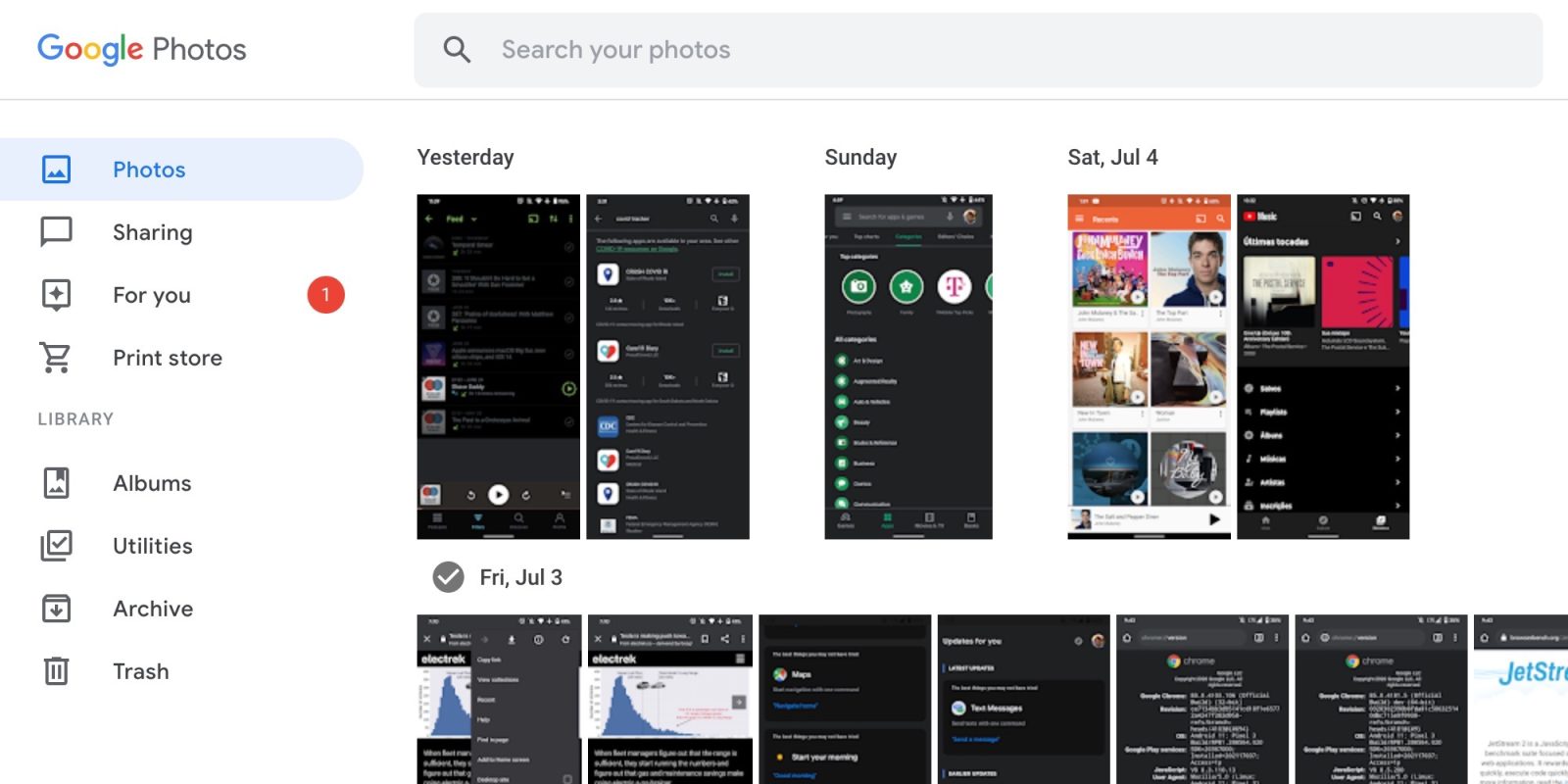
Although, a bit complex layout of Google Photos made it hard for many users to manage their image files. Also, the recent updates restricted the cloud storage capacity to 15GB only and one needs to pay to access more storage.
Never mind, Google Photos sits well in place of Google Picasa having an edge over other recommendations being from the same parent company.
Also Checkout: Top 7 Fastest SSDs For Gaming