




Dangerous apps for Android that you should delete right now include old copies of UC Browser, the SuperVPN app that Google pulled from the Play Store, outdated third-party browsers, so-called cleaner and booster apps, and any app installed from an unknown APK file. These apps can leak data, show aggressive ads or carry malware.
Google removes harmful apps from the Play Store regularly, but apps already installed on your phone stay there until you remove them. This updated list explains which apps and app types carry real risk in 2026, based on security research and official action.
Quick facts
| App or type | Main risk | What to do |
|---|---|---|
| UC Browser (old copies) | Weak encryption, data leaks; banned in India since 2020 | Uninstall |
| SuperVPN | Man-in-the-middle flaws; removed from Play Store | Uninstall |
| Outdated third-party browsers | Missed security fixes | Update or switch |
| Cleaner, booster, “CPU cooler” apps | Heavy ads, broad permissions, little benefit | Uninstall |
| Lookalike and sideloaded apps | Banking trojans and spyware | Uninstall, scan with Play Protect |
Dangerous apps for Android to delete in 2026
1. UC Browser
UC Browser, owned by Alibaba’s UCWeb, has a long record of privacy problems. In 2015, researchers at Citizen Lab found that the Android version sent personal data and search queries without proper encryption. In 2017, India’s C-DAC reported that the browser sent user data to servers in China, and in 2019 Doctor Web found it downloaded extra code over an unencrypted connection.
 Also readiPhone SE 2020 Review: Is It Still Worth Buying in 2026?
The Government of India banned UC Browser in June 2020 along with 58 other Chinese apps. If an old copy is still on your phone from before the ban, remove it.
2. Free VPN Client SuperVPN
SuperVPN had more than 100 million installs when researchers flagged serious flaws in April 2020. The weaknesses could allow man-in-the-middle attacks, exposing messages and sending users to fake VPN servers. The app also sent some data over insecure HTTP and stored its decryption keys inside the app.
Google removed SuperVPN from the Play Store after the reports. Anyone who still has it installed should delete it. A free VPN that does not explain who runs it or how it earns money is a risk in itself.
3. Outdated third-party browsers
Some once-popular browsers, such as Dolphin Browser, have had privacy problems in the past. In 2011, Dolphin HD was found sending every web address a user visited to a remote server in plain text, which its developer later patched.
The bigger risk today is an old browser that no longer gets regular security updates. If you use a lesser-known browser, check when it was last updated on the Play Store. If it has not been updated for months, switch to a maintained browser.
4. Cleaner and junk-file apps
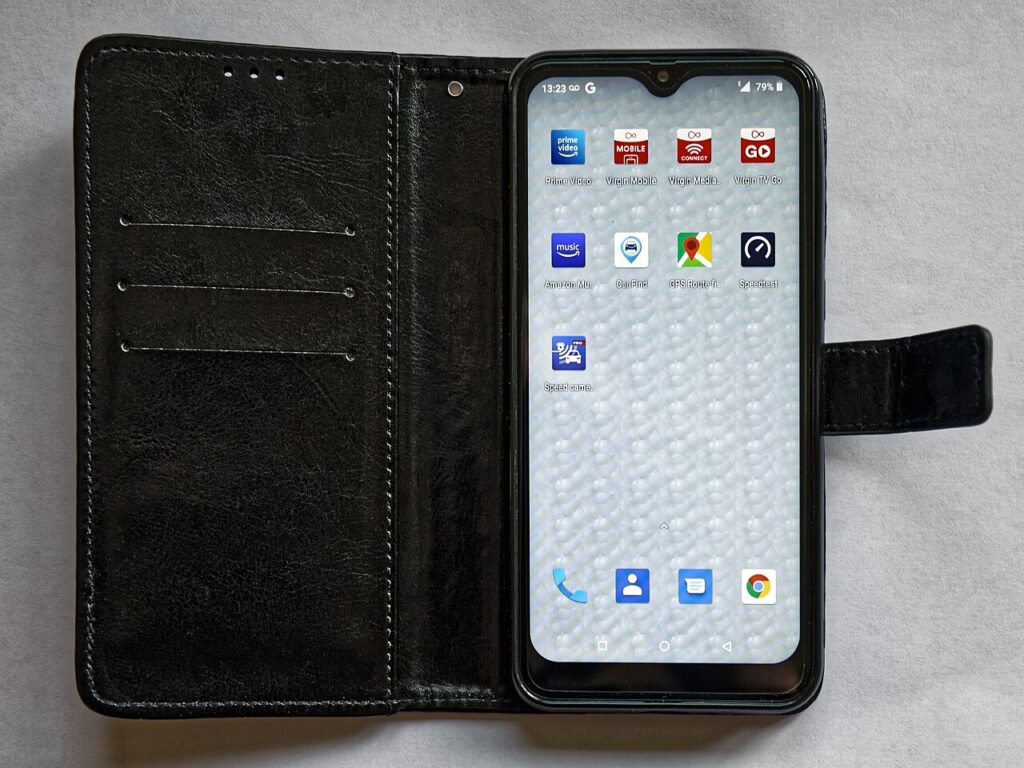
Apps such as CLEANit and Master Cleaner were promoted as ways to clear junk files and speed up phones, and each gathered millions of downloads. These apps ask for wide permissions and show many ads, yet modern Android phones already manage memory on their own.
Clearing the cache again and again can actually make apps load slower, because the phone has to rebuild that data. Most phone makers include a built-in storage or device care tool, which is safer to use.
5. “Antivirus”, booster and CPU cooler apps
Apps like Virus Cleaner bundle claims such as security scanner, battery saver, Wi-Fi security, speed booster and CPU cooler in one package. Many of these apps earn money from ads, some of which promote doubtful services.
A phone cannot be cooled by software in a meaningful way, and force-closing background apps rarely saves battery. Google Play Protect, which is built into phones with the Play Store, already scans apps for harmful behaviour.
6. Lookalike apps and banking trojans
Security firm Zscaler reported that between June 2024 and May 2025, malicious Android apps were downloaded more than 40 million times from Google Play. It named malware families such as Anatsa, a banking trojan, and found that the US, Canada and India together received about 55 percent of the attacks it tracked.
Google said Play Protect already protects users against those versions and that no apps carrying them remain on Google Play. Still, fake apps often copy the name and logo of a real brand, so check the developer name before you install anything.
7. Apps installed from APK files
Apps downloaded as APK files from websites, WhatsApp forwards or email skip the Play Store’s checks. Fraudsters often send such files as fake bank, electricity bill or delivery apps. Never install an APK that someone sends you, even if it looks official.
8. Malware on cheap Android TV boxes
Zscaler also flagged a malware family called Void that targets Android TV boxes. Low-cost, unbranded streaming boxes may arrive with risky software already installed. Buy from known brands and keep the device updated.
How to check and remove risky apps
- Open the Play Store, tap your profile picture and choose Play Protect. Run a scan.
- Go to Settings, then Apps, and remove anything you do not recognise or no longer use.
- Check app permissions. A torch or cleaner app does not need your contacts, SMS or location.
- Read reviews before installing. Many recent one-star reviews about ads or fraud are a warning sign.
- Keep Android and your apps updated.
For more phone safety guides, visit our technology section. Money-related scam alerts are in our finance pages.
Frequently asked questions
Which Android apps are dangerous to keep on my phone?
Old copies of UC Browser, SuperVPN, unmaintained browsers, cleaner and booster apps, and any app installed from an unknown APK file carry the most risk.
Is UC Browser banned in India?
Yes. The Government of India banned UC Browser in June 2020 along with 58 other Chinese apps, citing concerns about sovereignty and security.
Do I need a cleaner or antivirus app on Android?
Most users do not. Android manages memory itself, and Google Play Protect scans apps. Use your phone’s built-in storage tool to free up space.
How do I know if an app on my phone is malware?
Warning signs include sudden pop-up ads, fast battery drain, unknown charges and apps asking for permissions they do not need. Run a Play Protect scan and remove suspicious apps.
Sources: Wikipedia: UC Browser, TechRadar: SuperVPN warning, Android Headlines: Zscaler malicious apps report, Wikipedia: Dolphin Browser.








