
• About   |
  • Submit Guest Post |
  • Contact Us
No Result
View All Result
The Second Angle (TSA Magazine)
Advertise
  • Infotainment
    • Sports
    • People
    • Inspiring
  • Entertainment
    • Lifestyle
    • Home & Decoration
  • Buzz
  • Education
  • Travel
  • Finance
  • Healthcare
  • Technology
The Second Angle
No Result
View All Result
  • Infotainment
  • Entertainment
  • Buzz
  • Education
  • Travel
  • Finance
  • Healthcare
  • Technology
Advertisement
ADVERTISEMENT
Home Technology

How To download HomePod Software 16 Public Beta With Apple iPhone

Apple has announced the first beta version of the HomePod Software, as well as updated software releases for other devices such as iOS 16, iPadOS 16, and macOS Ventura. Here is how to download HomePod Software 16 Public Beta with Apple iPhone.

by TSA Desk
October 3, 2022
in Technology
Reading Time: 3 mins read
How To download HomePod Software 16 Public Beta With Apple iPhone

CNBC

Share on FacebookShare on WhatsApp
Advertisement Advertisement Advertisement
ADVERTISEMENT

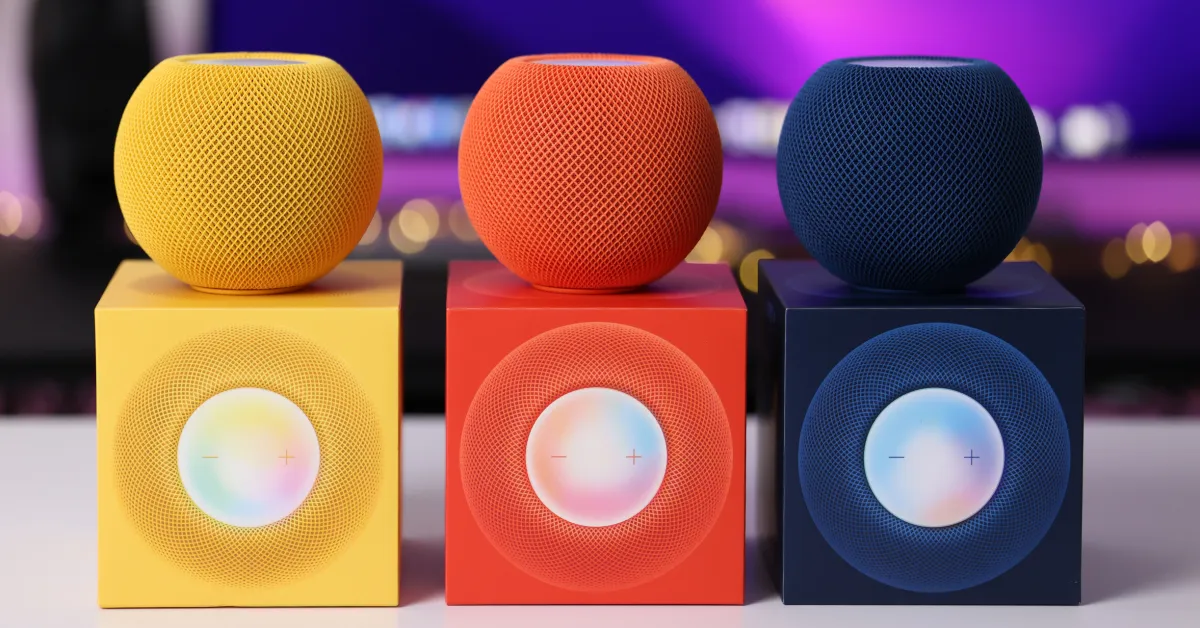
The HomePod Software 16, Apple’s freshly revealed version of the smart speaker, is presently in beta testing. The beta version was previously restricted to an invite-only set of testers, but that has changed, and anybody with the device may now install it. 

As of now, the business has not specified what additional capabilities will be added to the smart speaker, but we anticipate that some fascinating features, such as compatibility with the Matter smart home standard, will be added later this autumn.

Let’s take a quick look at how to download HomePod Software 16 Public Beta with Apple iPhone.

We will teach you how to quickly and simply install the newest HomePod Software 16 Public Beta on your HomePod Mini using the Apple iPhone running the new iOS 16 operating system in this step-by-step instruction.

RelatedPosts

7 Conspiracy Theories That You Would Definitely Want To Believe In

Can You Download Videos From Facebook?

7 Most Futuristic Concept Cars in the World

7 Most Futuristic Concept Cars in the World

Table of Contents
  • Installing HomePod Software 16 Public Beta
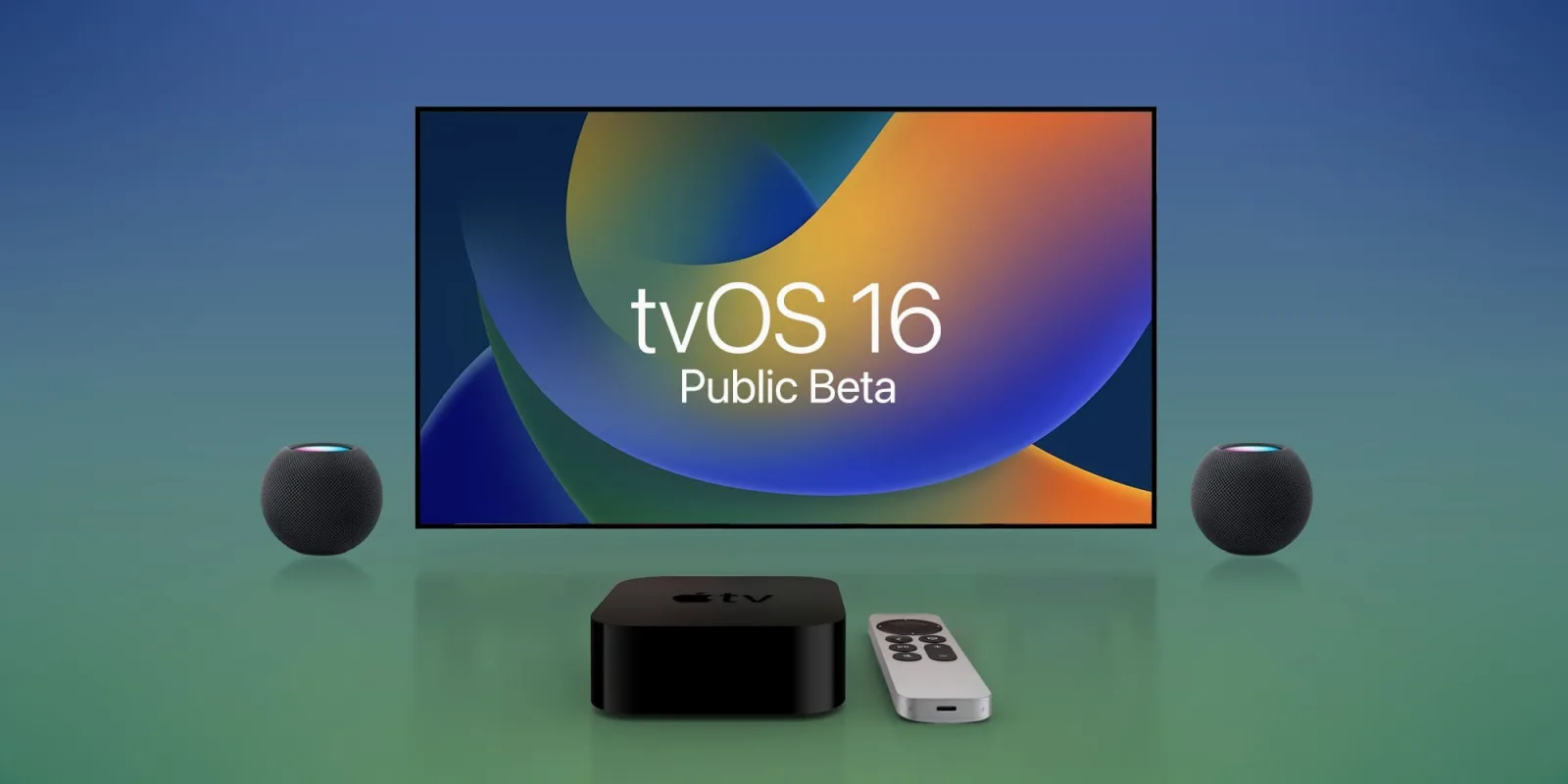
  • How to get tvOS 16 public beta
  • Sign up for Apple's beta program, or sign in if you already have an account.
  • CONCLUSION

Installing HomePod Software 16 Public Beta

Step 1: Launch the Home app on your Apple iPhone, which is running the latest iOS 16 operating system.

Step 2: When the app launches, press the ellipsis or three-dot icon in the upper-right corner of the screen.
How To download HomePod Software 16 Public Beta With Apple iPhone
9 To 5 Mac

Step 3: From the drop-down menu, select “Home Settings.”

Step 4: Scroll down to the “Software Update” option on the Home Settings screen.Step 5: Next, tap on “HomePod Beta Updates” and activate the option next to the HomePod for which you want the beta firmware.

That’s all. Following the steps outlined above, the selected Apple HomePod will begin getting the updated beta version of the software, which will be immediately loaded on the device. The HomePod Software 16 is currently only available for the HomePod Mini and cannot be downloaded on the standard HomePod.

How to get tvOS 16 public beta

To begin, go to beta.apple.com and sign up using your Apple ID (preferably the one you use with your Apple TV). If you have never participated in the Apple Beta Software Program, the update may not display on your Apple TV, so be sure you are enrolled.

Then, proceed as follows:

  • Open the Apple TV Settings app.
  • Navigate to the System menu.
  • Select Software Updates.
How To download HomePod Software 16 Public Beta With Apple iPhone
9 To 5 Mac
  • Select the Get Beta Updates option.
  • If you see any changes in the tvOS 16 public beta or any of Apple’s other betas today, please let us know in the comments below or on Twitter @9to5Mac. Stay tuned to 9to5Mac for comprehensive hands-on coverage of the releases as they become available.

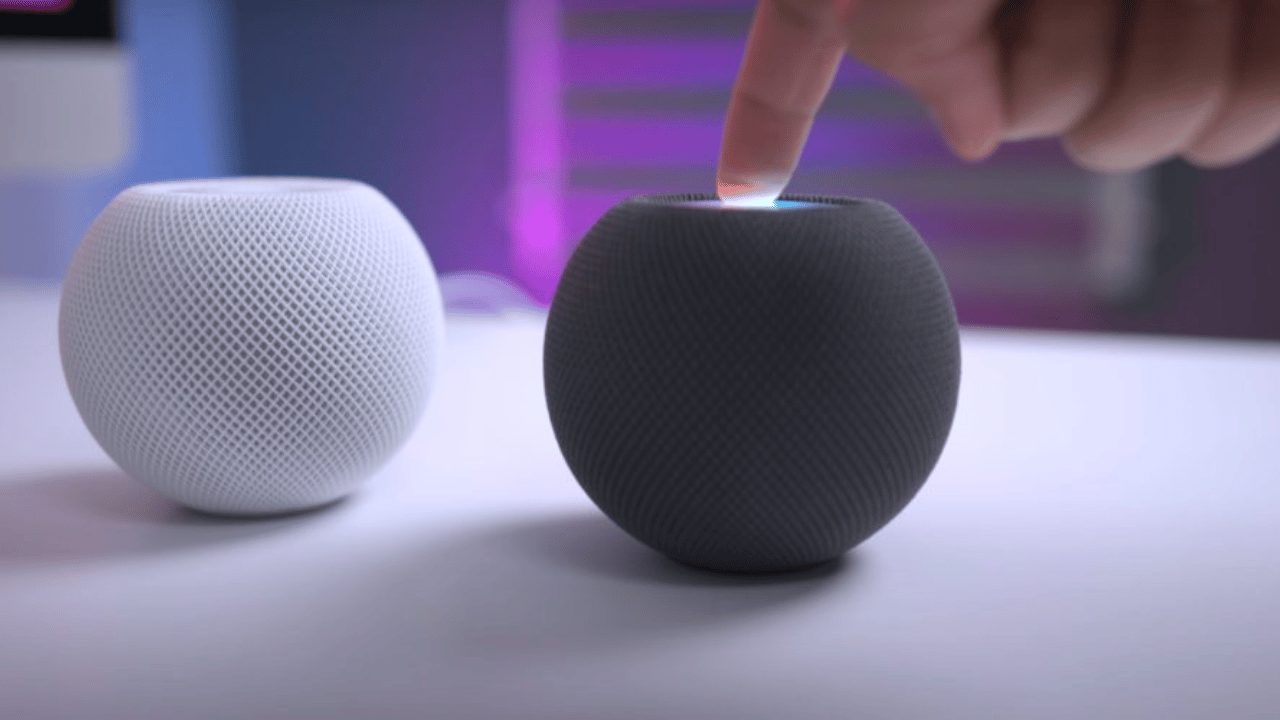
The public beta is currently only accessible for HomePod small speakers. We’re not sure if Apple’s discontinued full-sized HomePod will be upgraded to 16. Follow these procedures to receive the software update for your mini:

Sign up for Apple’s beta program, or sign in if you already have an account.

After you’ve logged in, go to the menu bar and select the Enrol Your Devices option.

In the list of software betas, choose HomePod Software.

If you haven’t already, you must enroll your iPad or iPhone and be running the iOS 16 Public Beta on one of these devices. (The HomePod Software 16 cannot be downloaded without an iOS device running iOS 16.)
How To download HomePod Software 16 Public Beta With Apple iPhone
Trend Blog

Once you’ve installed the public beta on your iOS device, launch the Home app, hit the Home symbol in the upper left corner, scroll down, and tap Software Update.

Enroll the desired HomePod mini in the beta program (you can choose several if you have more than one).

CONCLUSION

The HomePod mini will be updated to the most recent beta. To acquire the newest beta software as it becomes available, turn on Automatic Updates (seen on the preceding page). Because this is a beta software product, you may encounter flaws or glitches.
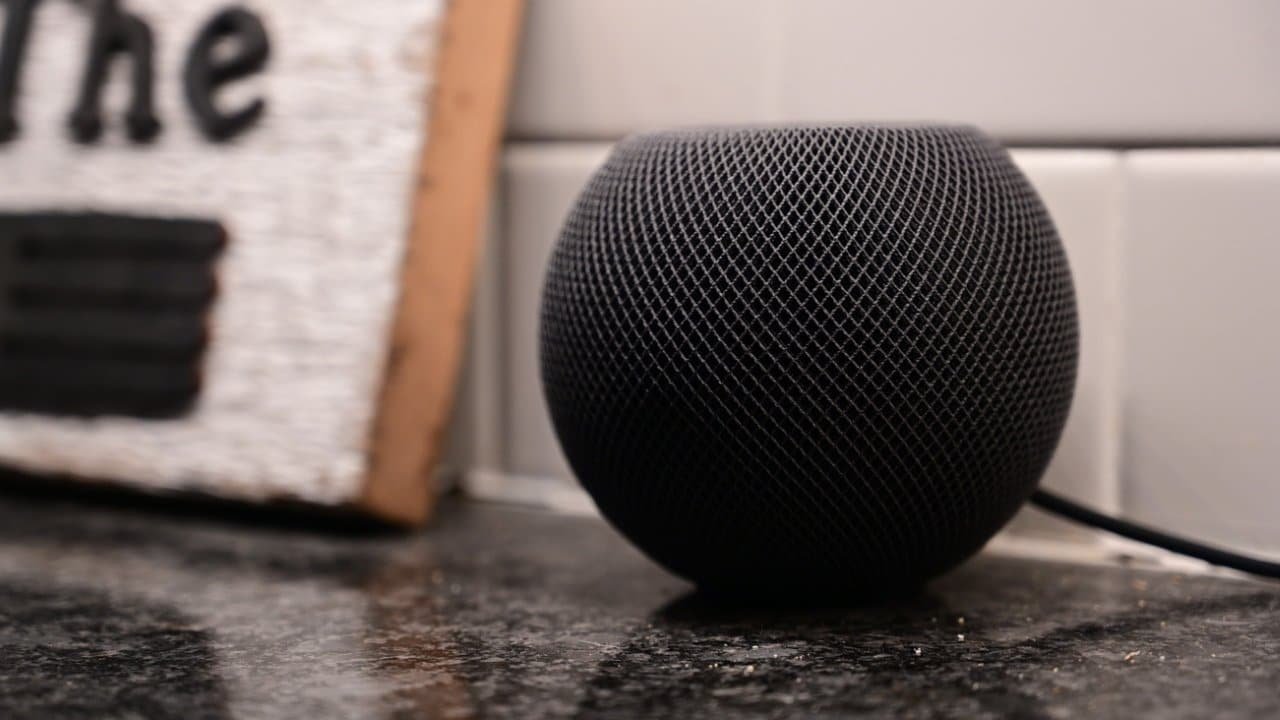
How To download HomePod Software 16 Public Beta With Apple iPhone
Apple Insider

You may use the Apple Feedback Assistant app to report any issues you encounter. You may also use a USB-C cable to reset your HomePod mini to factory settings.

Here was the wrap-up on how to download HomePod Software 16 Public Beta with Apple iPhone.

Also Read: How To Factory Reset Any Windows 11 PC Or Laptop [Step-by-Step Guide]

ShareSendTweet
Previous Post

Directors Best Work: Satyajit Ray

Next Post

‘How can Rahul unite country when he has failed to unite DKS and Siddaramaiah?’

Related Posts

7 Conspiracy Theories That You Would Definitely Want To Believe In
Technology

Can You Download Videos From Facebook?

500 million people view millions of videos on Facebook every day. Some Facebook users wish to save their favorite videos...

Read moreDetails
7 Most Futuristic Concept Cars in the World
Technology

7 Most Futuristic Concept Cars in the World

Concept cars are no longer only a showpiece to draw attention to an automotive company. This is true technological brilliance....

Read moreDetails
What Makes GPT-4 Unique From ChatGPT And How Is It Different?
Technology

What Makes GPT-4 Unique From ChatGPT And How Is It Different?

With inception of new versions and other competitive AI chatbots, there arises a question — What makes GPT-4 Unique From...

Read moreDetails
20 Most Amazing And Genius Product Packaging Designs Ever Created
Technology

20 Most Amazing And Genius Product Packaging Designs Ever Created

The majority of our items are packaged in some style. Certain products don't require as much packing because customers will...

Read moreDetails
7 Most Expensive Cars In The World
Listicles

7 Most Expensive Cars In The World

Cars have been defined as a symbol of both luxury and status. While most of us are using our cars...

Read moreDetails
Top Examples Of Interactive Marketing & How Brands Can Make The Most Of It
Business

Top Examples Of Interactive Marketing & How Brands Can Make The Most Of It

In today's fast-paced digital age, companies must continually find new ways to engage with consumers. One increasingly popular approach is...

Read moreDetails
Load More
Next Post
‘How can Rahul unite country when he has failed to unite DKS and Siddaramaiah?’

‘How can Rahul unite country when he has failed to unite DKS and Siddaramaiah?’

Important Links

  • About
  • Guest Post
  • Privacy Policy
  • Terms
  • Contact Us
  • Newsletter

© 2017-23. The Second Angle. All Rights Reserved. Developed and Managed by SquareBase.io

Welcome Back!

Login to your account below

Forgotten Password?

Retrieve your password

Please enter your username or email address to reset your password.

Log In
No Result
View All Result
  • Infotainment
    • Sports
    • People
    • Inspiring
  • Entertainment
    • Lifestyle
    • Home & Decoration
  • Buzz
  • Education
  • Travel
  • Finance
  • Healthcare
  • Technology

© 2017-23. The Second Angle. All Rights Reserved. Developed and Managed by SquareBase.io

This website uses cookies. By continuing to use this website you are giving consent to cookies being used. Visit our Privacy and Cookie Policy.