

To lock Aadhaar biometrics, log in to the myAadhaar portal or the new Aadhaar app with your Aadhaar number and an OTP sent to your registered mobile, open the biometric lock option and turn it on. After that, your fingerprints, iris and face cannot be used for Aadhaar authentication until you release the lock yourself.
The service is free and takes about two minutes. It is one of the simplest steps you can take against biometric misuse, including fraud through the Aadhaar Enabled Payment System. Here is how it works, the exact steps, and what to keep in mind before you turn it on.
- What the Aadhaar biometric lock does
- Why people are locking their biometrics
- What you need
- How to lock Aadhaar biometrics on the myAadhaar portal
- How to lock biometrics on the new Aadhaar app
- How to release the lock when you need it
- Who should consider locking
- Quick comparison: before and after locking
- Other steps to protect your Aadhaar
- Frequently asked questions
What the Aadhaar biometric lock does
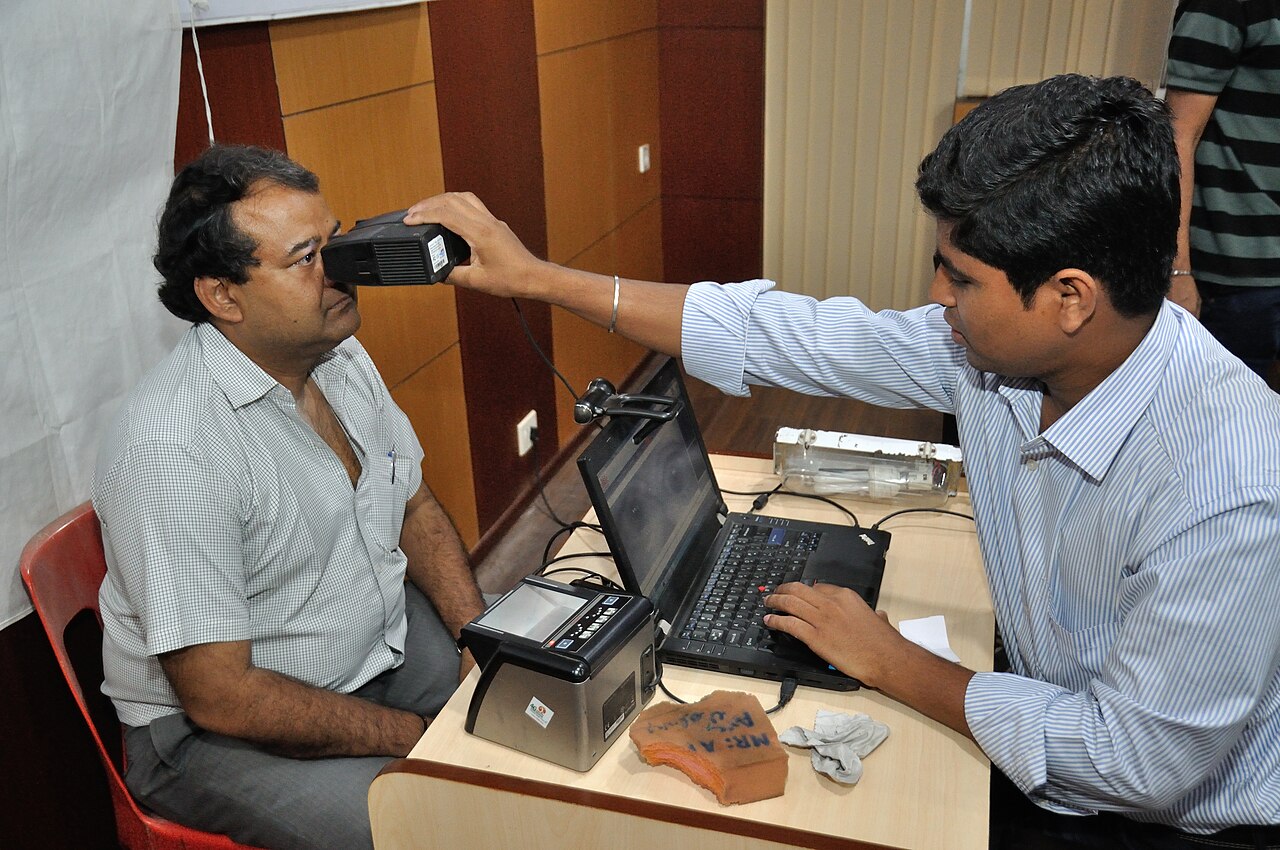
When you enrol for Aadhaar, the Unique Identification Authority of India (UIDAI) records your fingerprints, iris scans and photograph. These are used to confirm your identity at banks, ration shops, SIM card stores and other service points.
 Also readWhat Is a Large Language Model (LLM)? A Plain-English Guide
The biometric lock blocks the use of this data for authentication. Once locked, any attempt to verify your identity using fingerprint, iris or face fails, and the service provider receives an error (code 330, as widely reported). The lock applies to everyone, including you, until you release it.
Your Aadhaar itself stays active. OTP based authentication and offline verification, such as QR code checks, continue to work as before.
Why people are locking their biometrics
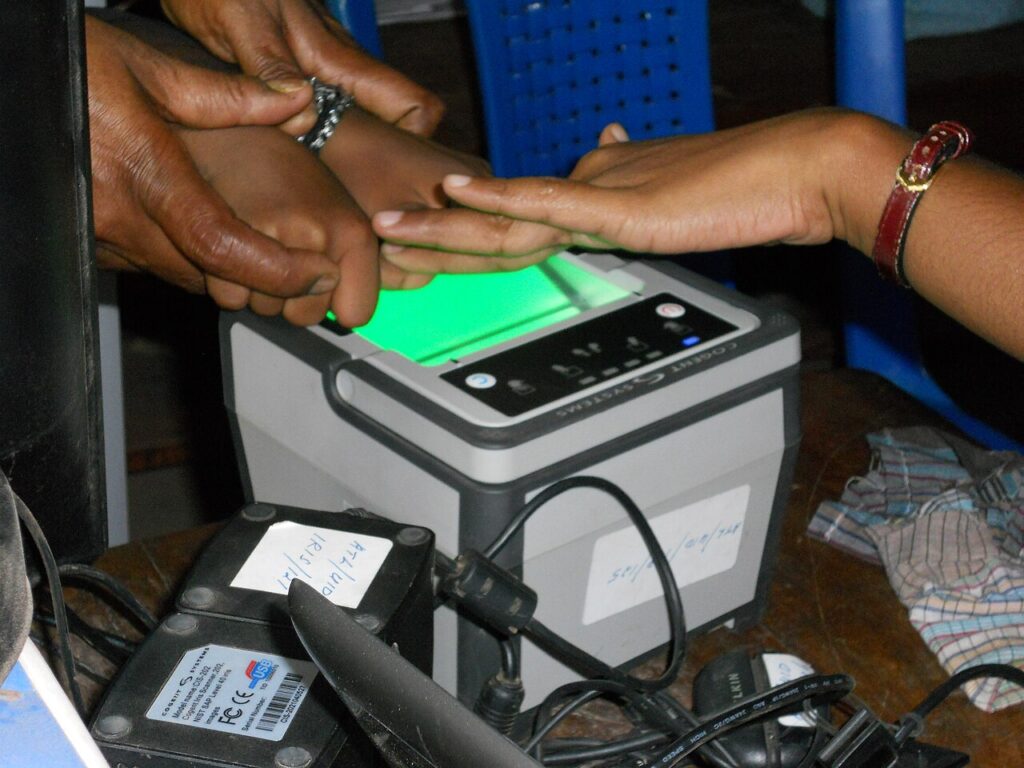
Police in several states have reported cases where fraudsters used cloned fingerprints, often lifted from property registration papers or other documents, to withdraw money through the Aadhaar Enabled Payment System (AePS). In AePS, a person can withdraw cash at a banking correspondent’s outlet using only their Aadhaar number and fingerprint.
A biometric lock makes such misuse fail, because the fingerprint check will not go through while the lock is on. It is a sensible step for anyone who does not regularly use fingerprint based services.
What you need
- Your 12 digit Aadhaar number or Virtual ID.
- Access to the mobile number registered with Aadhaar, since the login OTP is sent there.
- A smartphone or computer with internet access.
If your mobile number is not linked to Aadhaar, you will need to update it at an Aadhaar Seva Kendra or enrolment centre first. This cannot be done online.
How to lock Aadhaar biometrics on the myAadhaar portal
- Go to the official myAadhaar portal at myaadhaar.uidai.gov.in.
- Click Login, enter your Aadhaar number and the captcha, and request an OTP.
- Enter the OTP received on your registered mobile and log in.
- Select the Lock/Unlock Biometrics service from the list of services.
- Read the note on screen, tick the checkbox to confirm, and click Next.
- Choose to lock your biometrics and confirm. A message will show that the lock is active.
How to lock biometrics on the new Aadhaar app
UIDAI has introduced a new Aadhaar app that is replacing the older mAadhaar app, according to reports in India TV and Business Today in 2026. The new app offers biometric lock, face authentication, QR based sharing and a Selective Share feature that lets you choose which details to show.
- Download the Aadhaar app from Google Play or the App Store, and check that the developer is listed as UIDAI.
- Register with your Aadhaar number and the OTP sent to your registered mobile.
- Complete face authentication in good light and set a six digit app password.
- Open the biometric lock option in the app and switch it on.
Data from mAadhaar does not move automatically to the new app, so you will need to register again. The app allows profiles of up to five family members, which is useful for managing your parents’ Aadhaar as well.
How to release the lock when you need it
You will need to release the lock before using any service that asks for your fingerprint or iris, such as some bank branches, ration shops or SIM verification. Log in again, open the same option and choose to release the lock temporarily.
A temporary release lasts 10 minutes. After that, your biometrics lock again automatically, so plan to complete the authentication within that window. You can also choose to disable the lock completely if you rely on biometric services often.
Who should consider locking
The lock is most useful for people who rarely use fingerprint or iris checks in daily life, such as salaried professionals who bank through apps. It also makes sense for elderly parents whose Aadhaar details may be shared widely for pensions and property work.
If you collect rations or withdraw cash through AePS every month, you can still use the lock. Just release it for 10 minutes before each visit.
Quick comparison: before and after locking
| Type of verification | Biometrics locked |
|---|---|
| Fingerprint authentication | Does not work |
| Iris authentication | Does not work |
| Face authentication | Does not work |
| OTP authentication | Works normally |
| Offline QR verification | Works normally |
Other steps to protect your Aadhaar
- Check your authentication history on the myAadhaar portal to see where and when your Aadhaar was used.
- Use a Virtual ID or a masked Aadhaar (which shows only the last four digits) when sharing copies.
- Never share an Aadhaar OTP with anyone over the phone.
- Keep the mobile number linked to Aadhaar updated, since all alerts and OTPs go there.
- Report suspected misuse to UIDAI on its helpline 1947.
For more guides on digital services, browse our technology section. You can also read our finance section for tips on keeping bank accounts safe.
Frequently asked questions
Is locking Aadhaar biometrics free?
Yes. UIDAI does not charge anything to lock or release biometrics through the myAadhaar portal or the official Aadhaar app.
Will I still get ration or bank services after locking?
Services that need a fingerprint or iris scan will not work while the lock is on. Release the lock for 10 minutes before you visit, or use OTP based options where available.
Does the lock expire on its own?
No. The lock stays on until you release or disable it. Only the temporary release has a time limit of 10 minutes.
Can I lock biometrics without a registered mobile number?
No. Online services need an OTP on the mobile linked to Aadhaar. Visit an Aadhaar Seva Kendra to link your number first.
Sources: Unique Identification Authority of India; The Better India; India TV, 2026; Business Today, June 2026.