
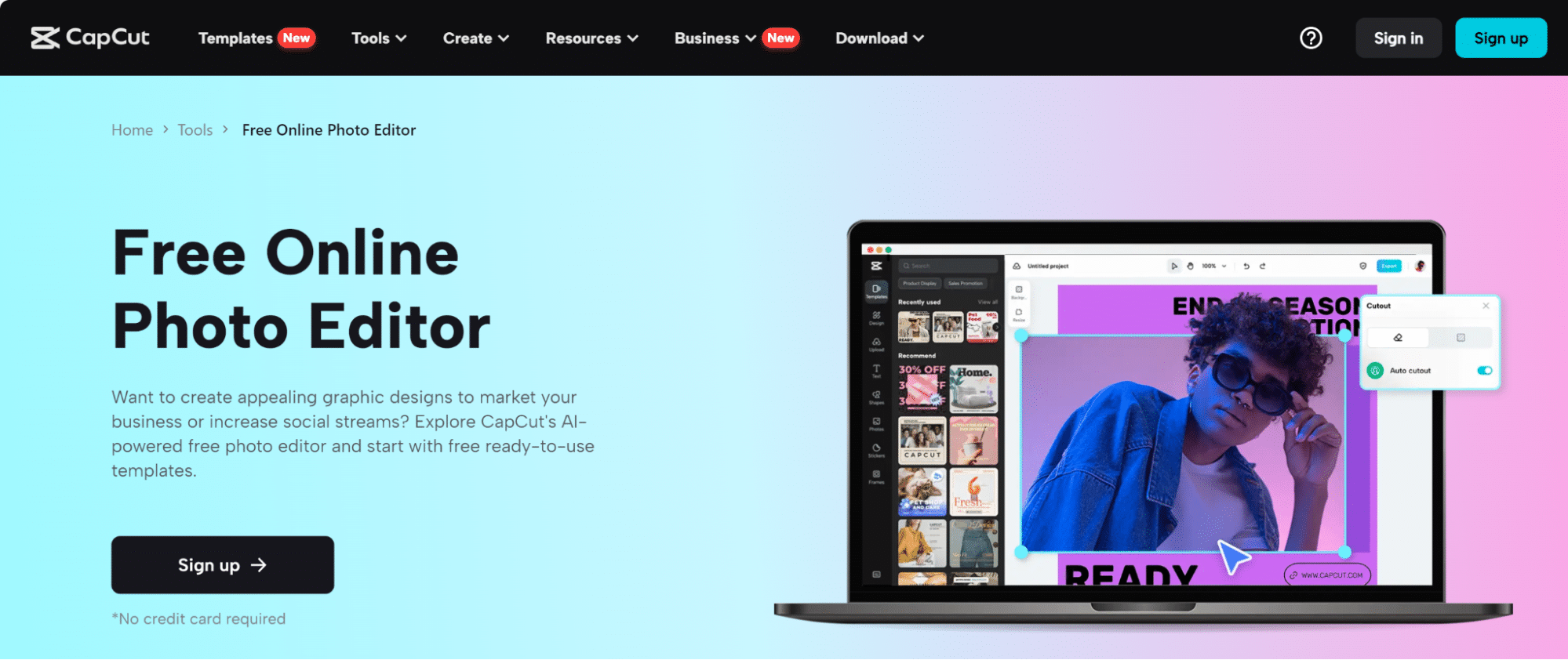

Accessing the design from anywhere is difficult when dealing with multiple image editors. This is because not all the editors cater to the user’s needs in this regard. You can’t take your laptop, PC, or device along with you all the time. Apart from this, you also cannot carry the data storage device with you. This is where the CapCut online photo editor eases your worries.
For each account, you will get up to 5 GB of storage space. Using this space, you can save and keep your designs right on the toolkit. This caters to you with high-end accessibility. You cannot only access but edit your design starting from scratch with super convenience. Sounds intriguing? Don’t stop reading and uncover the best-in-class features and usage methods down below!
Examining The Premium Features Of CapCut Online Image Editor
The CapCut online image editor offers the bulk of features. This section will highlight top-of-the-line features:
Hundreds of Image Frames
Using image frames in videos and posts has become a top trend. The insertion and usage of the frames with the CapCut online image editor is super easy. To begin with the process you need to access the frames. The CapCut main interface offers you the vertical toolbar from where you can access these frames. Just click on the frames tab. After clicking, all the frame options will be revealed right in front of you. The frames exist in multiple shapes ranging from square, circular, triangle, rectangle, and random shape form.


You can choose and select anyone that suits your image design. After selecting and inserting the frame, you can also insert an image of your choice within the frames. The best thing about these frames is that they allow you to isolate a specific section from the entire image. This way, you can divert the attention of the viewers towards the specific point. The number of frames also plays a key role in uplifting the worth of your image from your competitors. Apart from this, there also exists a pack of frames that you can select to place multiple images in multiple frames in a specific size of image.
Collage Benefit
Collage is also a feature when using the CapCut online image editor. You can find this tab in the left vertical bar loaded with options. The term collage refers to the presentation of multiple designs in one image. You can also put multiple images in one collage file that you are going to choose. There are several college arrangements to choose from. An option exists to access the collage featuring a variable number of image positions. It lies anywhere from one, two, three, or more images. Using collages allows you to represent multiple images in one specific place.
Adjusting Colors Conveniently
CapCut online image editor allows you to set or tweak the colors of your images. You can fill in any color you want. The option exists to make a special color by color mixing and use it in your designs. This gives you complete freedom in choosing and using colors. Color picker is also a great option to choose while tweaking your designs. The addition of multiple colors does not blur out your design but rather sharpens the image. This option allows you to pick or extract color from any image file. When you upload the image file, the colors it comprises appear in the color picker. This is especially beneficial for the new or beginner editors who have zero to no understanding of the colors and their selection.
Fundamental Steps on Usage for CapCut Online Image Editor
CapCut penghapus latar belakang is worth considering besides other options. Here’s how you can do it:
- The background erasing process begins by visiting the CapCut online image editor. You can either go to the CapCut online site to access the tool, or you can also access the tool from any search engine browser. Sign up for the online image editor to begin using. There are three ways to sign up. You can link your account to FB, TikTok, or even Google.

- After officially joining the CapCut online, you can start the process. If you already have an existing image file, then you can upload it, and the toolkit auto-adjusts the sizing. In case you have no size, then you can select it for any platform where you want to use it. There is also a list of sizes for each different platform to choose from.

- Next, the editing part starts. Here, to remove the background of the image, just select the image file. After selecting the file, is background tab appears in the extreme right vertical bar. Just select it to replace, remove, or change the background of the image file.
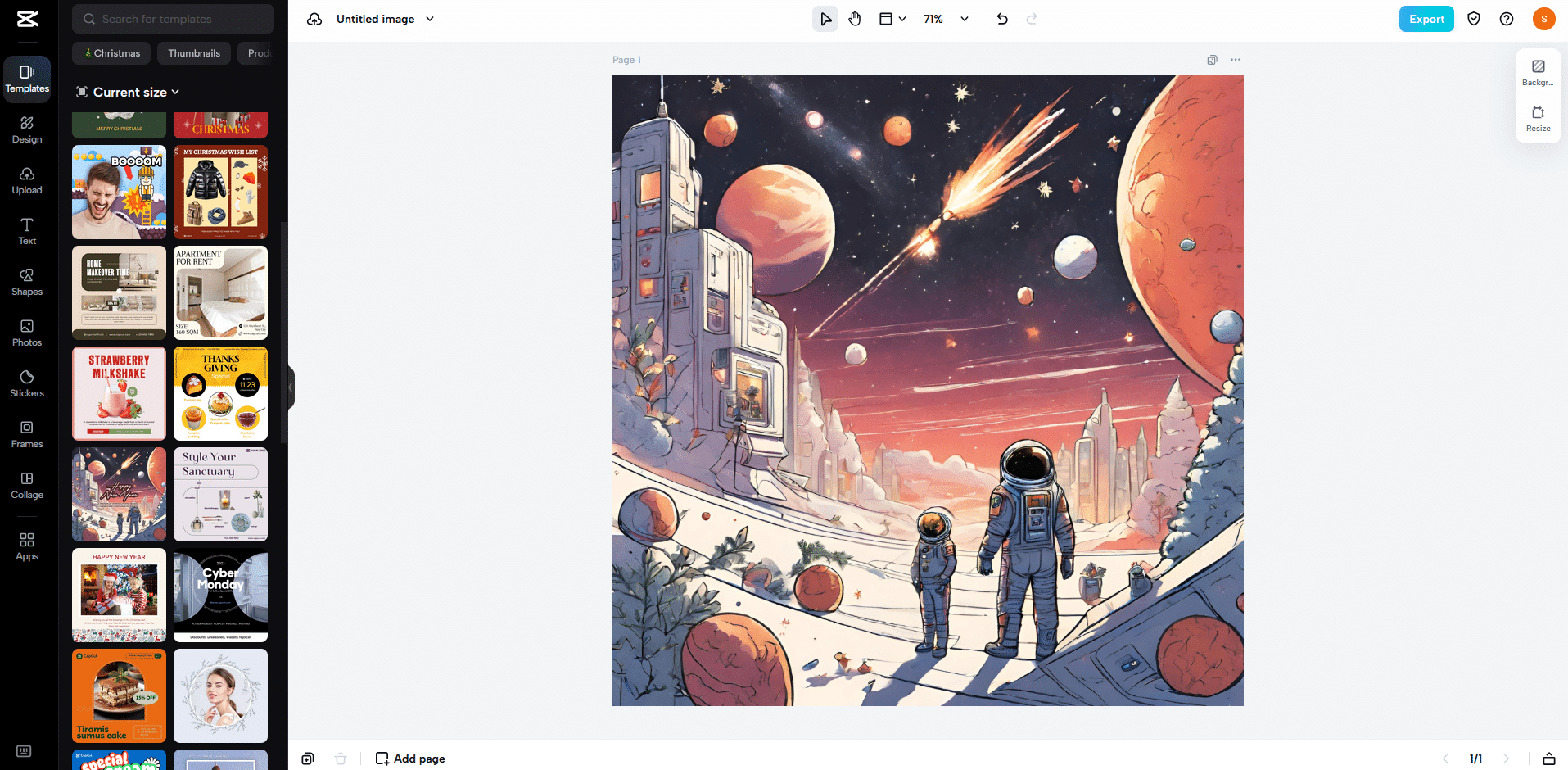
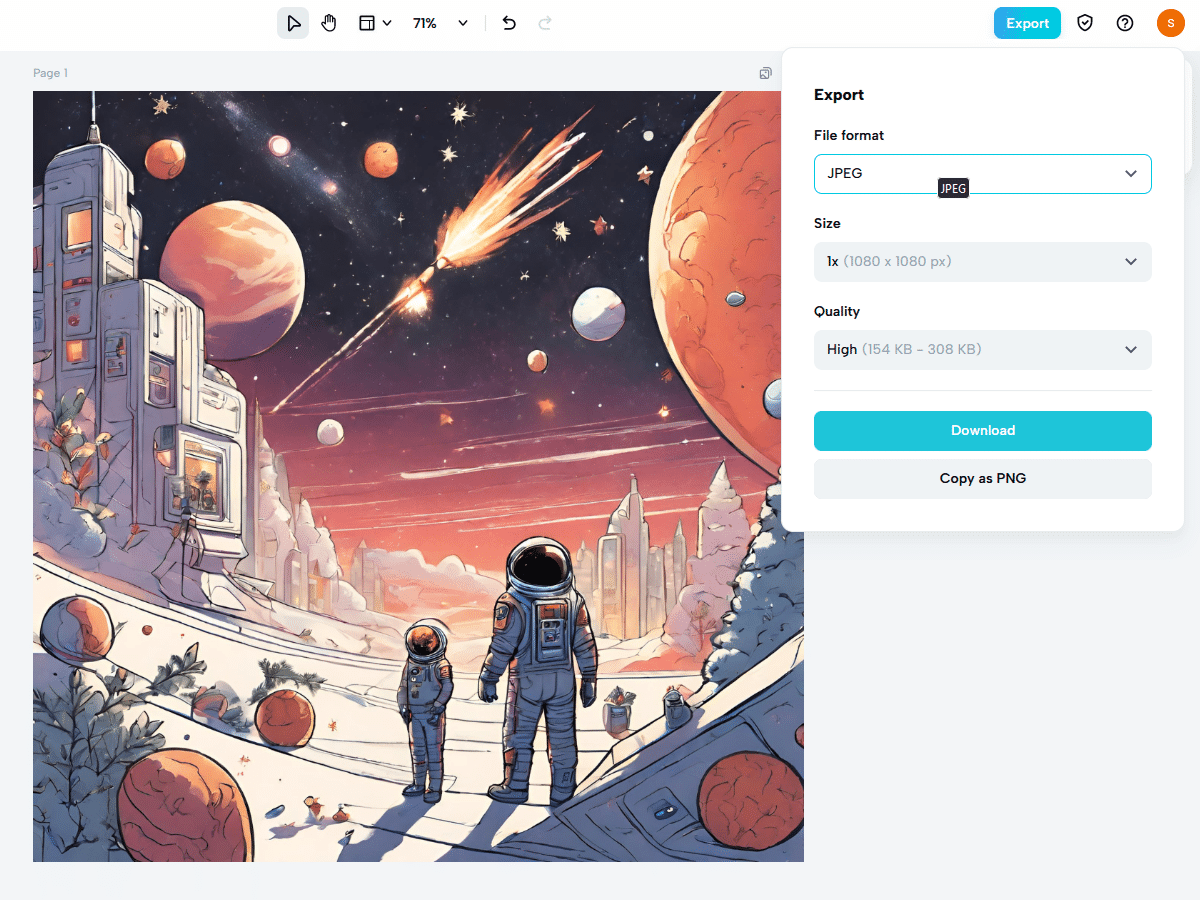
- Finally, the downloading of the file comes. You can access the export tab from the top right corner. Clicking on it will allow you to download the file. Onwards you can keep the file, print it out, or share the file with your friends.