



Over the years, videos have become one of the most popular forms of entertainment. Additionally, video content also acts as an effective marketing strategy for brands.
Videos have opened enormous possibilities for businesses of all sizes to market their products and services online.
Creating professional-looking and engaging videos may seem scary. However, it is not. All you need is to think creatively and have a basic understanding of how to use technical equipment.
Even though filming a video is an essential aspect of video content, editing the video is equally important.


Here are the top 9 video editing software that anyone can use to edit videos, even beginners!
1. VideoPad
Available for: Windows
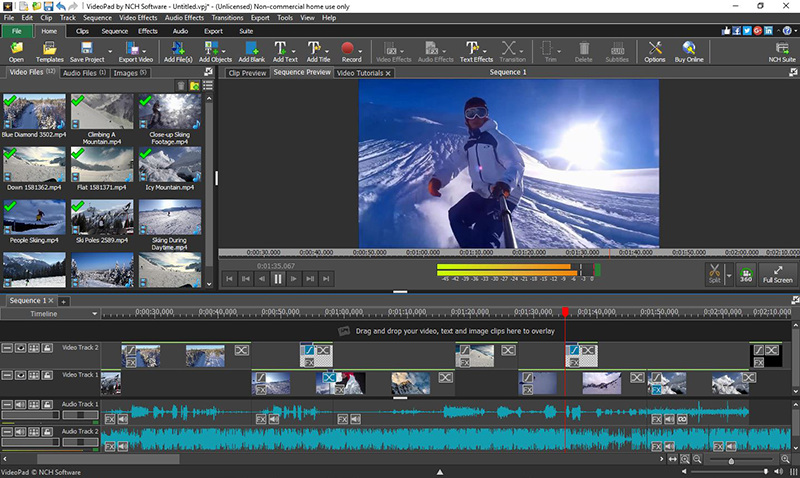
VideoPad is one of the best online video editors for beginners. It has an easy-to-use interface along with some basic editing features.
Some of its top features are:
- Exporting movies in multiple resolutions
- Reducing camera shakes
- Library of pre-made transitions
- 3D video editing
- Sounds effects library
Pros: This allows you to export files to YouTube and other social media platforms directly.
Cons: Too simple for advanced editing.
2. Lightworks
Available for: Mac, Windows, Linux
With a simple user interface and tons of valuable features, Lightworks is a great online video editor for both beginners and professionals. The free version of the editing software has many features that will be enough for most users. However, to use the 4K video support for YouTube, you will have to upgrade to the paid version available at $25 for one month.
Additionally, Lightworks also offers tons of editing video tutorials which can be great for beginners to understand how the software works.
Pros: A powerful video editor with unique features.
Cons: 4K video support is included only in the paid version.
3. InVideo
Available for: Windows, Mac
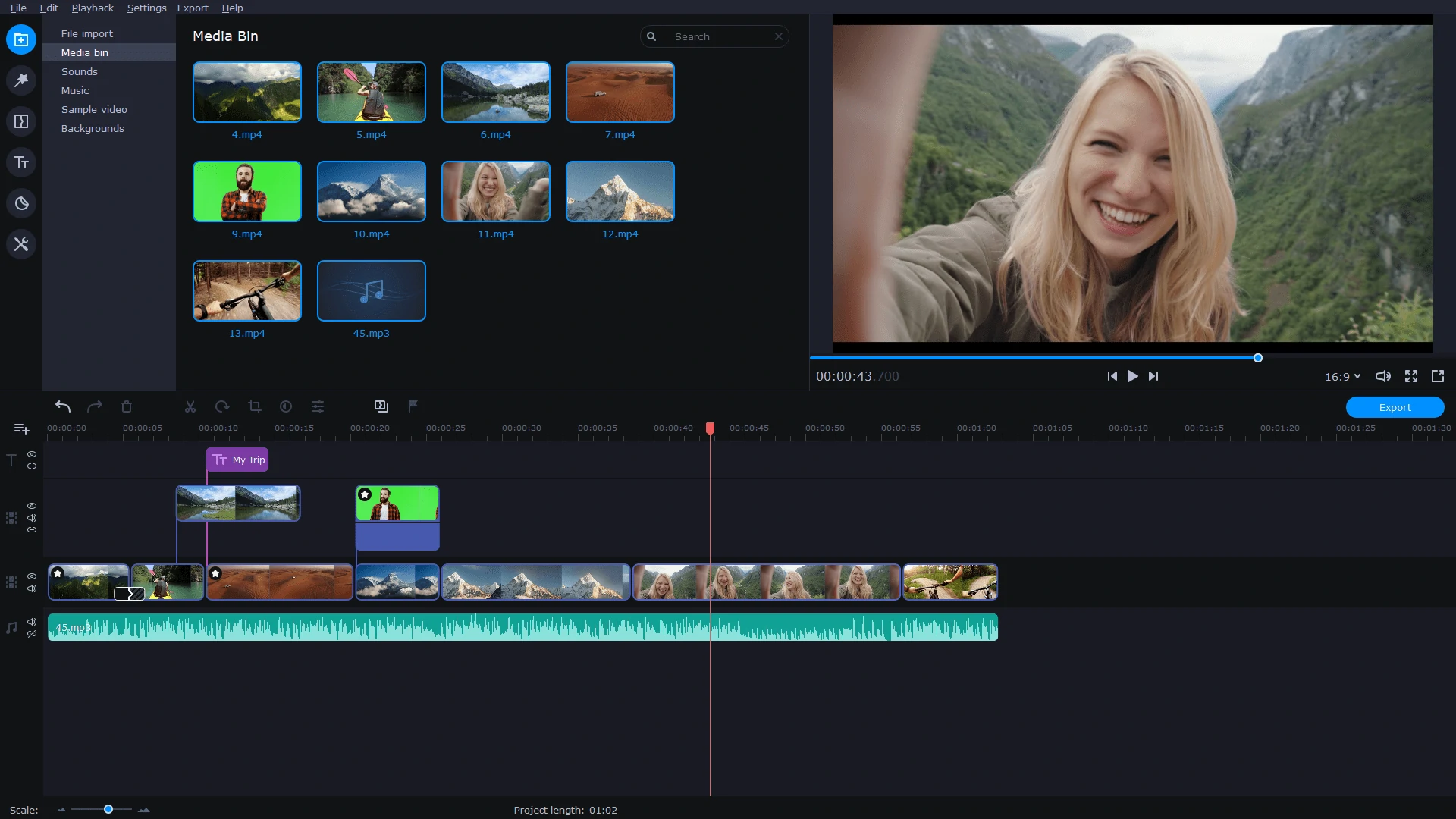
InVideo is a great online editing tool for individuals, businesses, marketers, and publishers. Its user interface, automated voiceovers, intelligent frames, and functional features make it a favourite among many users.
This video editor adds new high-quality video templates every month to ensure its users get the best there is. It is relatively easy to use and has impressive flexibility to cater to beginners’ and experts’ video editing needs.
Some of its best features are:
- Brand/text overlay
- Speed adjustment
- Audio tools
- Video stabilization
- Split/merge
Pros: Great for creating quick video presentations.
Cons: Not a 360 video editor and does not support adding more than one audio file.
![13 BEST Free Video Editing Software For Windows [2021 Rankings]](https://www.softwaretestinghelp.com/wp-content/qa/uploads/2020/02/HitFilm-Express.jpg "Top 9 Video Editing Software Anyone Can Use")
4. HitFilm Express
Available for: Windows, Mac
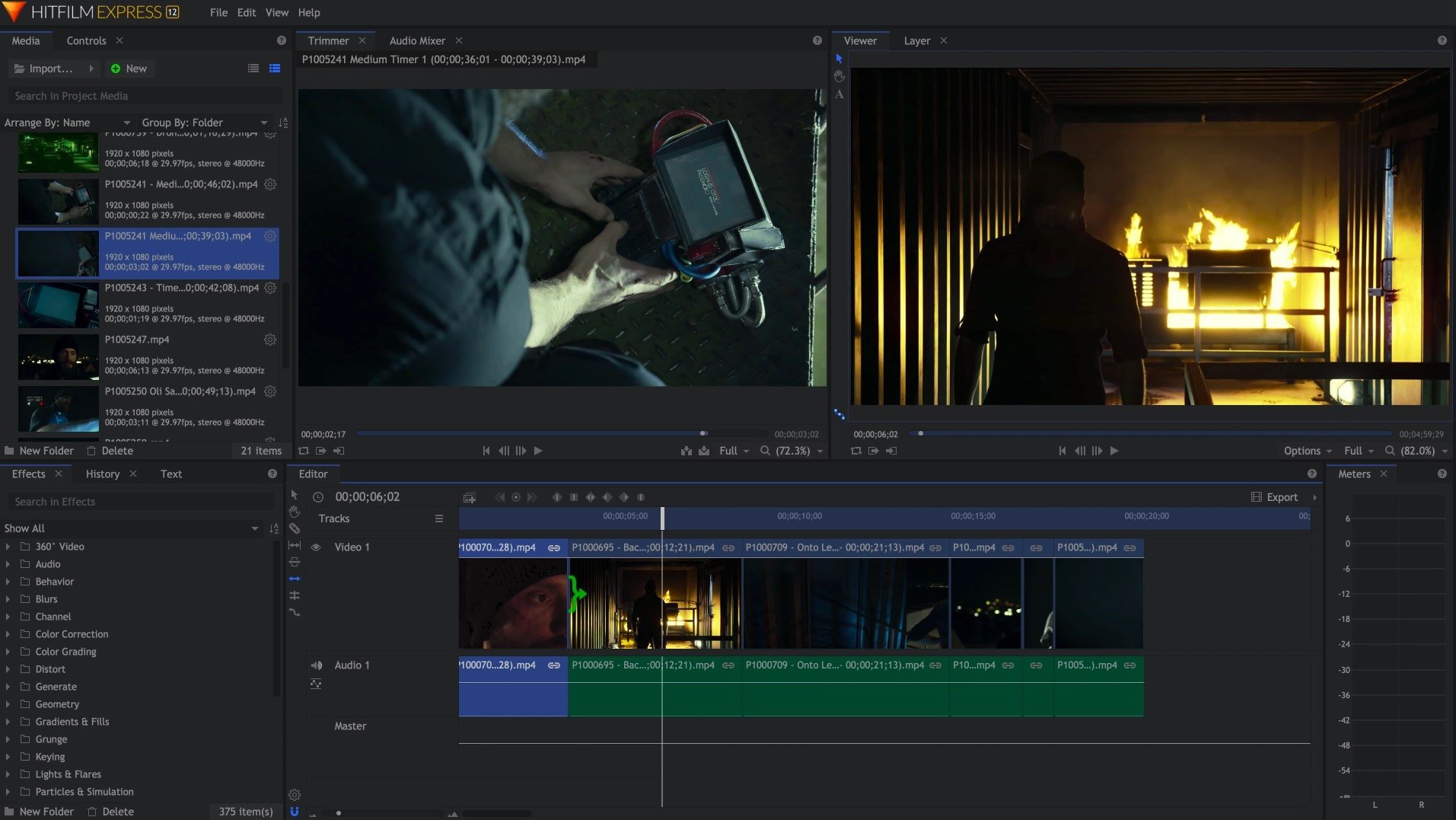
HitFilm Express is a great online video editor for both Windows and Mac users. It contains most of the editing features you can expect from a basic video editor, including audio editing, trimming, splicing. In addition, the free version of HitFilm Express comes with over 180 special effects for video editing.
Although the software’s user interface may seem a little tricky at first, it is undoubtedly one of the best 360 video editing software.
The features include:
- 3D video support
- Audio and video filters
- Advanced cutting tools
- Layers and masking
- Compositing tools
Pros: The free version comes with many advanced features.
Cons: The user interface may seem tricky initially.
5. Blender
Available for: Windows, Mac, Linux
Blender is one of the best open-source editing software for both beginners and professionals. It is entirely free to use. Although the software was developed as a 3D animation suite, Blender comes with a great video editor app.
Blender allows users to carry out basic editing functions such as splicing and video cuts. You can even perform some more advanced functions, including video masking.
Pros: Great for both beginners and advanced users.
Cons: Getting used to the software may take some time.

6. Shotcut
Available for: Windows, Mac, Linux
Just like Blender, Shotcut is an open-source program too. Although the software has some impressive video editing features, the user interface may seem tricky at first.
Two of the best Shotcut features are timeline editing and 4K HD Resolution support. It also supports 1080p videos at 60 FPS (frames per second). Additionally, Shotcut does not require you to import your video files into the editor. This can be a great time saver if you have several large files.
Pros: 4K HD resolution support.
Cons: The user interface may take some time to get used to.
7. DaVinci Resolve
Available for: Windows, Mac, Linux
DaVinci Resolve is one of the best online video editors for advanced editing. It offers several professional features such as slicing, trimming, color correcting, and audio mastering. With this software, you can even add 2D or 3D titles to your videos.
If you are looking for an online video editor for some advanced editing, the free version of DaVinci Resolve is just the right option for you.
Pros: Advanced editing features like color correcting.
Cons: Not all editing tutorials on the software are free.

8. iMovie
Available for: Mac
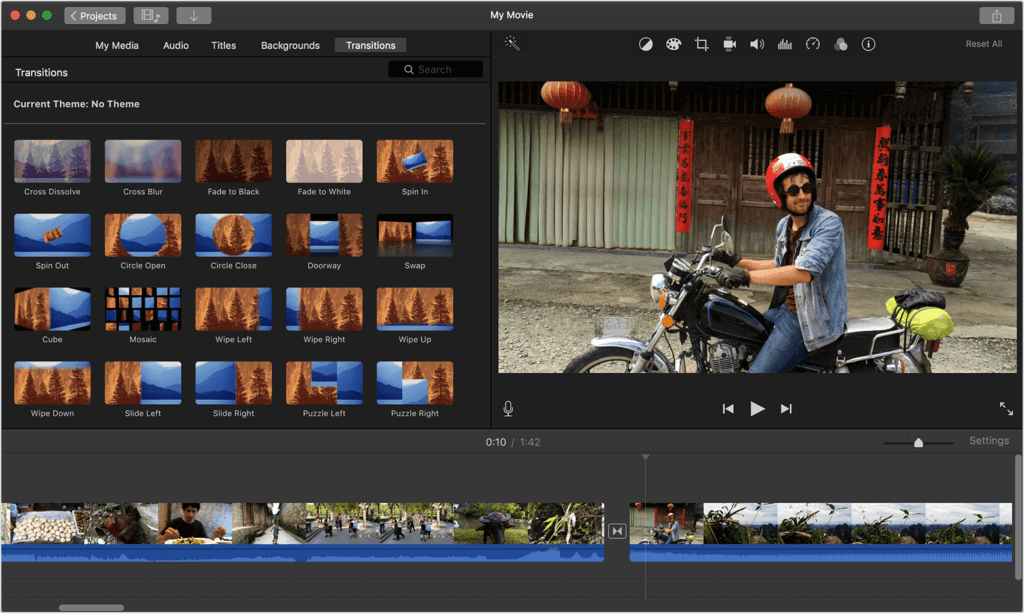
iMovie is a great online video editor for Mac users. Its simple drag-and-drop interface makes it easy to edit videos. The software is an excellent option for users looking to learn the basics of video editing on a Mac OS.
Some of the features of iMovie include:
- Split screen
- Video trimming
- 4K resolution support
- Audio editing
Pros: Easy to use.
Cons: Import and render times may be a little slow.

9. EaseUS Video Editor
Available for: Windows
A simple yet effective online video editor, EaseUS Video Editor is perfect for both beginners and professionals. You can easily trim MP3s, apply pre-made templates, or add effects to your videos.
Additionally, you can also add filters, transitions, and overlays to your videos for artistic purposes. However, you will have to upgrade to the paid version to remove the watermark from your edited videos.
Pros: Easy to use and offers many special effects.
Cons: It does not include many advanced features compared to other online video editors.
You do not need to be a professional to create engaging video content for your audience. Instead, you need the right online video editor for the type of editing you need.
Once you understand which video editor works best for you and your business, you will be able to create professional-looking and exciting videos without any hurdles!