




If you want to listen to offline music on your phone, there are a plethora of excellent apps available. Here are some of the best offline music player apps for Android that you may not be aware of. It’s worth noting that many popular music streaming apps, such as Spotify and YouTube Music, allow you to download music for offline listening.
However, because they are primarily designed for streaming, we will not include them here. In this post, we have compiled a list of the best free offline music apps for Android.
If you enjoy listening to music, an offline music player is essential for improving your listening experience. A good offline music player not only has an appealing user interface but also makes it simple to categorise and access your music.
 Also read5 New Upcoming WhatsApp Features
It also supports all of the major musical file formats and allows you to fine-tune the equalisation so that your music sounds the best to you. On Android, there are hundreds of free and paid music players, but not all of them meet the above criteria.
Let’s dive into the list of Best Free Offline Music Apps for Android-
1. AIMP
AIMP appears to be a bit simplistic for a music player at first glance. Flat interface designs are popular, and AIMP’s approach certainly adheres to this presentation style. This, however, is the entire point. This app is straightforward; it plays your music without interfering with it.
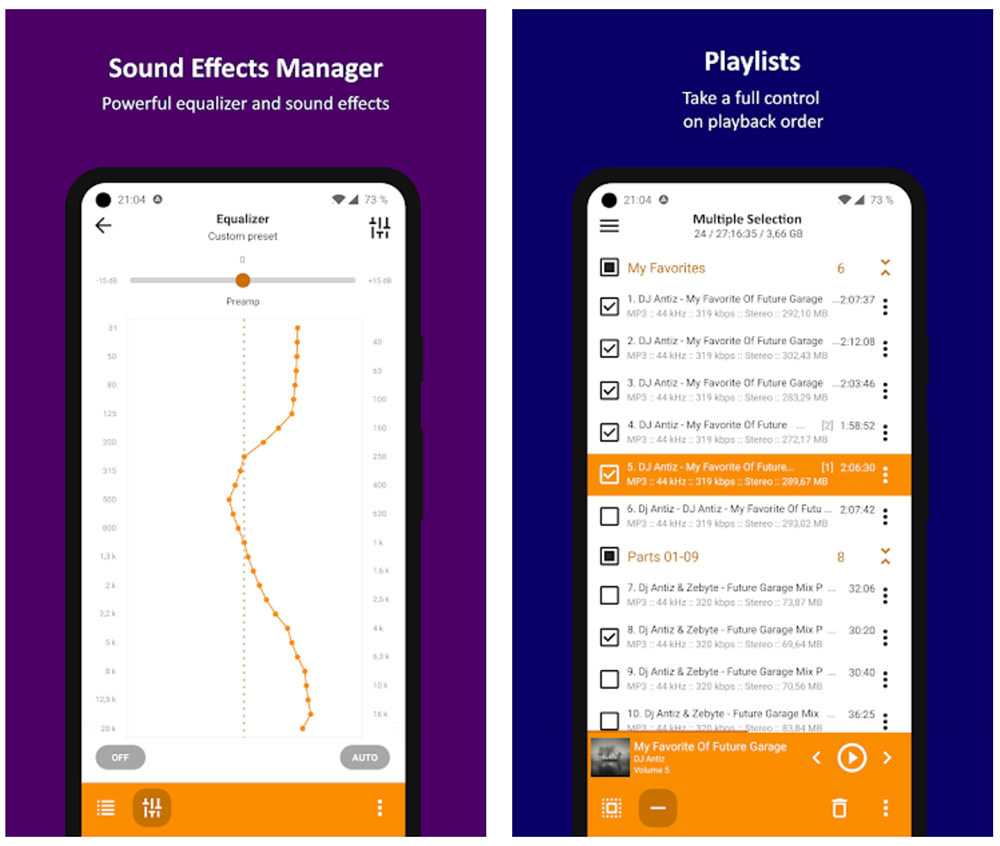
It supports nearly all audio file types, including lossy and lossless formats, and includes a 29-band equaliser, which is uncommon in music players. It also has the ability to convert multi-channel files to stereo and/or mono. Overall, if you can get past the bare-bones interface, it’s a solid option that won’t disappoint.
2. JetAudio HD Music Player
JetAudio HD’s Android music player is available in both free and premium versions. However, the free version includes so much that most users will not need to upgrade.
The only drawback is that advertisements support the free version, but they are not intrusive. The ads, as seen in the screenshot, are located at the bottom of the screen.
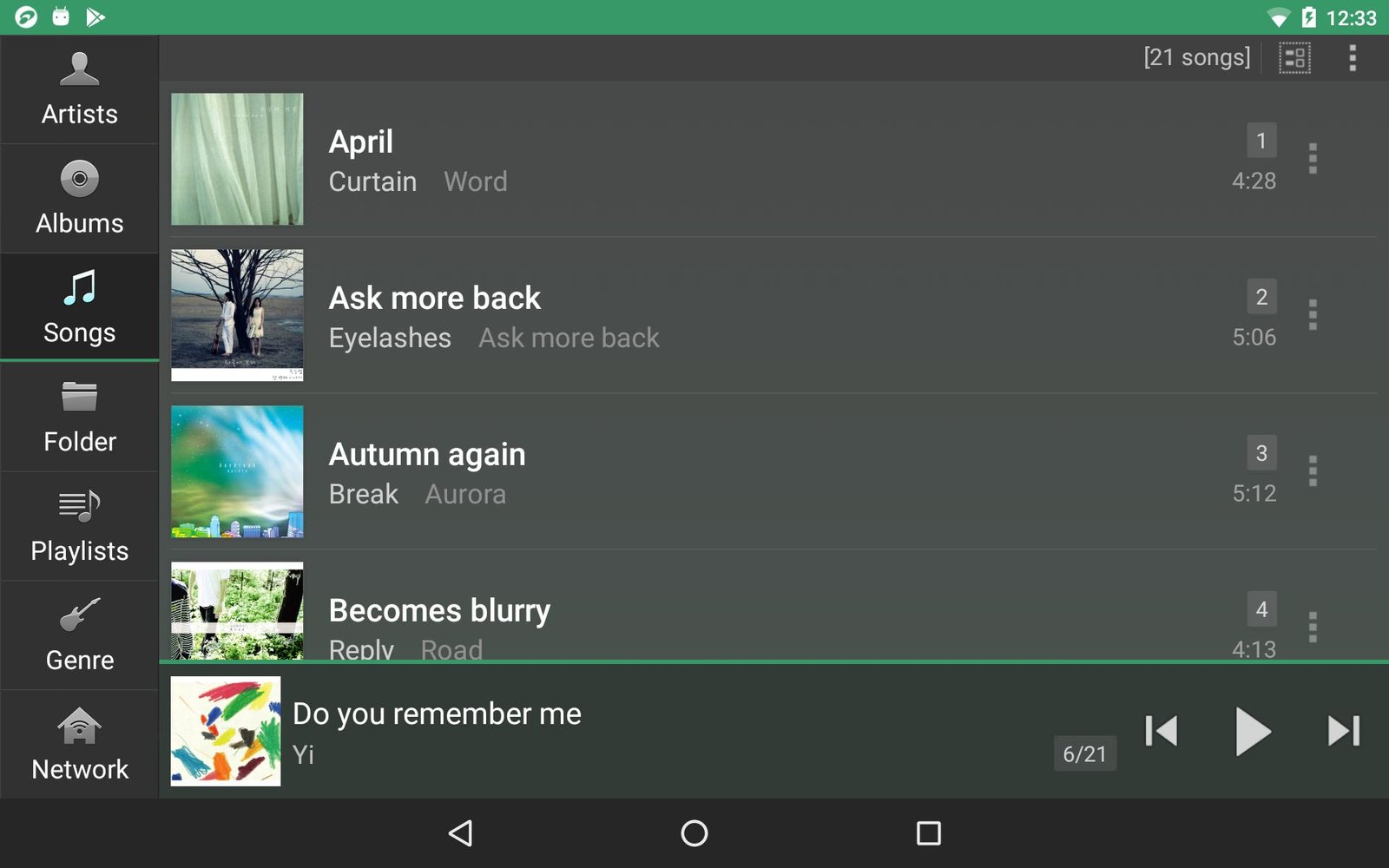
A 10-band equaliser with 32 presets, lossy and lossless support, effects like reverb and x-bass, playback speed control, automatic gain control, and more are included.
The Plus edition includes a 20-band equaliser, a built-in tag editor, over a dozen widgets, and a few other useful features.
3. Rocket Music Player
Rocket Music Player has been around for a while and has come a long way since it was first introduced. Many bugs were fixed, performance was improved, and the feature set was expanded.
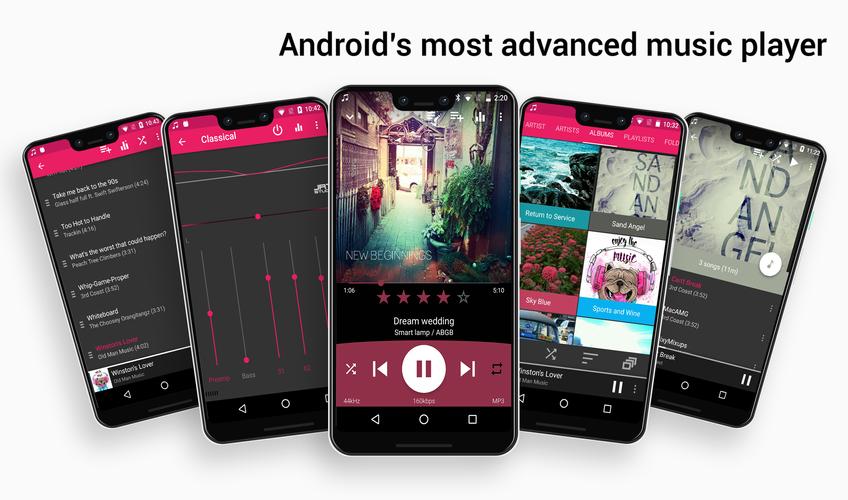
You get a 10-band equaliser with several presets, over 30 themes, a built-in tag editor, Chromecast support, a sleep timer, a handy playlist manager, and even podcast support for free. Purchase the premium app to gain access to gapless playback, replay gain, cross-fading, tag editing, expanded audio format support, and other features.
4. Phonograph Music Player
The Phonograph is a visually appealing music player app. This is primarily due to the numerous built-in theme colour sets; the interface colours also change dynamically to match the content on-screen.
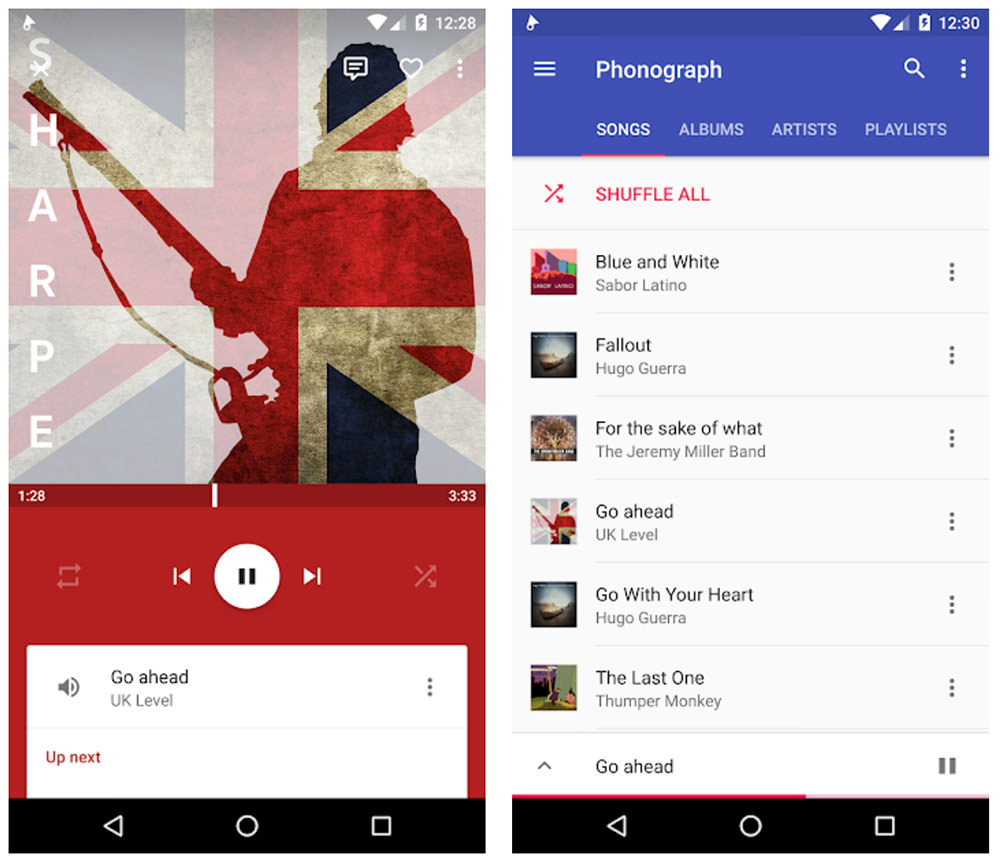
In terms of features, it’s fairly standard, so don’t expect a lot of bells and whistles. However, if you’re looking for a simple listening experience that won’t get in your way, Phonograph might be the music player app for you.
5. Pixel Music Player
If the lighter options discussed thus far aren’t enough, we recommend giving Pixel Player a shot. It’s not as well-known, but it’s still fantastic.
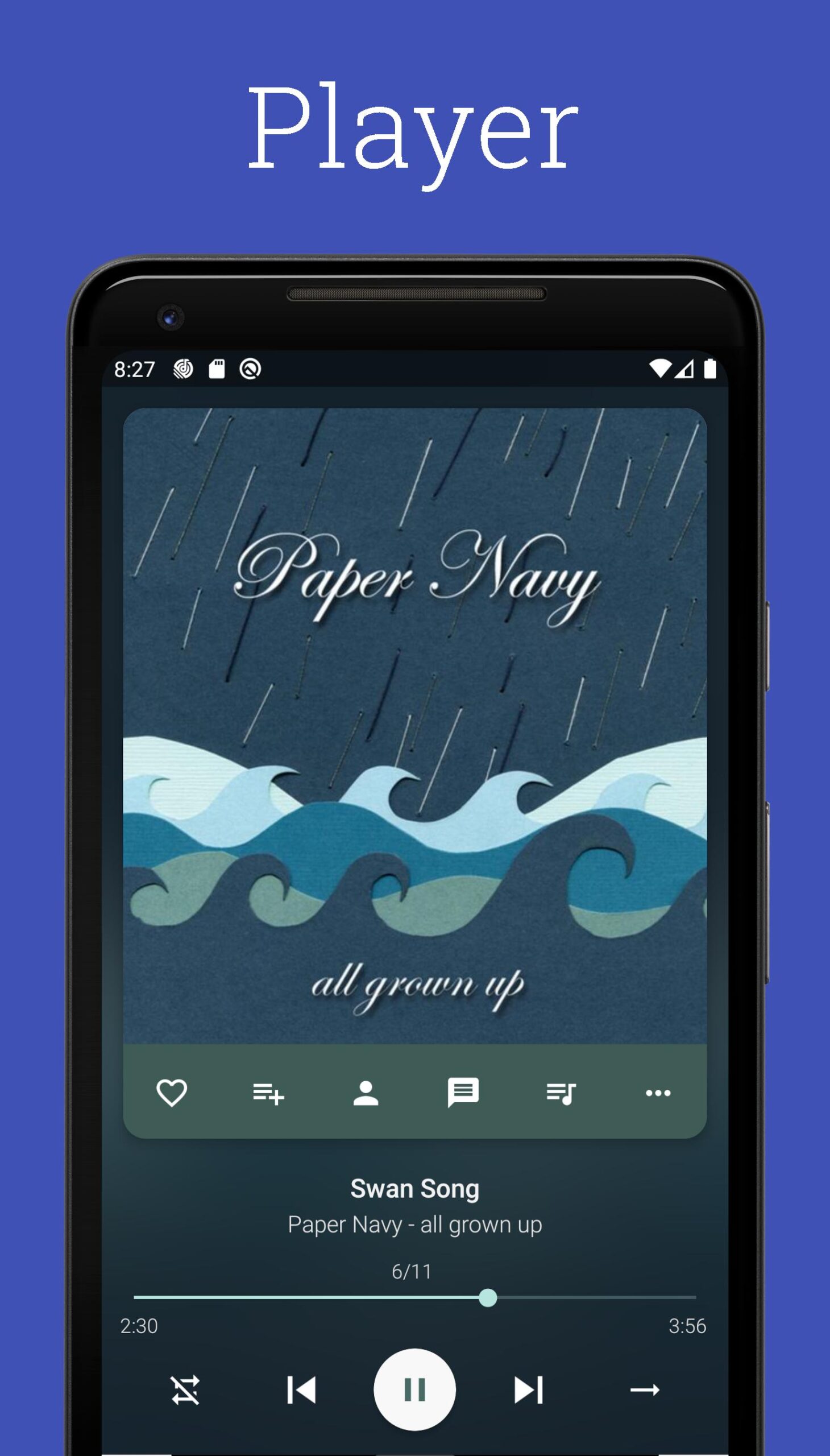
While Pixel only supports standard file formats, it does include a five-band equaliser with bass boost, gapless playback, a built-in tag editor, and a few customization options, such as themes and colours. Most notably, Pixel Player can analyse your listening habits and recommend more music that matches your preferences.
Pixel+ Music Player is also an option. This removes all advertisements and unlocks all features.
6. Impulse Music Player
What distinguishes Impulse Music Player? It’s designed to be a gesture-controlled music player, making it ideal for any situation where you’re distracted, such as while cooking or driving.
In addition to gesture controls, Impulse Music Player includes a five-band equaliser with bass boost and virtualizer, gapless playback, cross-fade, metadata editing, automatic album art downloads, and other useful features.
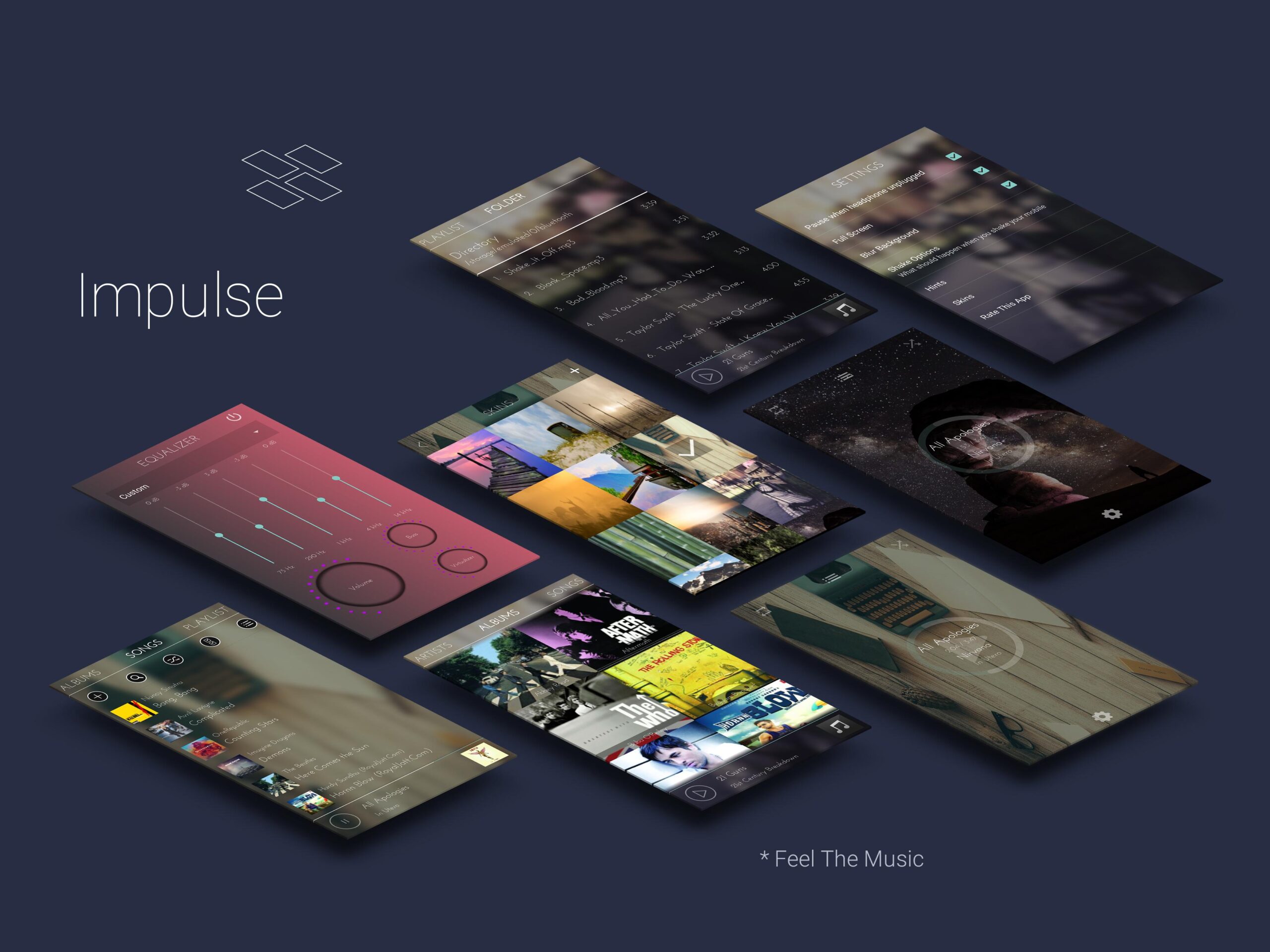
This music player isn’t a gimmick; it’s highly functional and well worth a shot. It’s worth noting that the free version of the app is titled “Music Player” on Google Play. Impulse is the Pro version; both are created by Appmetric.
7. Shuttle Music Player
Shuttle Music Player distinguishes itself from most other music apps by being intuitive and lightweight. It’s smooth to use and works well on older devices. While the interface isn’t particularly memorable, it is simple to use.
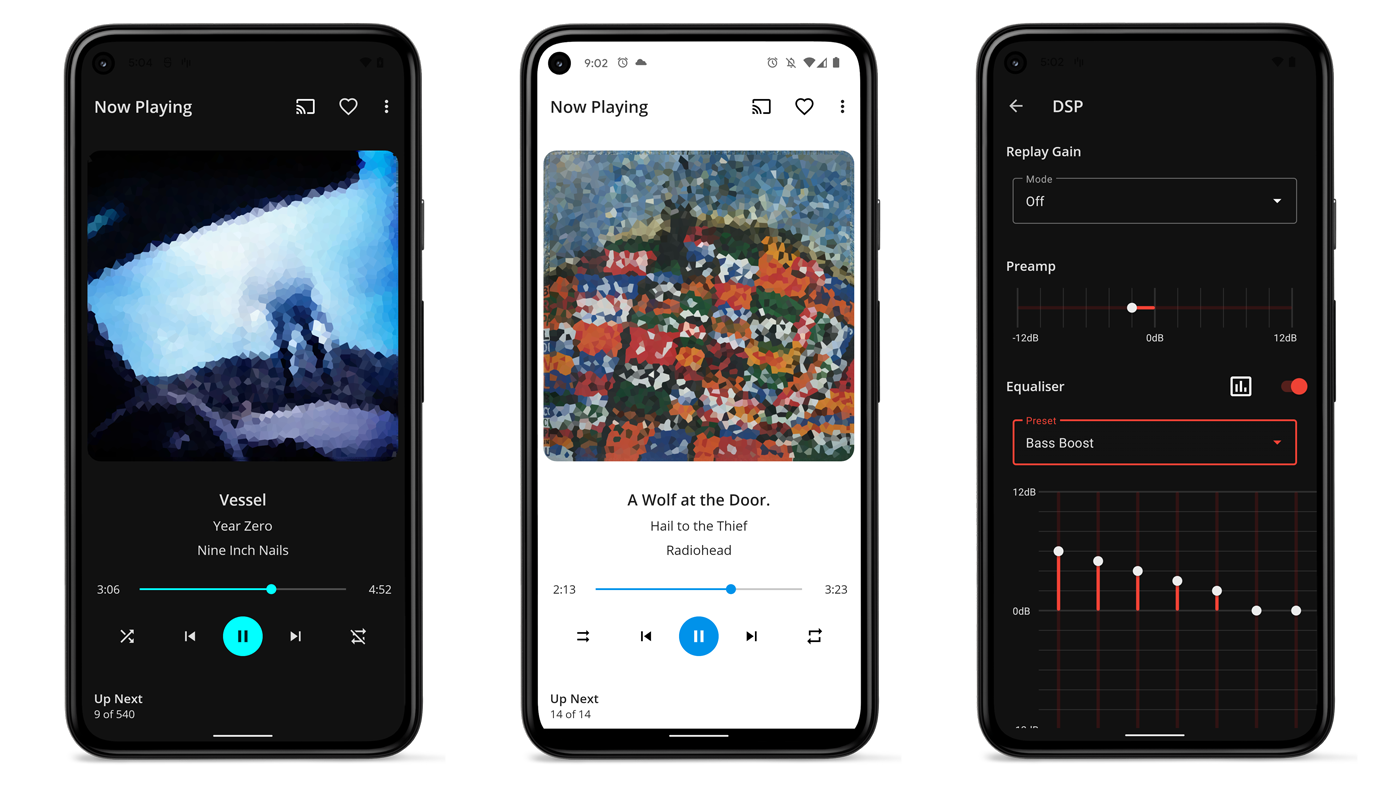
A five-band equaliser with bass boost, gapless playback, several theme options, a sleep timer, and a few customizable widgets are among the free features.
Shuttle+ Player includes a built-in tag editor, folder browsing, Chromecast support, and additional themes.
8. BlackPlayer
We’ve never used a better free music player than BlackPlayer. It’s clean, modern, easy on the eyes, easy to use, and loaded with features. A five-band equaliser, gapless playback, Scrobbling, and a sleep timer are included.
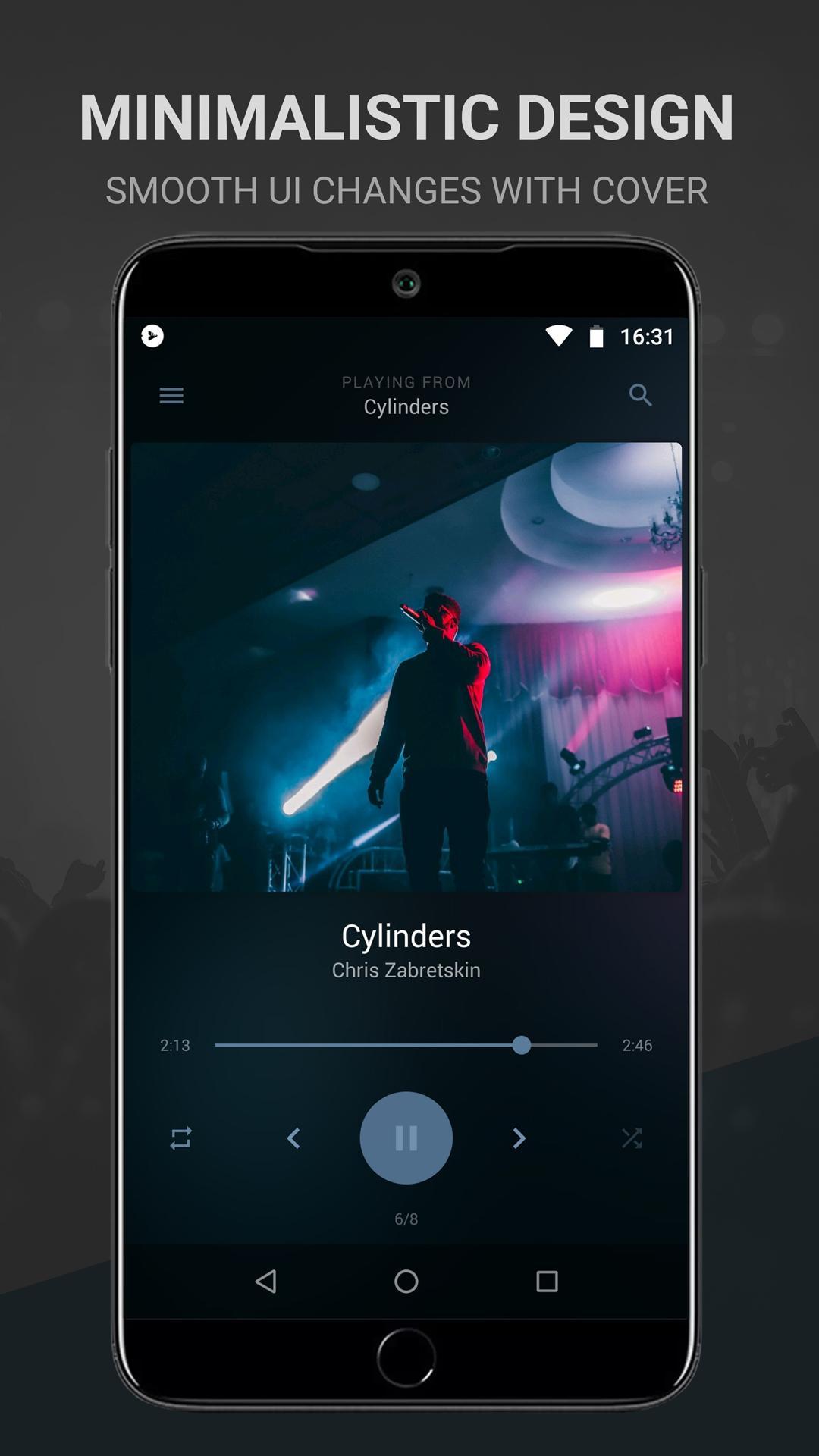
BlackPlayer EX, the premium version, includes additional themes, fonts, additional settings to tweak, more ways to customise your experience, a visualizer, improved sorting, and a preview of all future features. It’s well worth it for a few dollars.
9. MediaMonkey
MediaMonkey is an excellent app for listening to music while not connected to the internet. It searches your local storage for music before adding it to the library, so after a quick setup, you should be able to listen to your music. It can read and write a wide range of file formats, both lossy and lossless.

The app includes all of the features you’d expect from an offline music player, such as track editing, EQ, multiple navigation modes, and even a sleep timer.
You can sync MediaMonkey Pro with Windows. You can even configure your home computer to act as a music server, from which the mobile app can stream music. Because it works over your Wi-Fi network, you won’t use any of your mobile data if you do this at home.
10. PlayerPro
PlayerPro, like the majority of the apps on this list, includes all of the standard premium music player features. Thus, the interface becomes the deciding factor. While most non-Material apps are unappealing, PlayerPro’s distinct design is both appealing and enjoyable to use.
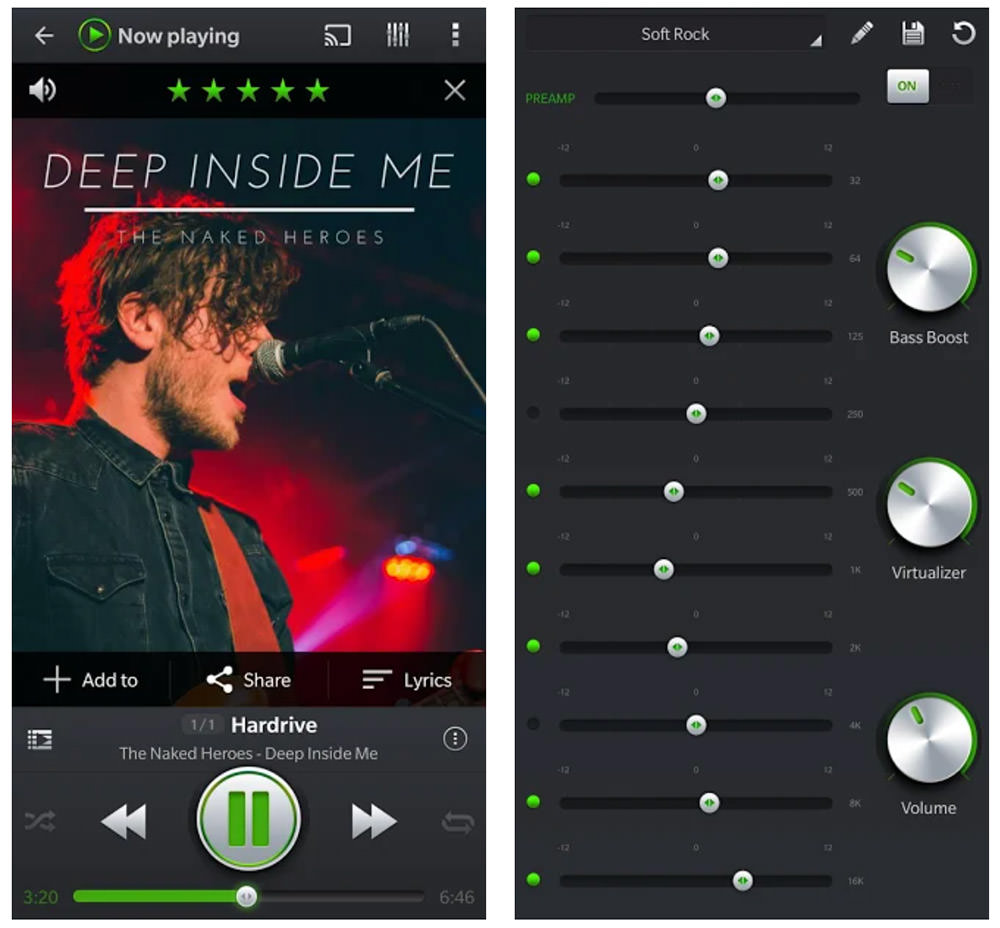
Importing music history and ratings from desktop music players, custom smart playlists, voice search, and free plugins are all convenient features.
11. Pulsar Music Player
Many modern apps may frustrate you with poor performance if you’re using an older device with outdated hardware. Pulsar achieves the ideal balance between a stunning appearance and lightweight performance.
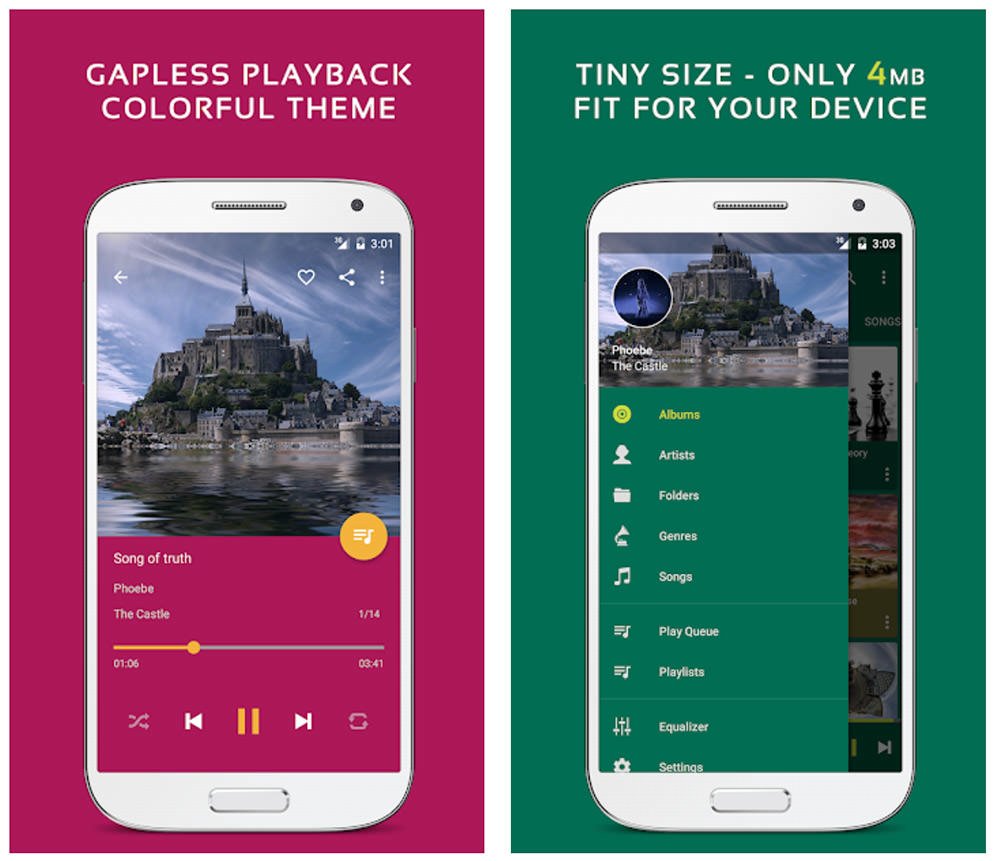
It comes at a cost—the lack of advanced features—but that doesn’t mean Pulsar is unusable. You still get smart playlists, fast search, gapless playback, and a functional built-in tag editor. You’ll need to upgrade to Pulsar Pro to use the five-band equaliser, bass booster, and reverb features.
Also Checkout: 5 New Upcoming WhatsApp Features








