




Android phones indeed come already equipped with their default launchers but you can take better control over your smartphone’s Android interface with customization options using these Android launcher apps. In this post, we have compiled a list of the best Android launchers to use.
Android launchers are programmed to bring the best out of your already equipped Android which gives your default Android interface a makeover of wallpapers, themes, icons, transitions, pop-ups, and much more. These launchers also give you control over adding personalized notification bars, shortcuts, widgets, smart folders, and search assistants.
As common as Android smartphones, there is a huge pile of Android launchers available out here in the digital market. The one for you could be a very personal choice but here we make it easy for you by mentioning the most abled, trusted, and versatile Android launchers in the world right now.
 Also readHow Technology is Transforming the Banking Industry
Let’s dive into the list of best Android launchers-
1. Nova Launcher
It is very unlikely to not mention Nova Launcher at the top of this list as the Nova Android Launcher has been here for a long time now. The programming and interface are just so smooth that it aligns with your smartphone’s Android operating system just perfectly.
Nova Launcher is highly customizable with a plethora of personalization features. The interface of this launcher is rather fast as it doesn’t bother you with slowing down the performance or slow loading of your home screen.
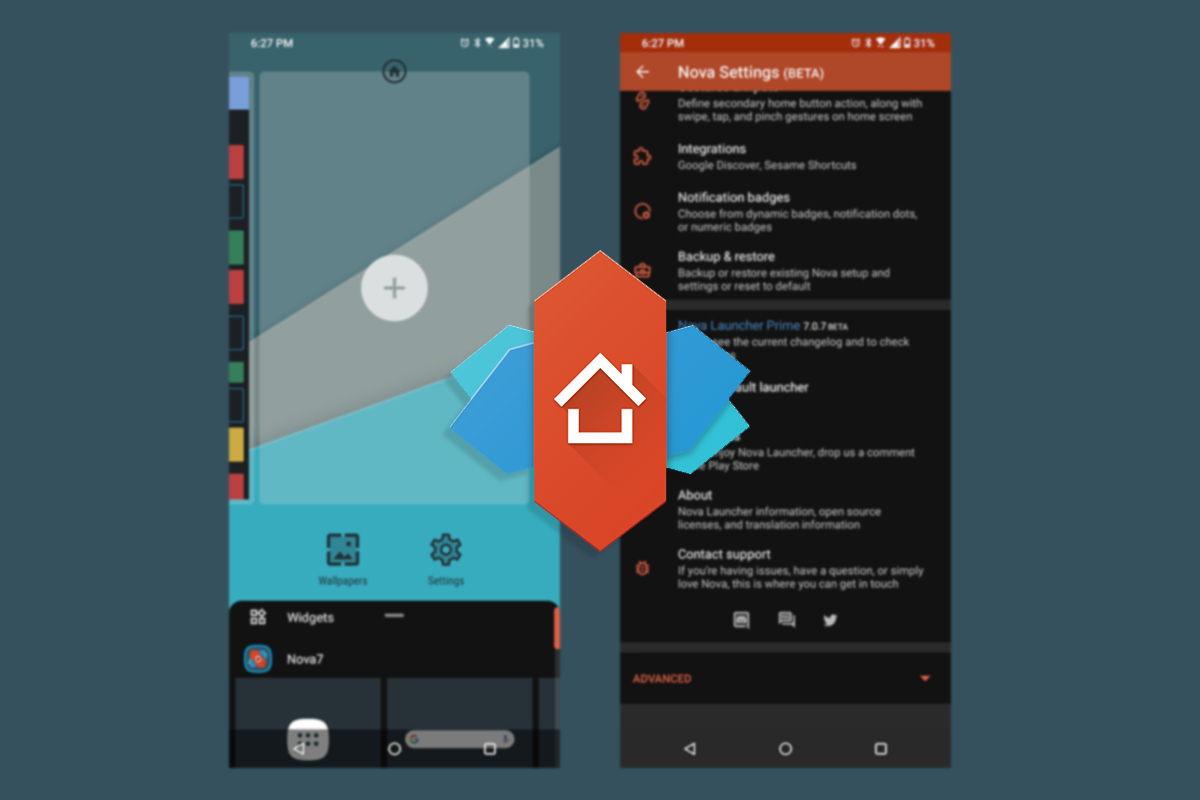
It has numerous vibrant themes, icon packs, app drawers, scrollable docks, and pop-ups available to try your hands on. Various trendy and newly designed features such as shortcuts, animations, screensavers, and other updates are added regularly.
Nova Launcher gives you all of this just free of cost but you can always move to Nova Launcher Prime by paying a minimal amount of $4.99 to explore more out of it.
2. Niagara Launcher
Niagara Launcher brings ease and calm to your smartphone with its minimal yet featured design. It brings all the important and preferred applications right on the home screen while decreasing the distracting notifications to pop up.
The Niagara Launcher places your apps and notifications in front and center with a smooth finish. All the notifications and pop-ups are displayed right on the home screen restricting the spam and non-preferred notifications.
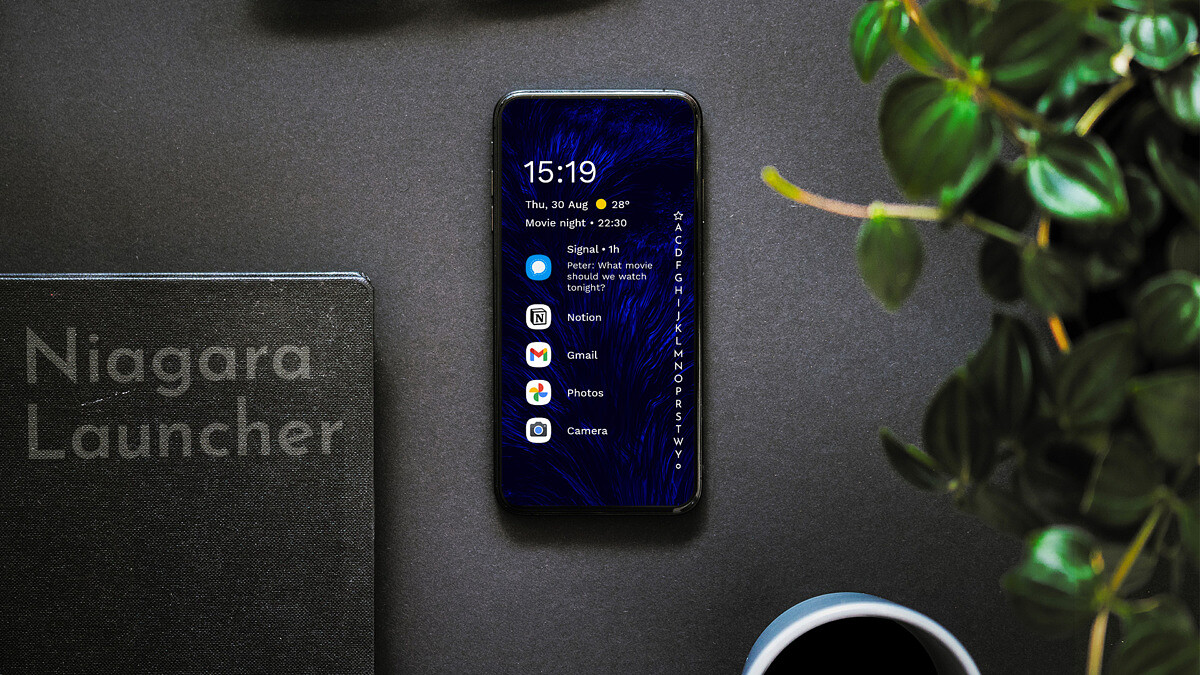
It enables an easy-to-scroll alphabetical search shortcut to navigate you to the apps with ease. As this launcher is highly based on minimal design and a simple interface, it doesn’t offer many vibrant and versatile visual options to add to your screen.
But if you prefer simple and less disturbing assistance over your smartphone, Niagara Launcher is the one for you. All the features of this launcher come with the free version only.
3. Smart Launcher 5
One of the prominent Android launchers for a long time now, the Smart Launcher 5 is famous for its breezy and cool flower favorites grid. Adding more features and themes with their subsequent updates, this launcher has a very simple interface for app folders and shortcuts.
Smart Launcher 5 comes with a lot of customizable features where you can adjust the themes, motions, wallpaper, icons, and screensavers. The launcher is very intelligent and adjusts better with the Android operating system decreasing the glitch and loading time to negligible.
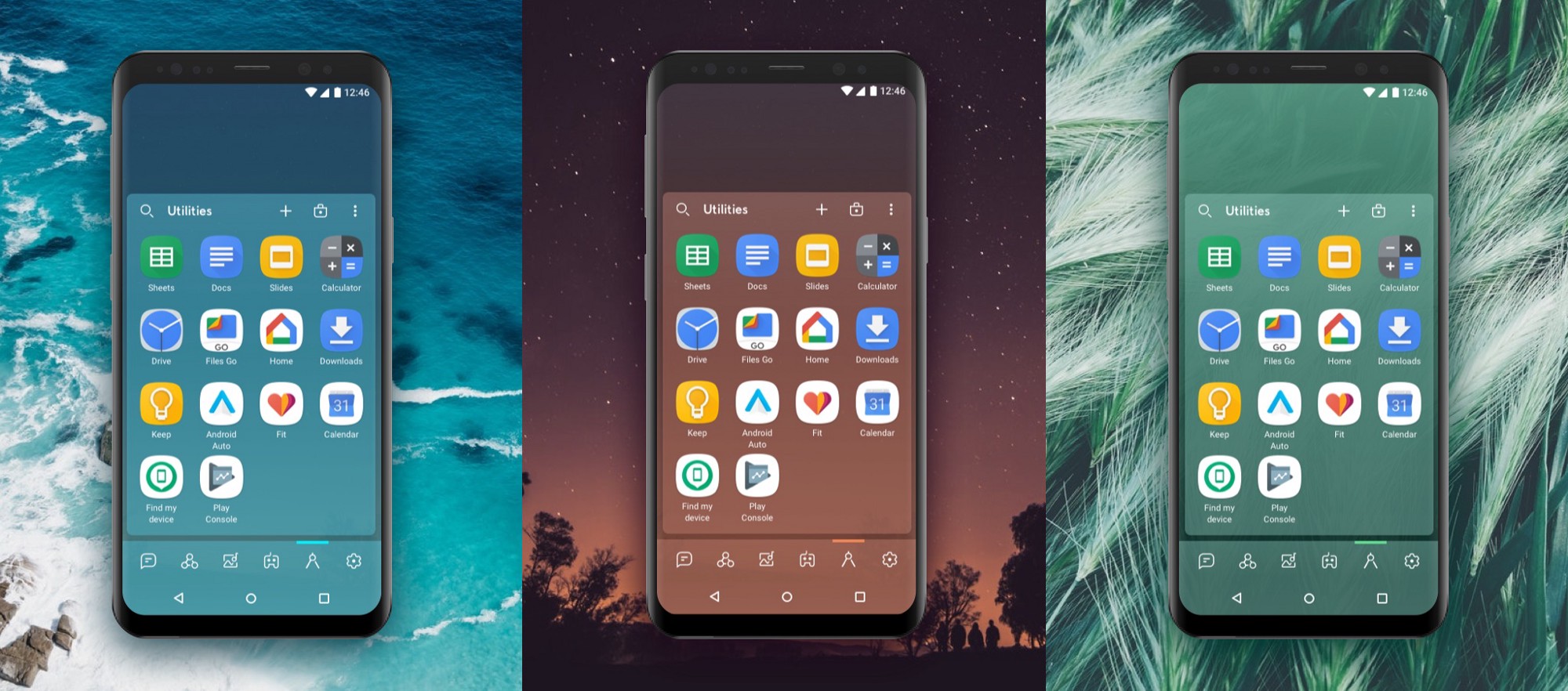
The easy-to-go app drawers, adaptive icons and colors, resizable widgets, and many more customization options make it a great overall package. Smart Launcher 5 is one of the few launchers that delivers class in this genre. With a load of features available already inside the free version, you can access the Pro version of Smart Launcher by paying $7.
4. AIO Launcher
AIO Launcher does the Android launcher work but with a bit of its spin. The launcher doesn’t offer a lot of customization or versatile themed options but it delivers a multitasking screen that displays frequently used apps, system information, recent call logs, messages, control panels and emails, and upcoming calendar events with date and time.

It also supports tracking real-time app data right on your screen. AIO Launcher also adds an internet search on the top with all the navigations and apps just swipes away.
With all the features packed inside the free version, you can add more features such as widget support, app icons pack and notifications stream on the home to your experience by purchasing the premium pack.
5. Hyperion Launcher
Hyperion Launcher is another standout recommendation for Android launchers inspired by a pixel-like interface. The Android launcher app is highly customizable with vast settings and features packed in it. Developed by a very acclaimed team of Substratum theming engines, it allows more than just wallpapers and widgets customization.
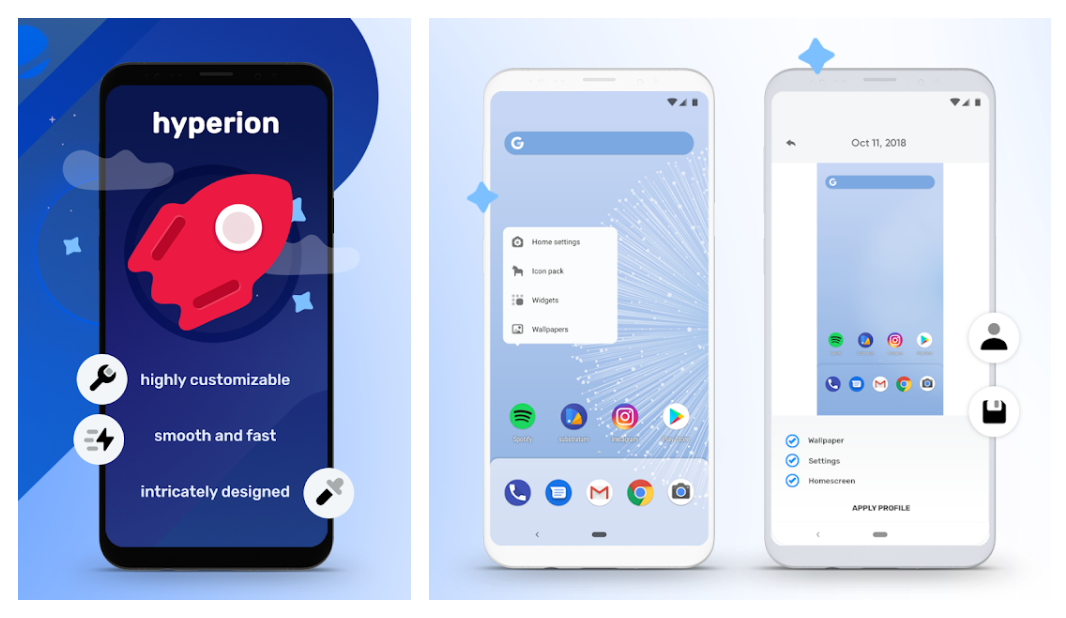
Hyperion Launcher offers configuration for the gamut of settings of themes, folders, transparencies, animations, icon packs, and adaptive icons. The app comes with versatile options with a lot of customization overall. Although the app is free basically, you need to unlock the Pro version in-app purchases to use font change, customer gestures, and more such features.
6. Action Launcher
Action Launcher’s Pixel Edition has been in the league of Android launchers since the very start. The app is highly motivated to give your smartphone a Pixel-style interface, combining it with various customizable features.
The Action Launcher app is equipped with numerous features that will add efficiency and speed to your regular smartphone routine.
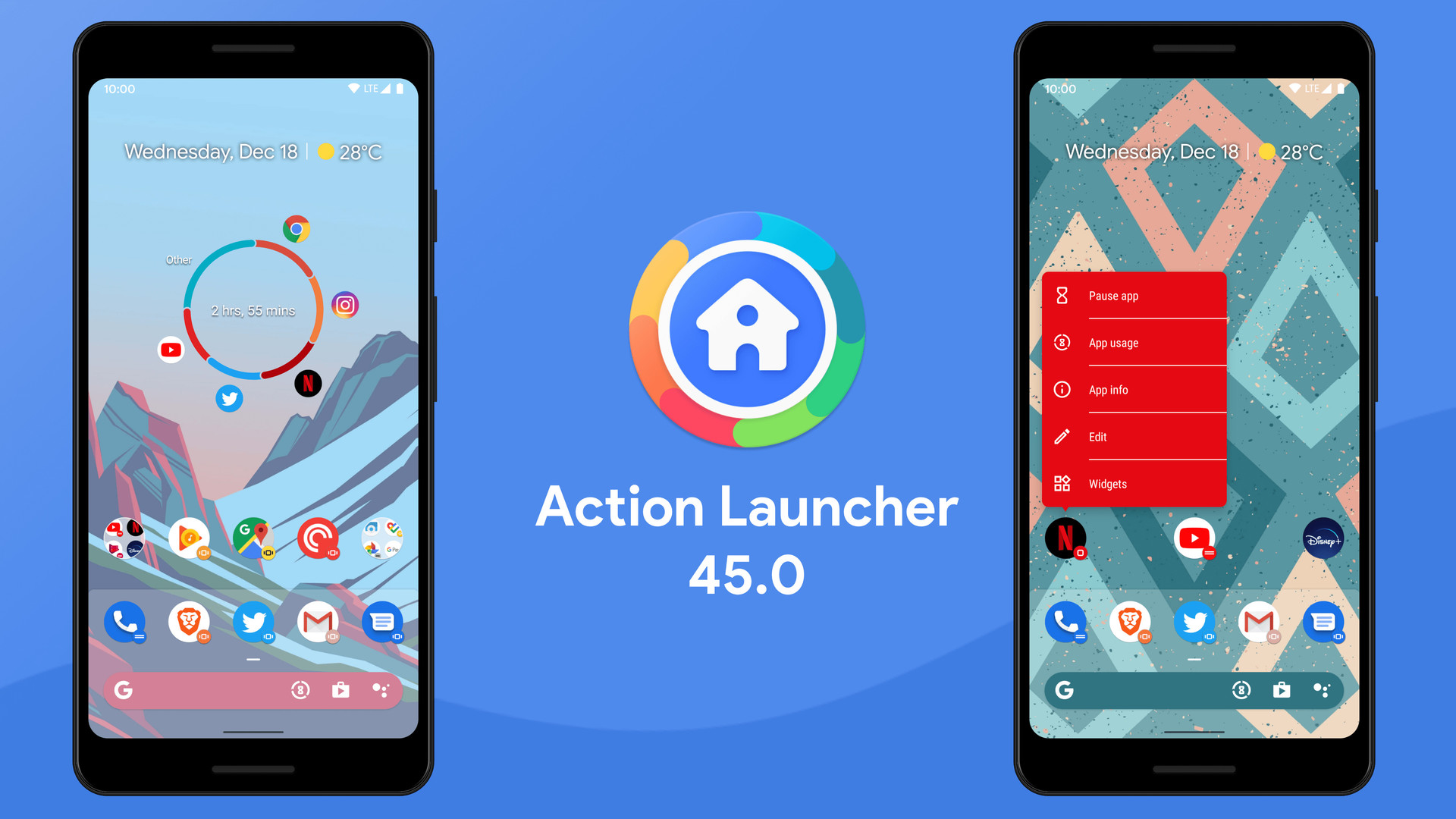
It includes an adaptive app bar, a shared Google search bar, and Oreo-style app shortcuts. The slide-out app drawer helps you to quickly access the library and widgets. More features include covers and shutter gestures. The app adjusts accordingly with the background and enables better color options across the screen.
7. POCO Launcher
Poco Launcher brings the Xiaomi interface to your smartphone but with added features. The working of the launcher is highly inspired by Xiaomi’s flagship smartphones such as Xiaomi Mi 11. The design of Poco Launcher is sleek with many app assistance and shortcuts to create at your hands.
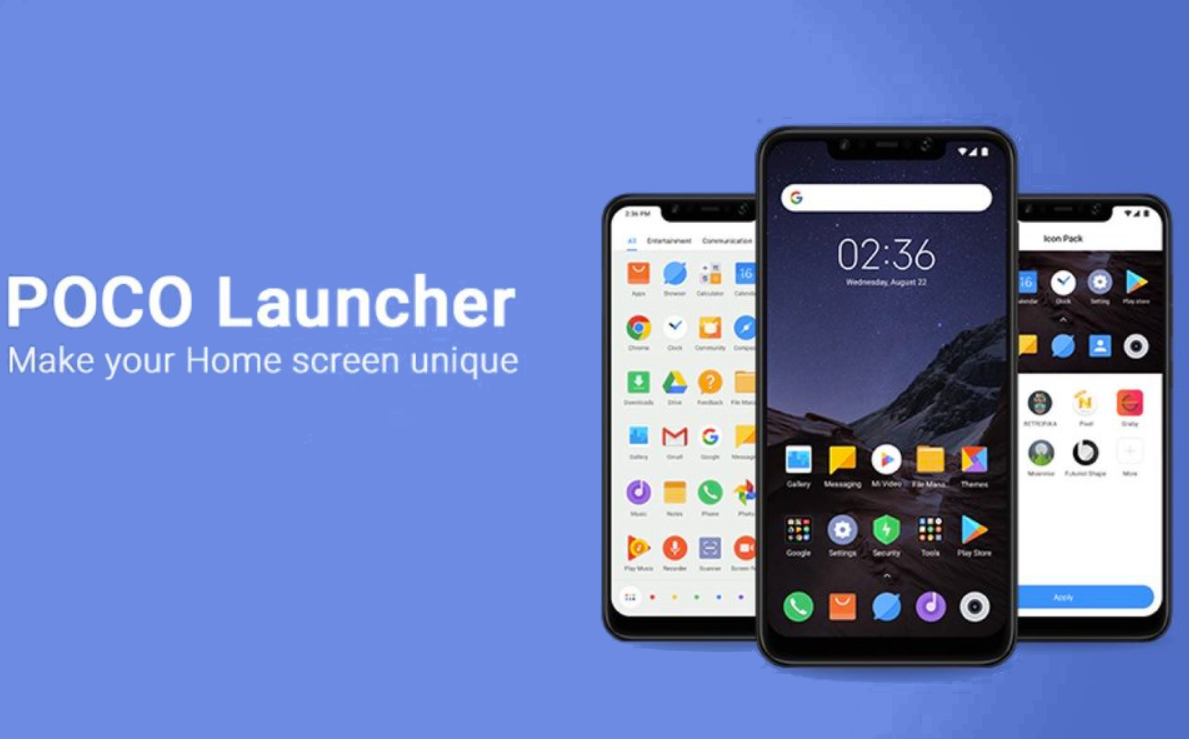
This light customizable Android launcher allows you to adjust screen layout, transition effects, icon pack support, and notifications badges. It also adds app drawers that automatically align applications into various genres such as Communication, Photography, and Music.
However, the customizations aren’t much heavy, it still performs the job with efficiency. Compatible with Android 10, Xiaomi updated additional features such as dark mode and screen-tap locking features recently.
8. Microsoft Launcher
Microsoft rebranded its own critically acclaimed Arrow Launcher into the Microsoft Launcher while redeeming all of the Arrow features with added efficiency. The Arrow Launcher used to be very compact with context-sensitive app pages and a customizable feed.
Taking that into consideration they only added better performance with Android and Windows operating systems in Microsoft Launcher.
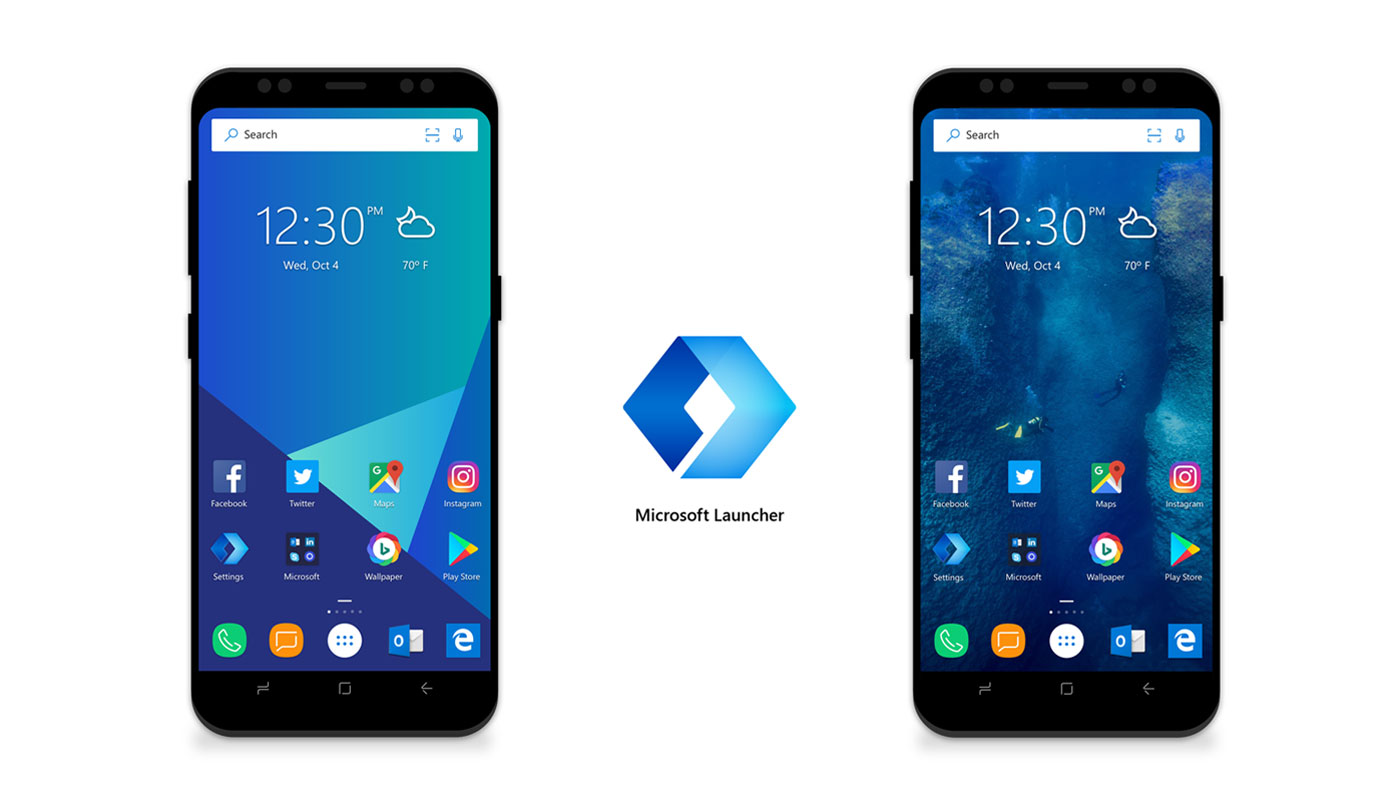
Microsoft is known best for its assistance over various devices, you can quickly snap a photo on your smartphone and display it on the desktop screen using the Microsoft Launcher. It also adds quick features to transfer web links from mobile to PC.
The best for desktop use, they enable Office 365 editing to carry on your phone once you start it on your computer. The fact that all of this comes with very customizable themes, a universal search bar, customizable themes, and configurable gesture controls. Microsoft Launcher is one of the most equipped Android launchers out there.
Also Checkout: 8 Best Google Picasa Alternatives To Organize Your Photos








