




The best MP3 converter apps to try in 2026 are Any Video Converter Free, 4K Video to MP3, ClipGrab, Audacity, VLC media player, 4K Video Downloader Plus, YTD Video Downloader and 4K Video Downloader for Android. Most are free for basic use and turn video or audio files into MP3 on Windows, macOS, Linux or Android.
MP3 is still the most widely supported audio format. It plays on almost every phone, car stereo, speaker and browser, and its small file size makes it easy to share. Converting a video to MP3 is useful for saving a lecture, a recorded interview or your own video’s soundtrack as audio. We have rechecked every app on this list for 2026 and removed tools we could no longer verify.
Quick comparison: best MP3 converter apps
| App | Platforms | Price | Best for |
|---|---|---|---|
| Any Video Converter Free | Windows, macOS | Free version, paid upgrades | Converting local video files |
| 4K Video to MP3 | Windows, macOS, Ubuntu | Free core features | Quick audio extraction |
| ClipGrab | Windows, macOS, Linux | Free, open source | Simple conversions |
| Audacity | Windows, macOS, Linux | Free, open source | Editing and exporting audio |
| VLC media player | Windows, macOS, Linux, Android and more | Free, open source | Users who already have VLC |
| 4K Video Downloader Plus | Windows, macOS, Ubuntu | Free core features, premium options | Saving audio you are allowed to download |
| YTD Video Downloader | Windows, macOS | Conversion needs a paid plan | Batch conversions |
| 4K Video Downloader for Android | Android | Free core features | Phone users |
A quick word on copyright
Before using any converter, know the rules. YouTube’s Terms of Service prohibit downloading content unless the service expressly allows it or you have prior written permission from YouTube and the rights holders. Use these tools for your own files, content you have rights to, or material that is clearly licensed for reuse.
 Also readWhat Is a Large Language Model (LLM)? A Plain-English Guide
8 best MP3 converter apps you need to try
1. Any Video Converter Free
Any Video Converter is a popular desktop converter with a free edition. The free version supports video to MP3, MP4 to MP3, MOV to MP3 and FLAC to MP3, and the company claims support for more than 1,000 formats in total.
It runs on 64-bit Windows 10 and 11 and on macOS. Paid Pro and Ultimate editions add more features. When installing, read each screen carefully and skip any optional offers you do not need.
2. 4K Video to MP3
From the makers of 4K Video Downloader, this small app does one job: it pulls the audio track out of a video file and saves it as MP3. You add the file, choose the output and convert.
It is available for Windows, macOS and Ubuntu, and the main features are free without watermarks or registration, according to the developer.
3. ClipGrab
ClipGrab is a free and open source downloader and converter released under the GPLv3 licence. It can convert videos to MP3, MPEG4, OGG Vorbis, OGG Theora and WMV.
The Windows version works on Windows 8, 10 and 11, a macOS build supports Apple Silicon Macs, and Linux users get an AppImage. Its interface is one of the simplest on this list.
4. Audacity
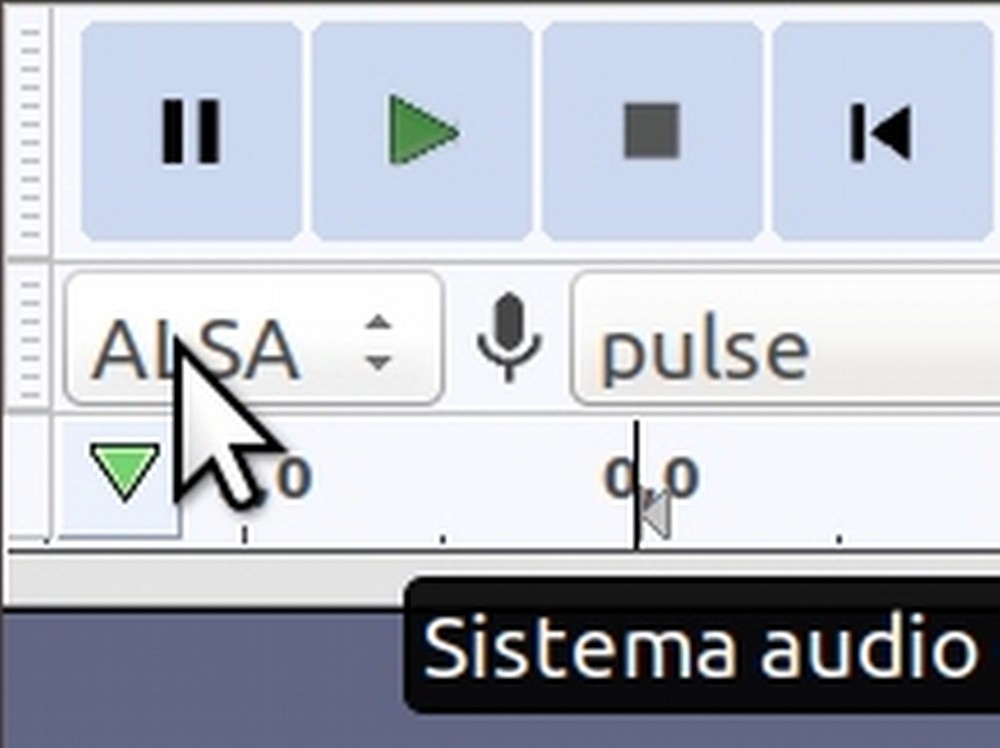
Audacity is a free, open source audio editor for Windows, macOS and Linux, and version 4 is the latest release. It supports all major audio formats, including converting WAV files to MP3.
It is the best choice when you need to do more than convert: trim silence, cut a ringtone, reduce volume spikes or join clips before exporting. The learning curve is a little steeper than one-click tools.
5. VLC media player
Most people know VLC as a free, open source media player that plays almost any format. It runs on Windows, macOS, Linux, Android, iOS and other systems.
Fewer people know it can also convert. The Media menu has a Convert/Save option that opens a wizard where you choose the audio codec and container. Output options can vary by version, so check the profile list before you start.
6. 4K Video Downloader Plus
4K Video Downloader Plus is the company’s main app for saving videos and audio from YouTube and other supported sites. It is available on Windows, macOS and Ubuntu, with premium features for advanced users.
Remember the copyright point above. Use it only for content you own or have permission to download, such as your own uploads or openly licensed material.
7. YTD Video Downloader
YTD has been around for years and runs on Windows 10 and 11 and macOS 11 or later. Its site says it works with more than 50 sites and can extract audio to MP3 or M4A.
The free plan now has limits, and format conversion is not included. Unlimited conversions need the Pro plan, listed at US $9.99 a month or $47.88 a year. Check the latest pricing on the official site before paying.
8. 4K Video Downloader for Android
Phone users who want an Android option can use the Android version of 4K Video Downloader, which handles both video and audio on the device. As with the desktop version, use it only for content you are allowed to save.
Install Android apps only from trusted sources, since many “MP3 converter” apps in unofficial stores carry adware or malware.
How to choose the right MP3 converter
- Audio quality: pick a tool that lets you set the bitrate; 192 kbps or higher is a good balance for music.
- Ease of use: ClipGrab and 4K Video to MP3 are the simplest; Audacity gives the most control.
- Safety: download only from the official website and avoid bundled offers.
- Cost: free tools cover most needs; pay only if you convert in bulk.
Find more app guides and reviews in our technology section and handy tips in infotainment.
Frequently asked questions
Which is the best free MP3 converter?
For most people, Audacity, VLC and ClipGrab are the best free choices because they are open source and carry no paid limits on basic conversion.
Is it legal to convert YouTube videos to MP3?
YouTube’s terms prohibit downloading content unless the service expressly allows it or you have permission. Converting your own videos or licensed content is the safe route.
Can I convert video to MP3 on Android?
Yes. 4K Video Downloader for Android handles video and audio on the phone. Download apps only from trusted sources.
Does converting to MP3 reduce quality?
MP3 is a compressed format, so some detail is lost. Choosing a higher bitrate keeps the loss small for everyday listening.
Sources: YouTube Terms of Service, Audacity, ClipGrab, 4K Download.








