




You’ll need a dependable Antivirus Program For Windows 11 PC to keep your computer safe. When the built-in Windows Defender isn’t enough to keep your computer safe, you’ll need an extra layer of security. As a result, it’s critical that you add an extra layer of protection to your device to protect it from any threats or assaults. In this article, we will look at some of the best antivirus software for Windows 11.
There’s no better way to accomplish that than with the help of a third-party antivirus program. So, in order to assist you in making the best decision, we’ll go through the key features, distinctions, and insights around the best antivirus software for Windows 11.
So, in no particular order, here are a few of the best antivirus software for Windows 11 to look into-
1. Windows Defender

The tried and true Windows Defender is first on the list. Windows Defender is a built-in antivirus in Windows 11 that does what it says on the tin. If you’re a casual Windows user who adheres to safe computer practices, Windows Defender will suffice.
 Also readWhat are the Best Folding Phones?
Your machine gets scanned on a regular basis by the free Microsoft Defender Antivirus Software. Furthermore, you will be warned immediately if it detects any suspicious activity. Windows Defender does not use any additional system resources because it is part of the Windows operating system.
2. Bitdefender
Bitdefender Antivirus Free Edition is next on the list. Bitdefender’s free edition provides real-time protection against viruses, malware, spyware, and ransomware assaults.
You may also examine EXE files on your machine with this free antivirus program for Windows 11 before installing them. Please keep in mind that the free edition of Bitdefender can only protect one Windows PC.
3. Sophos Home
Sophos Home is another reliable and free antivirus program that protects three Windows computers. Sophos Home also includes a virus removal program that may help you troubleshoot and clean your infected computer.
While shopping or banking online, the free Windows 11 antivirus protects you from phishing and hacking. Sophos Home is also available for macOS in addition to Windows. Furthermore, the commercial edition of Sophos Home allows you to secure up to ten PCs.
4. AVG AntiVirus
AVG AntiVirus is well-known, but you may be shocked to learn that it also has a free version. AVG utilizes the same malware-detection engine as Avast, but it uses far fewer system resources. The free version of AVG includes useful features like Email Scans, Game Mode, and Scan Scheduler.
You also get access to several customizing tools, such as a file shredder and a system optimizer. One notable disadvantage of AVG AntiVirus Free is that you will be prompted to upgrade to the paid version on a regular basis.
5. Malwarebytes
Check out Malwarebytes Free if you’re looking for a free virus eradication program. The software, which was previously known as Malwarebytes Anti-Malware, performs a great job of eradicating malware, adware, and other undesirable files and apps from your computer.
Malwarebytes Free, unlike the other antivirus software mentioned in this post, will not protect your computer against infection. As a result, you may use this application in conjunction with your specialized antivirus.
6. Norton AntiVirus Plus

Norton AntiVirus Plus is one of the top antivirus programs for Windows 11. It is a feature-rich antivirus that protects your computer against all types of viral threats. When you browse the internet, Norton protects you from harmful sites with one PC coverage. When something goes wrong with your computer, the intelligent firewall notifies you, and it prevents untrusted applications and programs from gaining administrator access.
The Norton interface appears to be a little perplexing at first sight. Norton AntiVirus Plus costs $60 per year and includes an unlimited password manager, backup software, and 2GB of internet storage. In terms of drawbacks, Norton requires a significant amount of system resources in order to perform properly.
7. McAfee AntiVirus Plus
McAfee AntiVirus Plus is the next best antivirus for Windows 11 on our list. This AntiVirus is great for people with several PCs and cellphones because it protects up to ten devices. Firewall, Game Mode, Ransomware Rollback, Protective Browser Extensions, File Shredder, and many more features make McAfee AntiVirus Plus stand out. You also receive a full-featured Windows 11 VPN with no restrictions.
The cost of protecting 10 devices is $60 per year, whereas a single PC is $40 per year. McAfee is available for Windows, Mac, Android, and iOS in addition to Windows. Unfortunately, while running in the background, McAfee AntiVirus Plus consumes a significant amount of system resources.
8. Kaspersky Total Securit
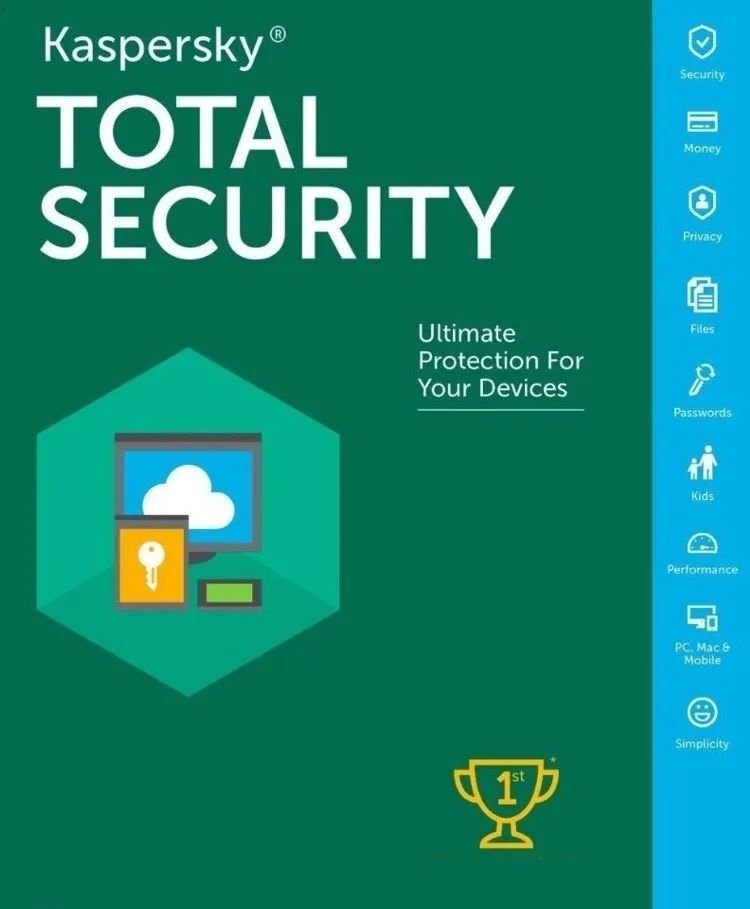
Another feature-rich antivirus program for Windows 11 worth checking out is Kaspersky Total Security. Backup software, a Hardened browser, Parental controls, a Password manager, Webcam protection, a Wi-Fi scanner, and more are included in addition to the regular Antivirus capabilities.
Kaspersky Total Security uses fewer system resources than the other premium antivirus software mentioned in this post, and it’s also available for macOS, Android, and iOS. Kaspersky Anti-Virus (£12.49 UK/$29.99 US), Kaspersky Internet Security (£17.49 UK/$39.99 US), and Kaspersky Total Security (£19.99 UK/$44.99 US) are the three membership plans available.
9. Avast Premium Security
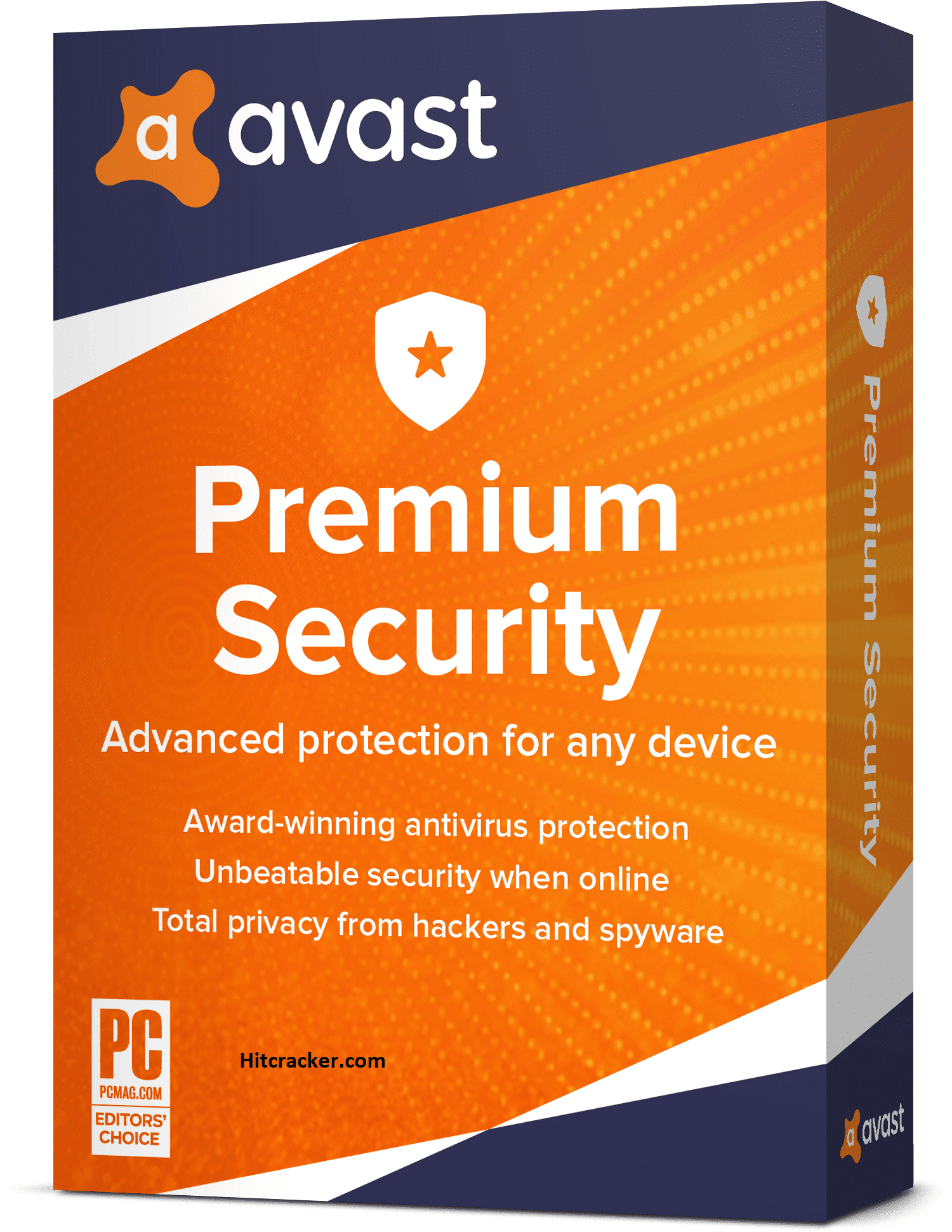
Avast Premium Security is another well-known antivirus for Windows that provides comprehensive security for your computer. Avast stands apart from the pack thanks to its simple and easy-to-use interface. However, there is a chance that the blot on Avast will cause you problems.
Avast Premium Security’s core virus prevention makes it a powerful antivirus. Avast’s premium package covers up to ten devices (smartphones and PCs) and includes limitless VPN access. Another fantastic feature of Avast is web protection, which helps keep your regular online activities safe and secure.
10. BullGuard Antivirus
BullGuard Antivirus is the last on the list. The Antivirus software includes a specific Game Booster to cater to the demands of gamers. Obviously, most antivirus systems that operate in the background use a significant amount of system resources. Gamers may obviously perceive a drop in performance, which BullGuard has addressed with the Game Booster function.
Anti-ransomware protection, URL filtering, and a vulnerability scanner are some of BullGuard’s other notable features. Please keep in mind that BullGuard Antivirus only protects one device.
Conclusion
So there you have it, some of the best antivirus software for Windows 11 PC that you should look into. Please provide your antivirus application recommendations for Windows 11 in the comments area below.
Also Checkout: The Documents Required to Buy a Used Car in India








