


The new centered taskbar, revamped Start menu, redesigned Action Center, and fast animations are some of the super features of Windows 11. And in this article, we’ll show you how to leverage the 10 best-hidden features of Windows 11 to get the most out of Microsoft’s new desktop operating system.
We’ve covered everything in this post, from esoteric features to secret settings, so let’s get started unpacking the list.
Best Hidden Features in Windows-
In this post, we’ve listed the ten best hidden Windows 11 features that aren’t widely known but may dramatically improve your PC experience. Following the February upgrade, these features were tested on the most recent Windows 11 Pro Stable version (22000.527).
1. Weather Widget in Taskbar-
Microsoft has introduced a glanceable weather widget to the Windows 11 taskbar, in addition to the massive flyout widgets panel. It displays in the bottom-left corner and provides real-time weather information based on your location. You may easily launch the Widget panel by clicking on the weather information.


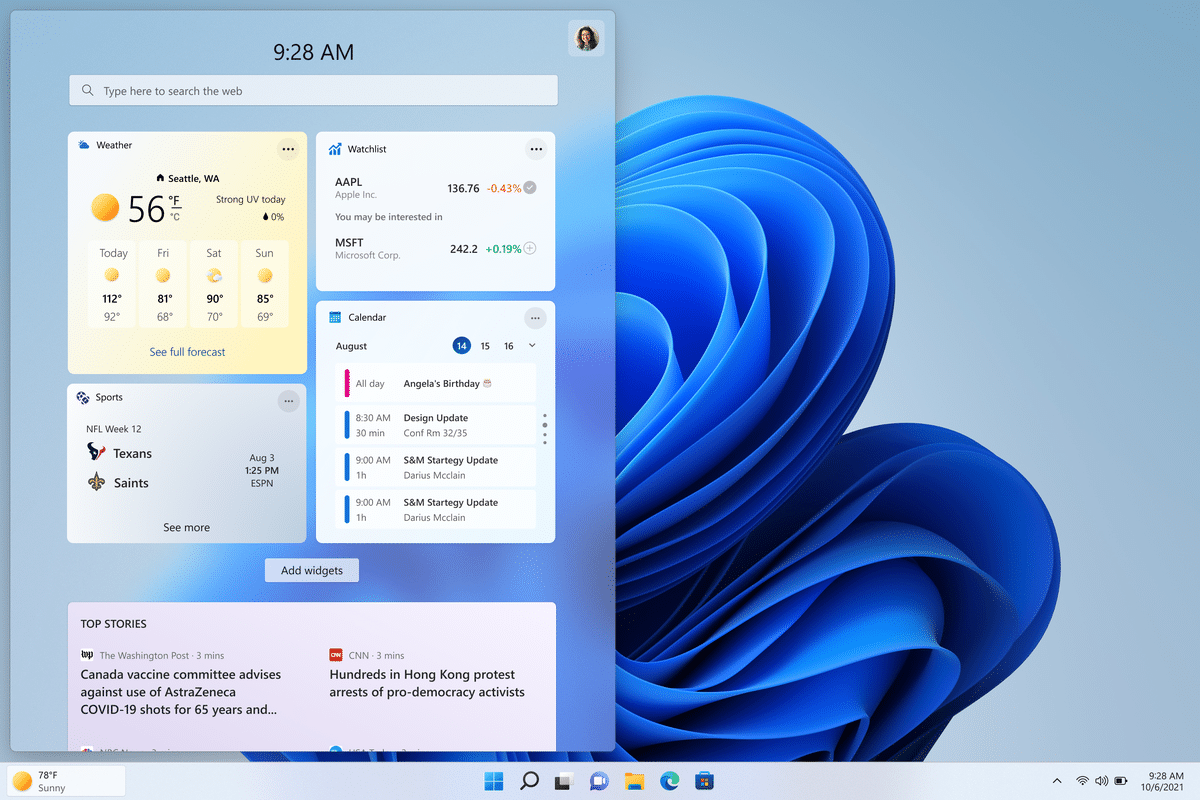
Keep in mind that if you alter the taskbar alignment to the left, the weather widget will not appear on Windows 11. The weather widget will display on the taskbar when you activate “Widgets” in Taskbar settings.
2. Mute/ Umute Mic From the Taskbar-
The option to mute and unmute the microphone straight from the taskbar is another fantastic Windows 11 hidden feature. You don’t need to launch a separate app to mute or unmute your microphone. This functionality is currently only available in Microsoft Teams, and only for users with business or school accounts.
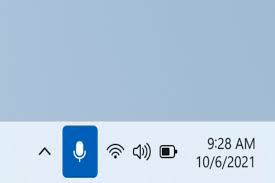
Microsoft claims to have released an API for developers to use in order to make use of this capability. In the future, when more organizations implement this capability, you’ll be able to mute/unmute your microphone directly from the taskbar.
To rapidly mute or unmute the microphone, use the global keyboard shortcut “Windows + Alt + K.” Streamers and ordinary users should find it useful during video conversations. You can also use this functionality to see which applications have been granted mic permission and deactivate those that don’t seem to be needed.
3. Share Any Window From the Taskbar-
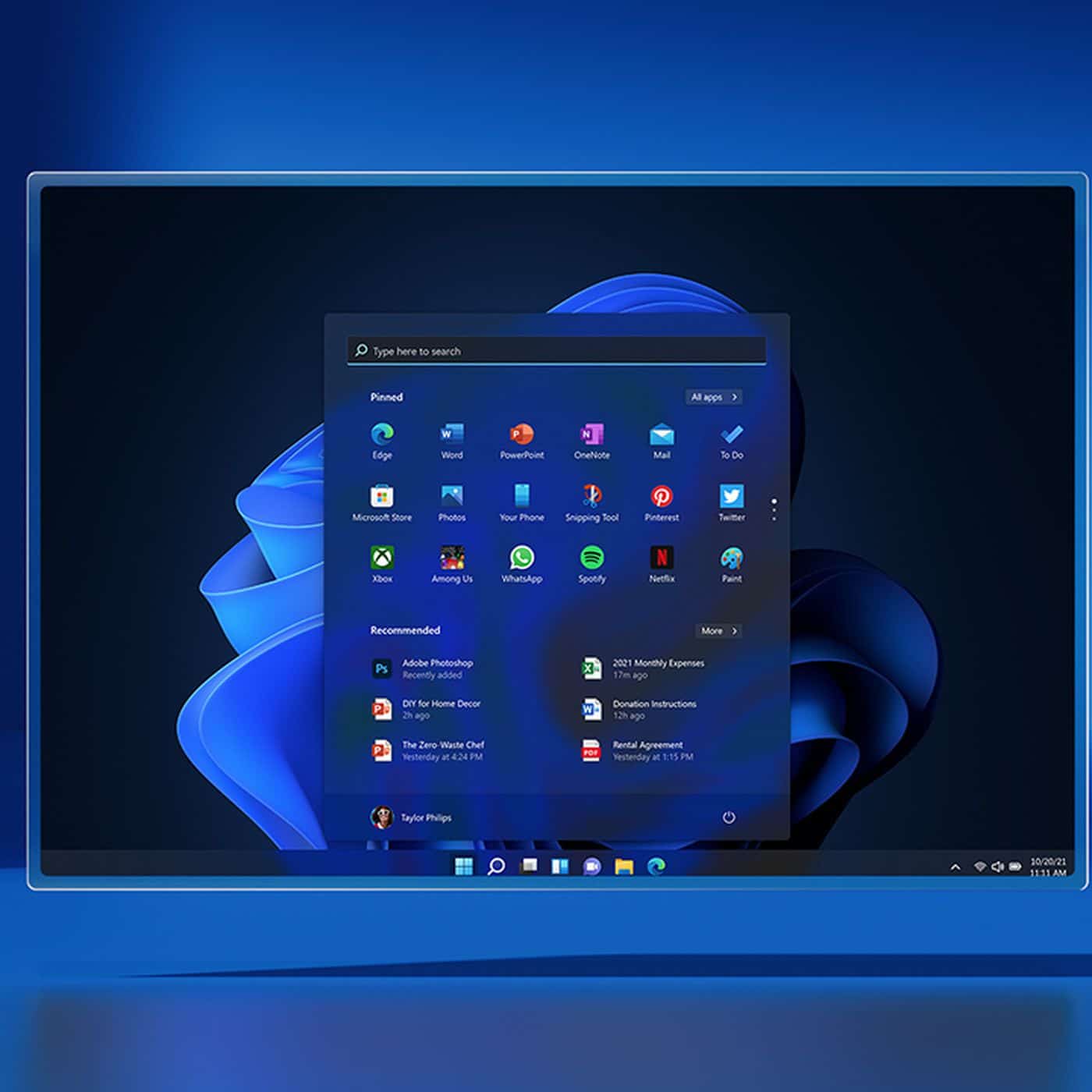
Microsoft has also included a smooth option to share displays during video chats, in addition to the universal microphone switch. If you’re using Microsoft Teams, you can now pick “Share this window” by hovering over an app or an active window on the Taskbar.
This will share the current window immediately, allowing for a hassle-free screen-sharing option. To access this function, you’ll need a Microsoft Teams account affiliated with your job or school.
4. Voice Typing With Punctuation Support-
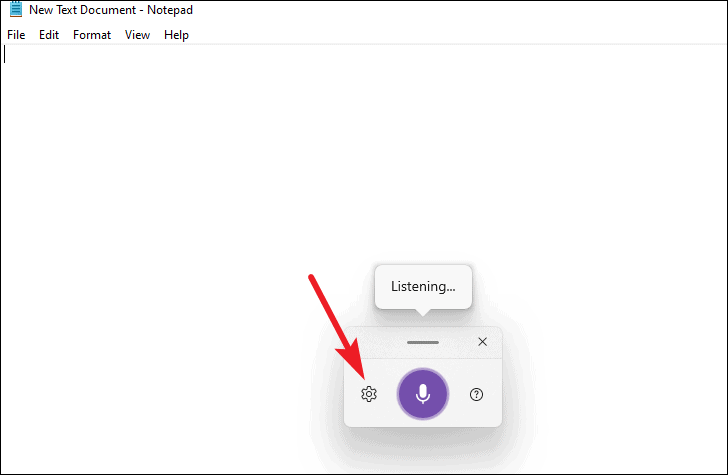
Voice typing is without a doubt one of Windows 11’s greatest hidden features, and I don’t think many people are aware of it. With a hotkey, you can type in any text field or window. To bring up the voice typing pop-up, simply hit “Windows + H.” Now say anything you want to type, and it will precisely reproduce your words, including punctuation.
5. Android App Support-
Microsoft has finally delivered Android App compatibility to Windows 11 stable users after months of testing in Insider channels. If you live in the United States, you may easily install Android applications and games on your Windows 11 PC.
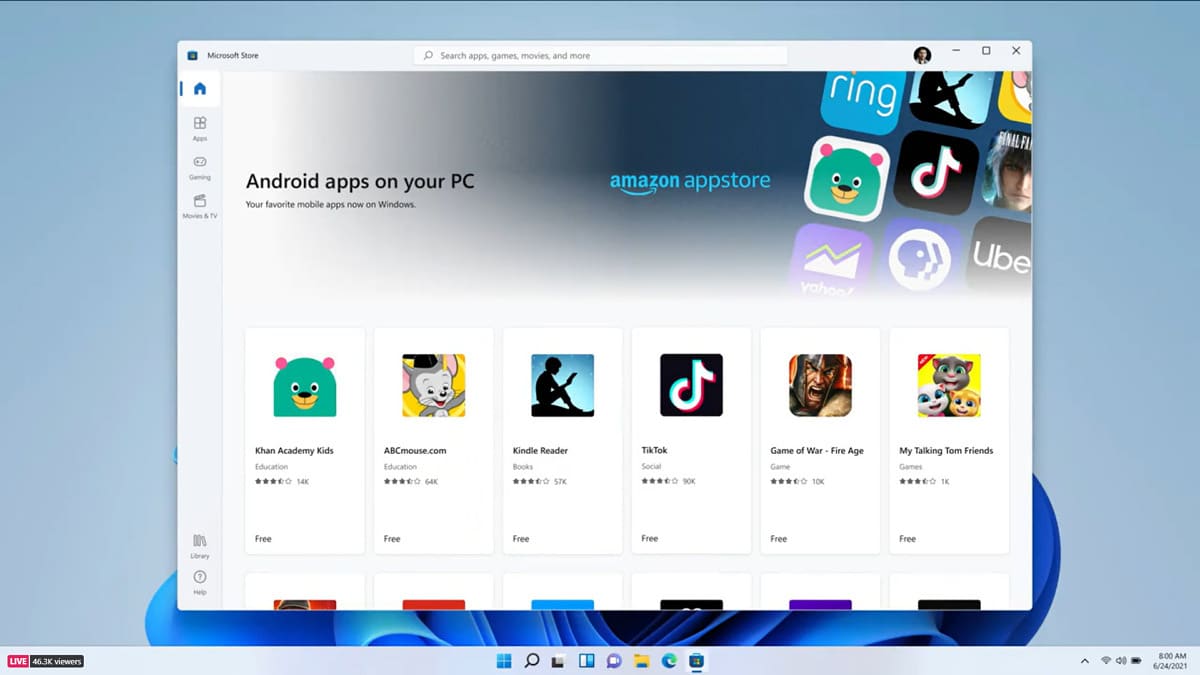
Microsoft and Amazon have teamed up to bring Android apps to Windows 11. Follow the steps in our linked article to discover how to utilize Android applications on Windows 11.
The Amazon App Store currently contains a small number of Android apps and games (about 1000), but with our method, you may learn how to sideload Android APKs onto your Windows 11 machine.
6. Hidden Old Context Menu-
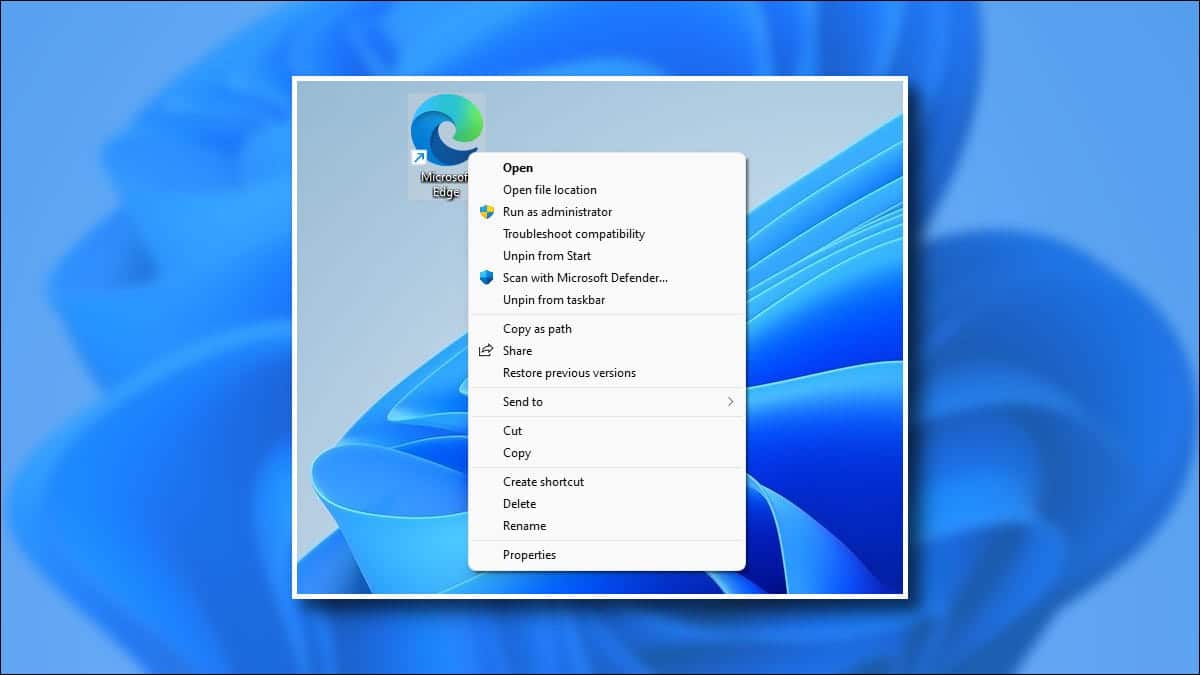
Don’t worry if you updated from Windows 10 to Windows 11 and the old context menu is gone; you may still use it. The old context menu is now buried under “Show More Options,” which needs two clicks and is inconvenient. So, here’s a quick and dirty way to bring up the old context menu.
On Windows 11, use the “Shift + F10” keyboard shortcut to open the old feature-rich right-click context menu.
7. Access Folders in Start Menu-
Many people are unaware that Windows 11 allows you to add folders to the Start menu. In Microsoft’s current desktop OS, this feature is buried under Start Settings. You can quickly access your media files, downloads, and other vital documents using folders in the Start menu.
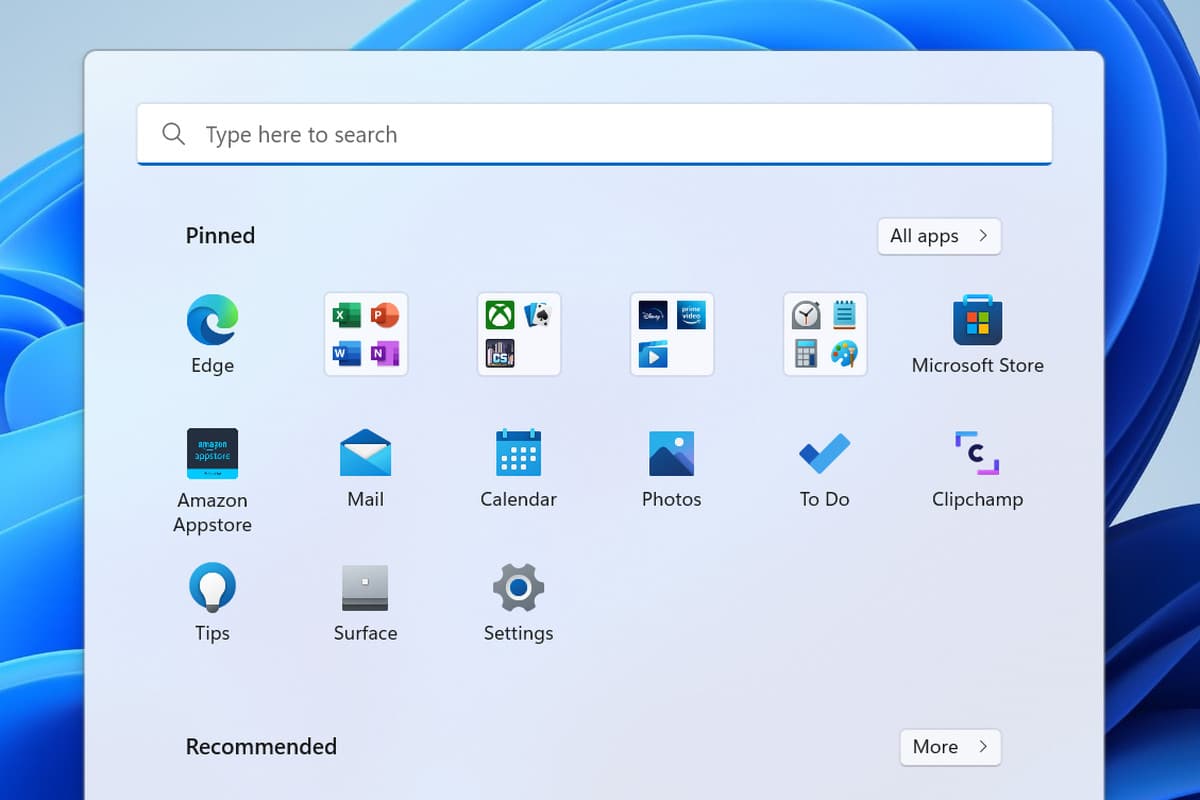
Custom folders are not yet available in Windows 11, however, you may add the user directory, Downloads folder, File Explorer, and more. Under Settings -> Personalization -> Start page -> Folders, you’ll find this option.
8. Shake to Minimize (Aero Shake)-
Shake to Minimize, formerly known as Aero Shake, is a feature in Windows 11 that allows you to minimize all open windows and save the active one by shaking the title bar (see GIF attached below).
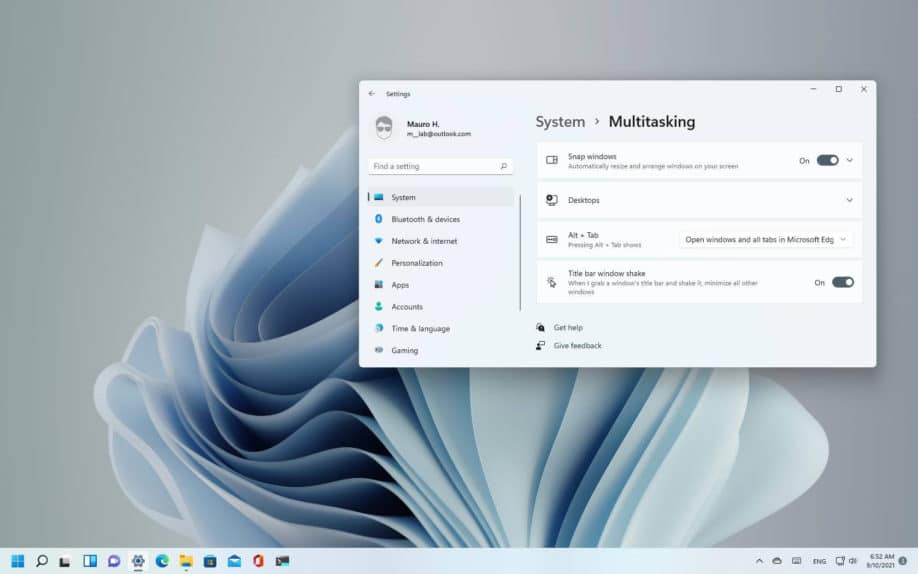
If you have a lot of windows open and wish to concentrate on just one, choose it and shake the title bar. All open windows will be minimized except the one you’re presently working on.
Windows 11, it’s a fantastic method to stay productive. By default, the functionality is turned off, but you can turn it on by going to Settings -> System -> Multitasking. Toggle the “Title bar windows shake” toggle here.
9. Manage Volume For Individual Apps-
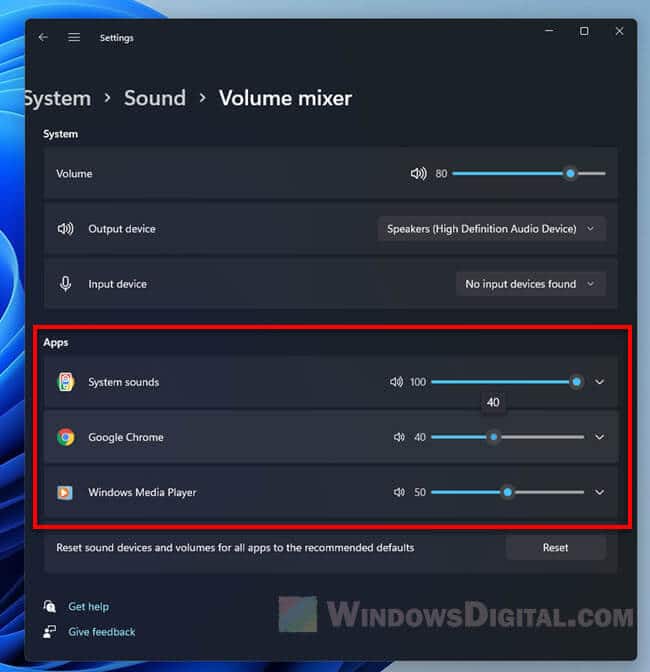
Many individuals I know use the EarTrumpet app to regulate the loudness of specific apps. However, you are no longer required to do so. A Secret Volume mixer function in Windows 11 allows you to regulate the volume of individual programs. Simply go to System -> Sound in the Settings app.” Under the Volume mixer, you can easily adjust the volume for various apps. Isn’t that awe-inspiring?
10. Focus Session-
The next Windows 11 secret feature that few people are aware of is Focus Session. Focus Session is a useful tool for individuals who want to be productive and disciplined while using their Windows 11 PC.
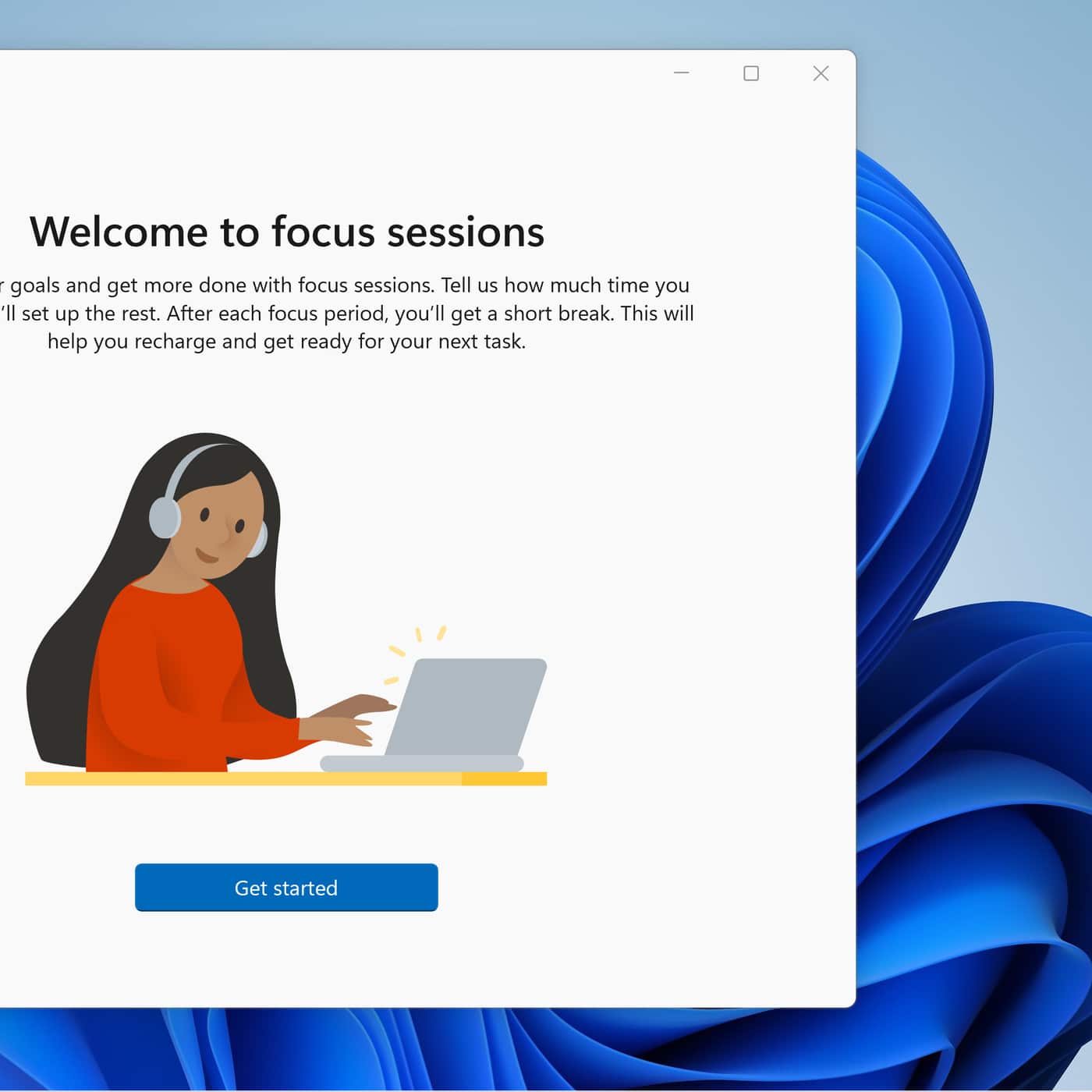
The native Alarms and Clock app has a Focus Sessions feature. You may link your Microsoft account, and it will display a list of all your Microsoft To-Do activities. Timers, customizable alerts, and more are all supported. You may also connect your Spotify account to do your duties while listening to your favorite music.
So there you have it: the lesser-known features of Windows 11 that you should absolutely take advantage of if you want to get the most out of Microsoft’s latest desktop operating system. I’ve only covered features available on the stable channel in this post. If you want to learn about all of the new features coming in Windows 11, we’re working on a full essay about it, so stay tuned. Until then, if you’re seeking the best-hidden features of Windows 11 settings to boost your productivity, check out our comprehensive guide. If you have any further queries, please leave them in the comments area below.
Also Checkout: Free VPN: How Can a VPN Improve Your Online Shopping Experience?