


• About   |
  • Submit Guest Post |
  • Contact Us
No Result
View All Result
The Second Angle (TSA Magazine)
Advertise
  • Infotainment
    • Sports
    • People
    • Inspiring
  • Entertainment
    • Lifestyle
    • Home & Decoration
  • Buzz
  • Education
  • Travel
  • Finance
  • Healthcare
  • Technology
The Second Angle
No Result
View All Result
  • Infotainment
  • Entertainment
  • Buzz
  • Education
  • Travel
  • Finance
  • Healthcare
  • Technology
Advertisement
ADVERTISEMENT
Home Technology

How to Spot a Phishing Message: 9 Red Flags and What to Do

by TSA Desk
September 30, 2026
in Technology
Reading Time: 3 mins read
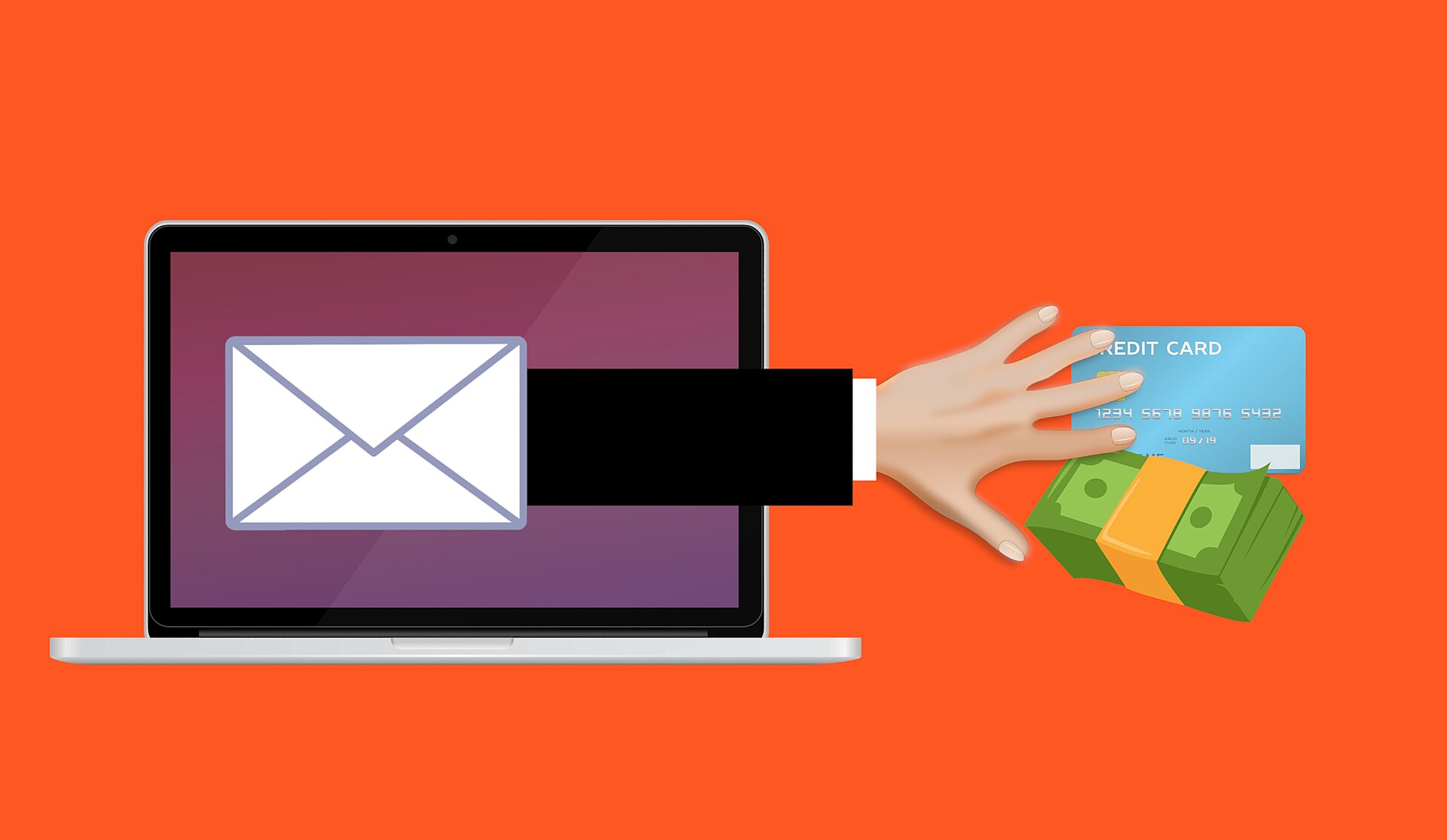
Illustration of a phishing email stealing card details

Photo: Mohamed Hassan / Wikimedia Commons (CC0)

Share on FacebookShare on WhatsApp
Advertisement Advertisement Advertisement
ADVERTISEMENT

Quick answer

Phishing is a scam where criminals pose as a trusted company or person to steal your passwords, OTPs, bank or card details. Watch for urgency, unexpected links, odd sender addresses, requests for OTPs or PINs, and offers that seem too good to be true. When in doubt, do not click; contact the company through its official app or website.

Phishing arrives by email, SMS (often called smishing), WhatsApp and even phone calls (vishing). Scammers copy logos and language from banks, delivery firms, electricity boards and government departments to look real.

Table of Contents
  • 9 red flags of a phishing message
    • 1. It creates urgency or fear
    • 2. It asks for an OTP, PIN or password
    • 3. The sender does not match
    • 4. The link looks wrong
    • 5. It offers something too good to be true
    • 6. It has an unexpected attachment
    • 7. The greeting is generic
    • 8. Spelling and grammar are off
    • 9. It asks you to move to another app or call a number
  • What to do if you clicked a phishing link
  • Habits that keep you safe
  • Frequently asked questions
    • What is smishing?
    • Will my bank ever ask for my OTP?
    • Where do I report online fraud in India?

9 red flags of a phishing message

1. It creates urgency or fear

“Your account will be blocked today”, “Your electricity will be cut tonight” or “KYC expired” are classic pressure tactics meant to stop you from thinking.

RelatedPosts

Rows of servers in a data centre

What Is a Large Language Model (LLM)? A Plain-English Guide

A vegetable vendor at a market in Pune, India

What Is UPI and How Does It Work? A Simple Explanation

2. It asks for an OTP, PIN or password

No genuine bank, app or government office will ask you to share an OTP, UPI PIN, CVV or password over a message or call.

3. The sender does not match

Look closely at the sender’s email address or number. Scammers use addresses with small spelling changes or free email accounts.

4. The link looks wrong

Press and hold (on a phone) or hover (on a computer) to see the real web address. Look out for misspellings, extra words or unfamiliar domain endings.

5. It offers something too good to be true

Lottery wins, refunds you did not ask for, easy part-time jobs that pay per “like”, and huge discounts are common bait.

6. It has an unexpected attachment

Invoices, “delivery notes” or APK files you did not expect can install malware. Never install apps from links in messages.

7. The greeting is generic

“Dear customer” instead of your name is a warning sign, though some scams do use personal details.

8. Spelling and grammar are off

Many phishing messages contain errors, odd formatting or a mix of languages, though better-written scams are increasingly common.

9. It asks you to move to another app or call a number

Scammers often push you to WhatsApp, Telegram or a phone call where they can pressure you in real time.

What to do if you clicked a phishing link

  1. Do not enter any more details. Close the page.
  2. If you shared bank or card details, call your bank immediately to block the card or account.
  3. Change passwords for any account you entered, starting with email and banking, and turn on two-factor authentication.
  4. In India, report financial fraud on the National Cyber Crime Helpline 1930 or at cybercrime.gov.in as soon as possible.
  5. Report suspicious calls and messages through the Chakshu facility on the Sanchar Saathi portal.

Habits that keep you safe

  • Open banking and shopping sites by typing the address or using the official app.
  • Turn on two-factor authentication for email, social media and banking.
  • Keep your phone and apps updated.
  • Talk to older family members about common scams. They are frequent targets.

Frequently asked questions

What is smishing?

Smishing is phishing through SMS. Scammers send text messages with fake links or requests to steal your details.

Will my bank ever ask for my OTP?

No. Banks never ask customers to share an OTP, UPI PIN, CVV or password by call, SMS or email.

Where do I report online fraud in India?

Call the National Cyber Crime Helpline on 1930 or file a complaint at cybercrime.gov.in, and inform your bank immediately.

Sources and further reading

  • National Cyber Crime Reporting Portal
  • Sanchar Saathi (Chakshu)
  • CERT-In

Featured image: Photo: Mohamed Hassan / Wikimedia Commons (CC0)

ShareSend
Tweet
Previous Post

What Is UPI and How Does It Work? A Simple Explanation

Next Post

What Is a Large Language Model (LLM)? A Plain-English Guide

Related Posts

Rows of servers in a data centre
Technology

What Is a Large Language Model (LLM)? A Plain-English Guide

Large language models power chatbots like ChatGPT, Claude and Gemini. Here is how they work, what they are good at...

Read moreDetails
A vegetable vendor at a market in Pune, India
Technology

What Is UPI and How Does It Work? A Simple Explanation

UPI moves money between bank accounts in seconds using a phone. Here is how it works, what UPI Lite and...

Read moreDetails
7 Conspiracy Theories That You Would Definitely Want To Believe In
Technology

Can You Download Videos From Facebook?

500 million people view millions of videos on Facebook every day. Some Facebook users wish to save their favorite videos...

Read moreDetails
7 Most Futuristic Concept Cars in the World
Technology

7 Most Futuristic Concept Cars in the World

Concept cars are no longer only a showpiece to draw attention to an automotive company. This is true technological brilliance....

Read moreDetails
What Makes GPT-4 Unique From ChatGPT And How Is It Different?
Technology

What Makes GPT-4 Unique From ChatGPT And How Is It Different?

With inception of new versions and other competitive AI chatbots, there arises a question — What makes GPT-4 Unique From...

Read moreDetails
20 Most Amazing And Genius Product Packaging Designs Ever Created
Technology

20 Most Amazing And Genius Product Packaging Designs Ever Created

The majority of our items are packaged in some style. Certain products don't require as much packing because customers will...

Read moreDetails
Load More
Next Post
Rows of servers in a data centre

What Is a Large Language Model (LLM)? A Plain-English Guide

About

The Second Angle

The Second Angle (TSA Mag) is an infotainment and lifestyle magazine covering entertainment, travel, technology, health, education and finance.

Important Links

  • About The Second Angle
  • Write for Us: Guest Post Guidelines
  • Privacy Policy
  • Terms
  • Contact Us
  • Newsletter

Explore

  • Infotainment
  • Entertainment
  • Buzz
  • Education
  • Travel
  • Finance
  • Healthcare
  • Technology
Advertise with us

© 2017-2026. The Second Angle. All Rights Reserved. Developed and Managed by SquareBase.io

Welcome Back!

Login to your account below

Forgotten Password?

Retrieve your password

Please enter your username or email address to reset your password.

Log In
No Result
View All Result
  • Infotainment
    • Sports
    • People
    • Inspiring
  • Entertainment
    • Lifestyle
    • Home & Decoration
  • Buzz
  • Education
  • Travel
  • Finance
  • Healthcare
  • Technology

© 2017-2026. The Second Angle. All Rights Reserved. Developed and Managed by SquareBase.io

This website uses cookies. By continuing to use this website you are giving consent to cookies being used. Visit our Privacy and Cookie Policy.





