


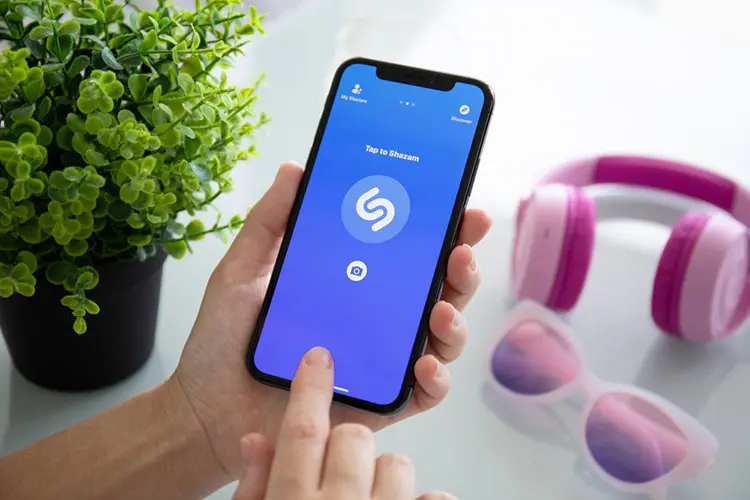

Shazam is unquestionably a popular app among music fans. It aids in identifying music based on a brief sample. If you’re at a store or a café and hear decent music, just use Shazam and you’ll be able to figure it out. However, Shazam is not the only app that has this capability, as there are great Shazam alternatives that will provide you with a distinct experience.
It is impossible to deny that Shazam has a number of flaws, including the display of incorrect music, a slow response time, and other difficulties. As a result, many users switch to alternative apps that provide a similar job. If you have the same plan but can’t determine which app to use instead of Shazam, consider the following suggestion.
Now let’s dive into the best Shazam alternatives for Android and ios-
1. Musixmatch
With over 50 million downloads, this is the most popular lyric finder on Google Play. As an editor’s pick, this app is backed by one of the world’s largest song lyric databases, allowing you to locate lyrics quickly. Musixmatch not only allows you to search lyrics, but it also allows you to learn a new language by translating lyrics.
 Also read7 Biggest Tech Fails

Because of the numerous capabilities it offers, many users consider this program to be one of the finest Shazam alternatives.
You may listen to your favorite music from YouTube, Spotify, SoundCloud, or other streaming services without missing a line. You may also search for your favorite song by artists, title, or even a line of lyrics.
2. SoundHound
SoundHound can help you find new songs in your area. This Shazam alternative can tell you what music is playing at home, at the store, or anyplace else.
All you need to do is launch the app and press the orange button. This software will answer your question in a matter of seconds. Save the songs and lyrics you find so you may listen to them later.

SoundHound not only helps you to discover new music, but it also allows you to listen to your favorite tunes for free. Play songs you’ve discovered and saved on YouTube, or link to your Spotify account to stream music directly from this app. In addition, you may discover new songs across genres and discover new favorites. It provides LiveLyrics, which allows you to watch real-time lyrics, as it comes to lyrics.
3. Genius
Genius, with over 5 million downloads, is another of the greatest Shazam alternatives for finding music around you. This program is backed up by a large database of song lyrics from many genres.
If you want to expand your musical expertise by listening to the latest music and new releases, this application is a terrific weapon to have on your smartphone.

Genius is more than just a lyric search engine. You may read annotations contributed by the Genius community in addition to browsing and downloading the most recent lyrics from your favorite artists. Simply tap the highlighted lines to see what enthralled fans have to say about the lyrics. Or, if you know something about the lyrics, share it with your community.
4. MusicId
MusicID identifies music that you have never heard before. This is a terrific alternative to Shazam because it allows you to not only find music but also make notes and do a variety of other things. The free software might be a handy tool, particularly for music fans who don’t want to miss out on the newest music news from various genres.
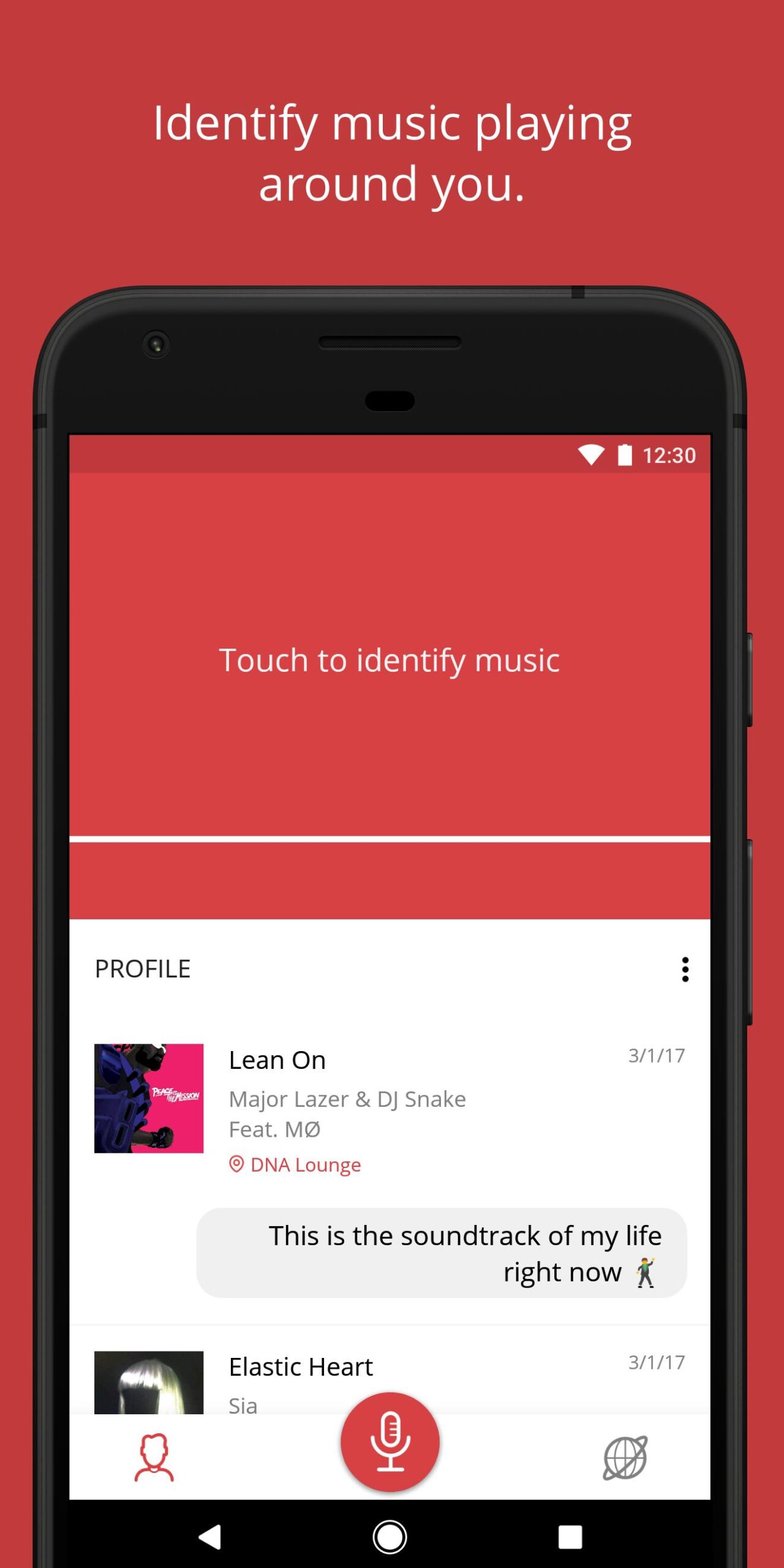
You will be able to detect music that is currently playing in your surroundings with this software. It also offers a broad range of appealing album art that you can share with friends on social networking networks. You may also add comments and places to MusicID so you know why you discovered the music or where you discovered it.
5. Beatfind Music Recognition
Beatfind Music Recognition might be one of the greatest Shazam alternatives for discovering music around you. This software is simple and straightforward to use, allowing you to locate the best tunes and performers.
It not only provides music identification, but it also has many additional features, such as album exploration and biography reading.
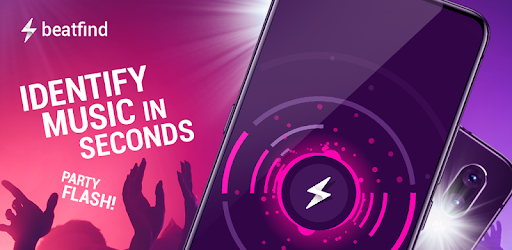
With this software, you may discover new tunes based on a little sample. Once you’ve found the proper song and artist, Beatfind allows you to listen to the album songs and learn more about the musicians.
If you wish to listen to the entire song, this app may be linked to Spotify, YouTube, or Deezer. And, if you believe you are the first to hear the music, remember to share it with your friends and family.
6. Soly
This is a music-finding tool that will help you locate songs and lyrics in a matter of seconds. This program, like Shazam, can detect a song from a brief sample and allow you to read the lyrics or play the complete song on your preferred streaming services.
Soly, in addition to music discovery, allows you to play music directly from the app.

This software makes it much easier to find the hottest songs. Simply press the start button to begin using this app and discovering new tunes.
Once you’ve found the lyric, download it and store it for later. You no longer have to be concerned about missing lyrics. If you need to find any songs you’ve downloaded, use the music history search to find all found tracks.
7. Music Detector
Music Detector should be on your radar if you’re seeking for a reliable music identification app. This music finder is dependable in identifying music around you in a matter of seconds.
This software allows you to find good tunes when in a department shop or at a live music event, as well as the singer’s identity and other information.
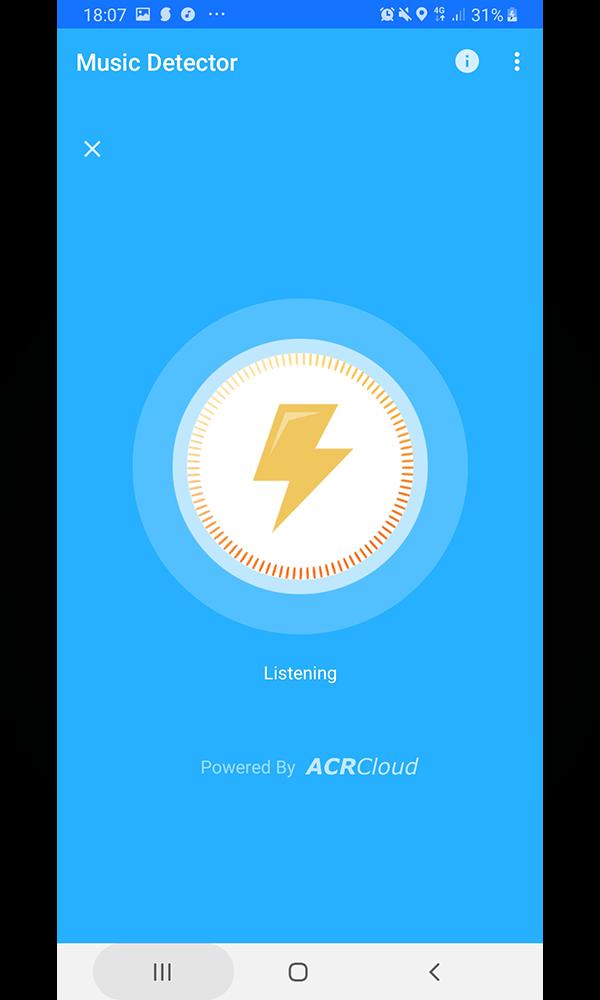
Music Detectors, like Shazam and other similar applications, recognize music from a brief sample. When you launch the app on your smartphone, it will listen to the music and display the song title, artists, and other information. Thanks to a large library of song lyrics, you may discover songs from a variety of genres.
8. Music Identification
With over 1 million downloads, this software offers a viable alternative to Shazam. Music Identification extracts song titles and artists from whatever sample you provide.
Gracenote, the world’s largest music recognition database, has provided support for the app. It’s no surprise that the program is capable of identifying music from a variety of genres.

How do I use this app? Run this app when it has been installed on your Android smartphone and press the Start button.
Allow the app to listen to the music, then wait a few seconds for the song you’re searching for to appear as a link. To view the site, click on the link. It not only displays the music title and artist, but it also displays cover art and song details.
Also Checkout: 7 Biggest Tech Fails








