
However, Bluestack’s popularity has waned in recent months, and it is gradually losing market share. It’s still a hugely popular app and the number one app on Google Play, but it’s concerning to see it slipping behind the top free applications and even some premium apps like Play Store. In this article, we will cover the best BlueStacks alternatives for you to try.
Bluestacks is a desktop programme that lets you run Android apps on your PC. Bluestacks, however, is not the only game in town. There are several Bluestacks options. Bluestacks has a vast user base, however, people are growing frustrated with the app’s basic functions. Here are a few options to consider if you’re seeking Android emulators with a lot of features that are also easy to use.
A list of the 10 best BlueStacks Alternatives is given below:
1. Andrew
Andy, an Android emulator, is the best Bluestacks replacement. This programme is great for individuals who are fed up with limited storage space and screen size. Because of its simplicity, this programme gives a pleasant experience. Andy is gaining popularity owing to its complex features.
 Also readHow Has eCommerce Changed How We Do Business?

Because of the collaboration of various creators, you may utilise programmes such as Whatsapp while playing games. Furthermore, this Android emulator allows users to use their smartphone as a controller for games. In other words, the software can bridge the gap between computers and cell phones.
Andy may be used to run Android apps on either a Windows or a Mac computer. One of the best aspects of this programme is that it is much lighter than Bluestacks. Originally designed for gaming, users now use the programme for a number of purposes.
2. GenyMotion
Genymotion is the most recent and powerful Bluestacks alternative, allowing you to run your favourite Android apps on your PC. What we enjoy best about this programme is that it is free for everyone to use. You’ll get access to a powerful set of functions using Genymotion.

All developers may easily utilise this Android emulator to test their beta applications. Among other advanced features, the programme supports OpenGL and hardware acceleration. Users may also test out different versions of the programme to determine whether they are compatible.
Genymotion allows users to modify RAM and internal storage for their devices. The application also demands 2 GB of RAM and at least 8 GB of hard disc space.
3. Android X-86
Android x-86 is the second thing on our list, and it offers an alternative way to run Android applications on your computer.
If you want a solid application that is both lightweight and simple to use, this is the solution for you. Many people have converted from Bluestacks to Android x-86 due to its superior capabilities.
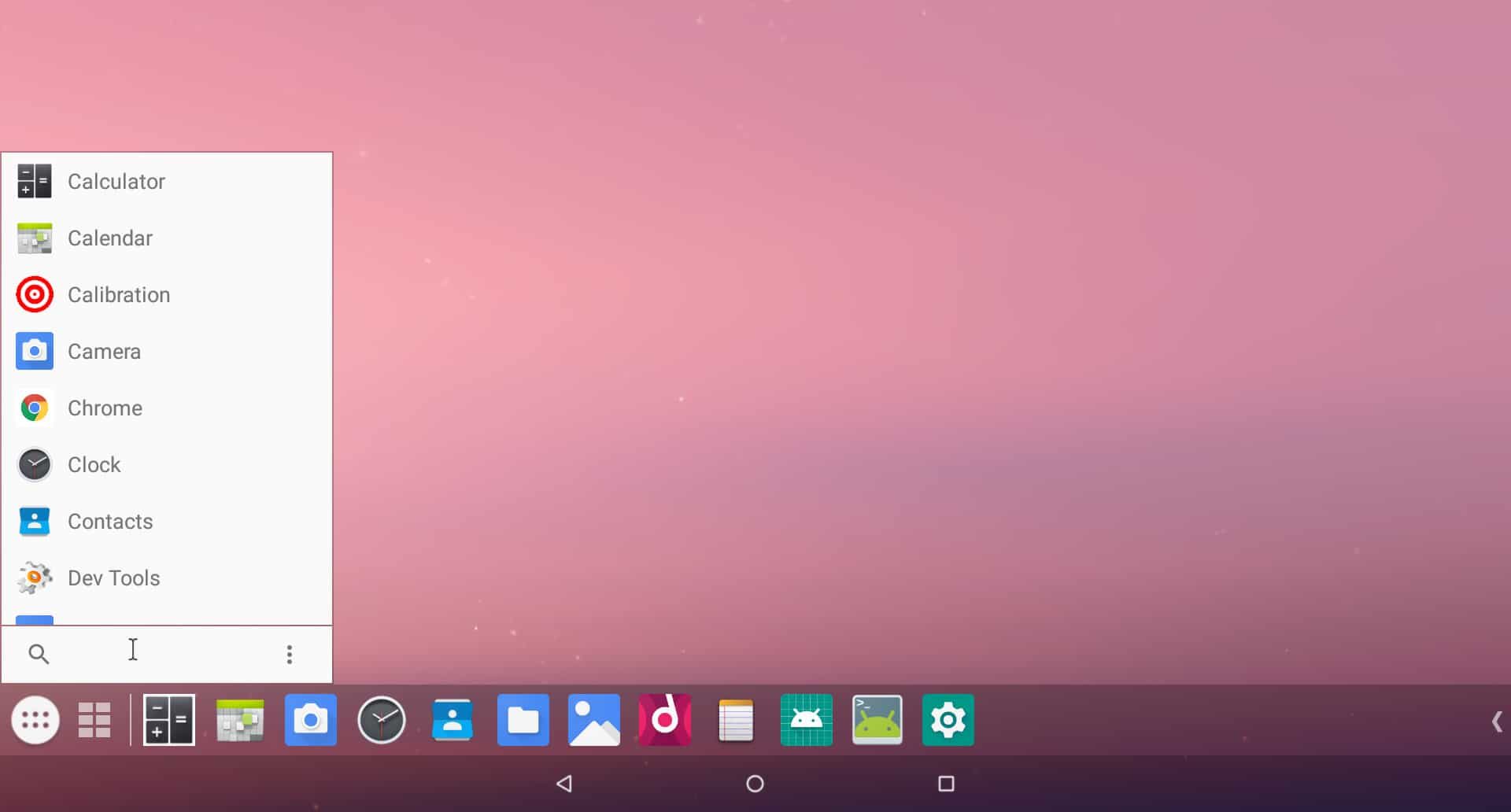
Simply download and install the most recent version of this programme. It also allows users to test the operating system using a LiveCD. You can create a virtual Android machine on a Windows PC for free using freeware. Android x-86 provides customers with a host of extra features that increase the overall quality of the app.
4. Nox
Nox is an excellent Android emulator and a viable alternative to Bluestacks. It’s gaining a significant fan base for all the right reasons. If you’re a dedicated gamer looking for some unique features, this is the place to be. Nox provides everything a consumer requires, from availability to ease of use to a terrific user experience.
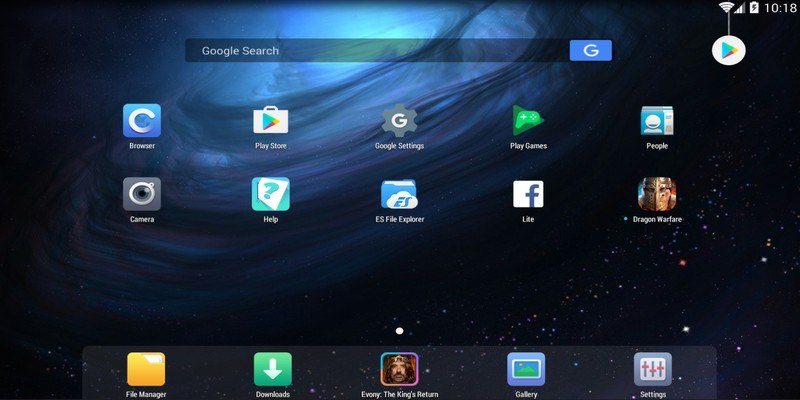
Because the programme includes Google Play, you may easily download any APK file you want. Users may also capture their screen and share or replay it at any time. Furthermore, the app has advanced features that may be baffling to folks who are new to such apps. If you use the app frequently, you’ll quickly get the hang of it.
5. KoPlayer
KoPlayer, the next best Bluestacks alternative, is gradually gaining popularity. Despite its youth in comparison to others, this programme has swiftly established itself in the Android emulator unit. KoPlayer was designed specifically for gaming.
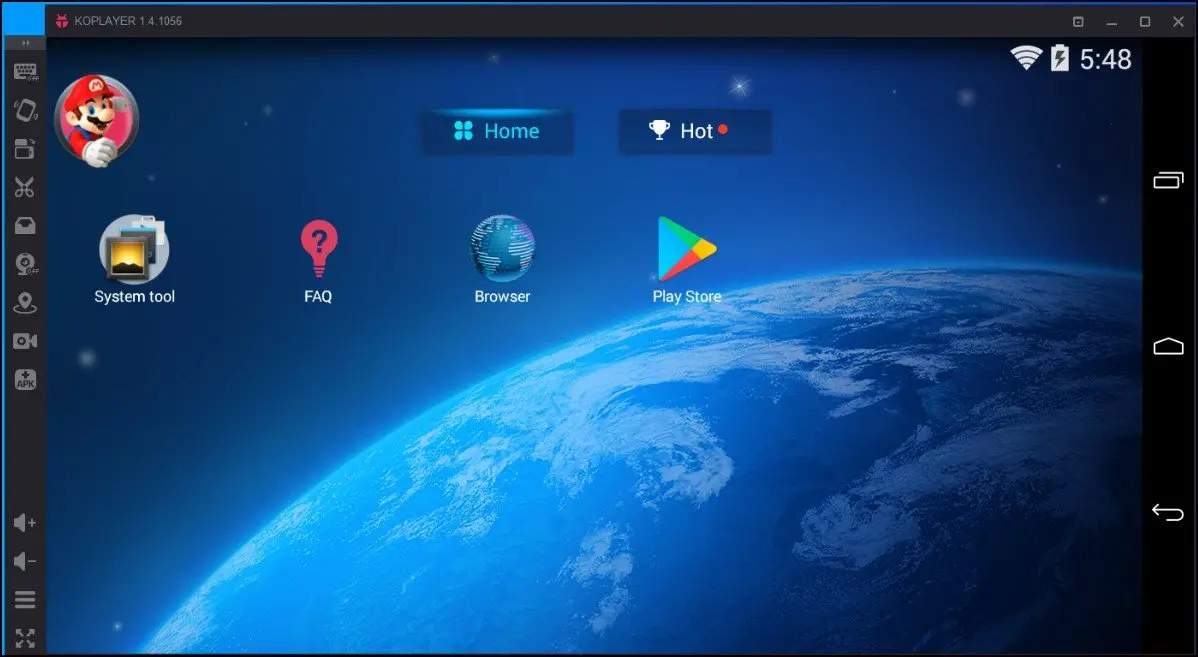
Enjoy a smooth experience when playing your favourite PC games. The best benefit of this software is that it allows you to run millions of Android apps for free. You may also use the key mapping option to use your keyboard as a controller. Gamers may record their displays at any moment and play or share them. It only takes a few minutes to install this programme on your computer or laptop.
6. YouWave
YouWave is yet another amazing Bluestacks substitute. This free programme works great on both PCs and laptops. At this time, it’s reasonable to believe that YouWave offers significantly more capability than Bluestacks.
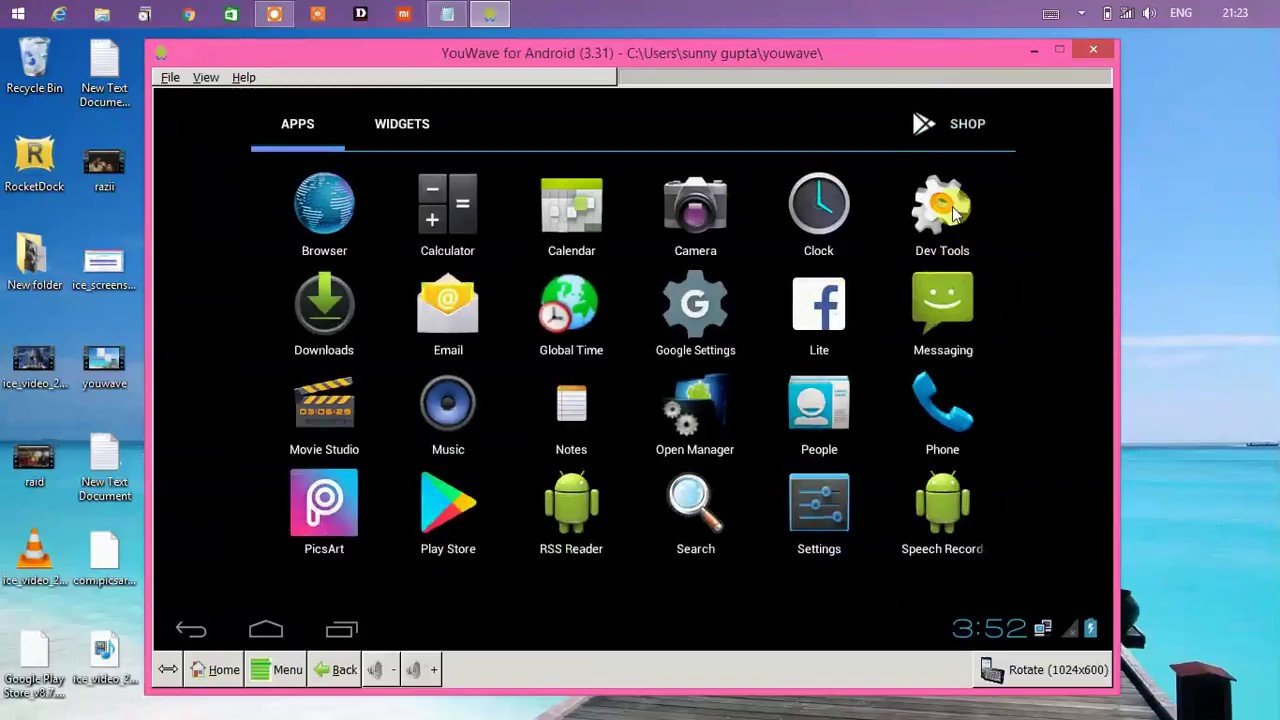
This Android emulator meets all of the requirements, from being lightweight to having an easy-to-use UI. For the time being, though, the programme is only available to Windows users. Because it supports the most recent Android versions, you may use it on your PC.
If you enjoy playing video games, you’ll be glad to know that this programme supports online multiplayer gaming. In addition, YouWave has an app store where you may download as many apps as you like.
7. MEmu
MEmu is a popular Android emulator that is also one of the fastest. This software is compatible with every Android game ever released.
Because it offers everything from arcade games to casino games, this programme is a must-have for all gaming fans. Because the interface is simple and straightforward, it nearly mimics a smartphone screen, allowing users to use it with ease.
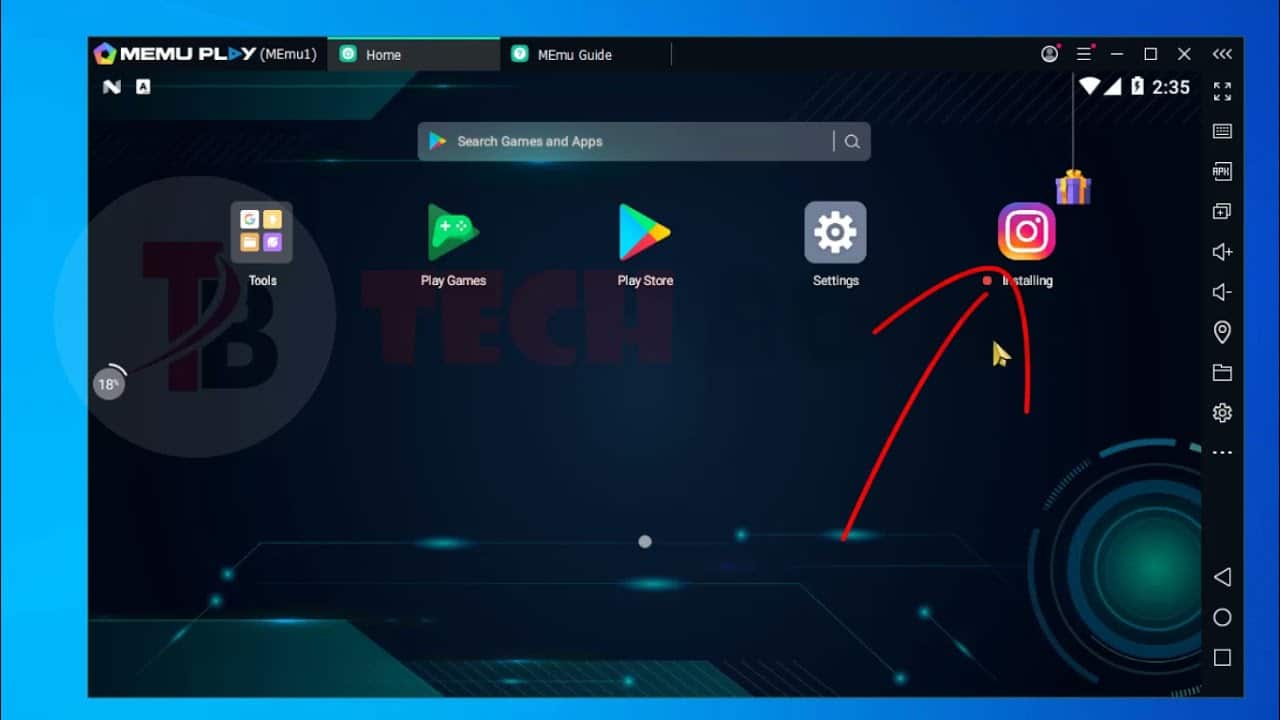
Everything may be changed, from the resolution to the quality to the placement of the screen. Installing the app is simple because it works with all current Android versions. You may use the free version if you only want to play around with the application. Upgrade to the premium edition if you require a broad set of business features.
8. Windroy
Windroy is a simple tool, but it’s adequate for cloning Android’s atmosphere onto a Windows PC, and it’s really straightforward and smooth to use. Windroy makes it simple to install and launch applications, allowing you to use it to run your favourite apps and games with no effort. Windroy is unique in that it operates as part of the operating system rather than as an emulator.

Windroy’s disadvantage is that it does not have access to Google Play, thus you must update apps via the APK format. Other capabilities include support for all screen sizes (including 19201080), keyboard functionality, mouse usage, network devices, and Flash and Windows Media Player compatibility.
9. Android Studio Emulator
The Android Studio Emulator is a useful tool for Android development. It can, however, be a valuable tool as an alternative to Bluestacks. Because it is a well-known company product, utilising Android Studio can certainly aid you in playing Android games and running applications without problems.

The majority of developers utilise this Android emulator to test their applications before publishing them on a device or phone. It provides access to all actual hardware and software and does not require any changes to the Android smartphone to evaluate it on real hardware. If you have a developer system, this programme will surely be the greatest Bluestacks replacement.
10. AltStore
If you utilise AltStore, Apple will presume that the programmes you installed were written by the owner. As a result, cracking down on these applications will be extremely tough because they may endanger the lawful creation of new apps.

CONCLUSION
These were some of the best Bluestacks alternatives. Test out these Android emulators to see which one is best for you. These emulators may be used for a wide range of purposes, including gaming, education, and business. Install all of the Android applications on your desktop and laptop computers.
Get access to fantastic features that will make your experience unforgettable. Android consists of three major mobile operating systems: Android, Google Play, and the system. While Android is the most popular, Google Play is the most widely used mobile software. Learn more about nox player alternatives and share your thoughts.
Also Checkout: How Has eCommerce Changed How We Do Business?