


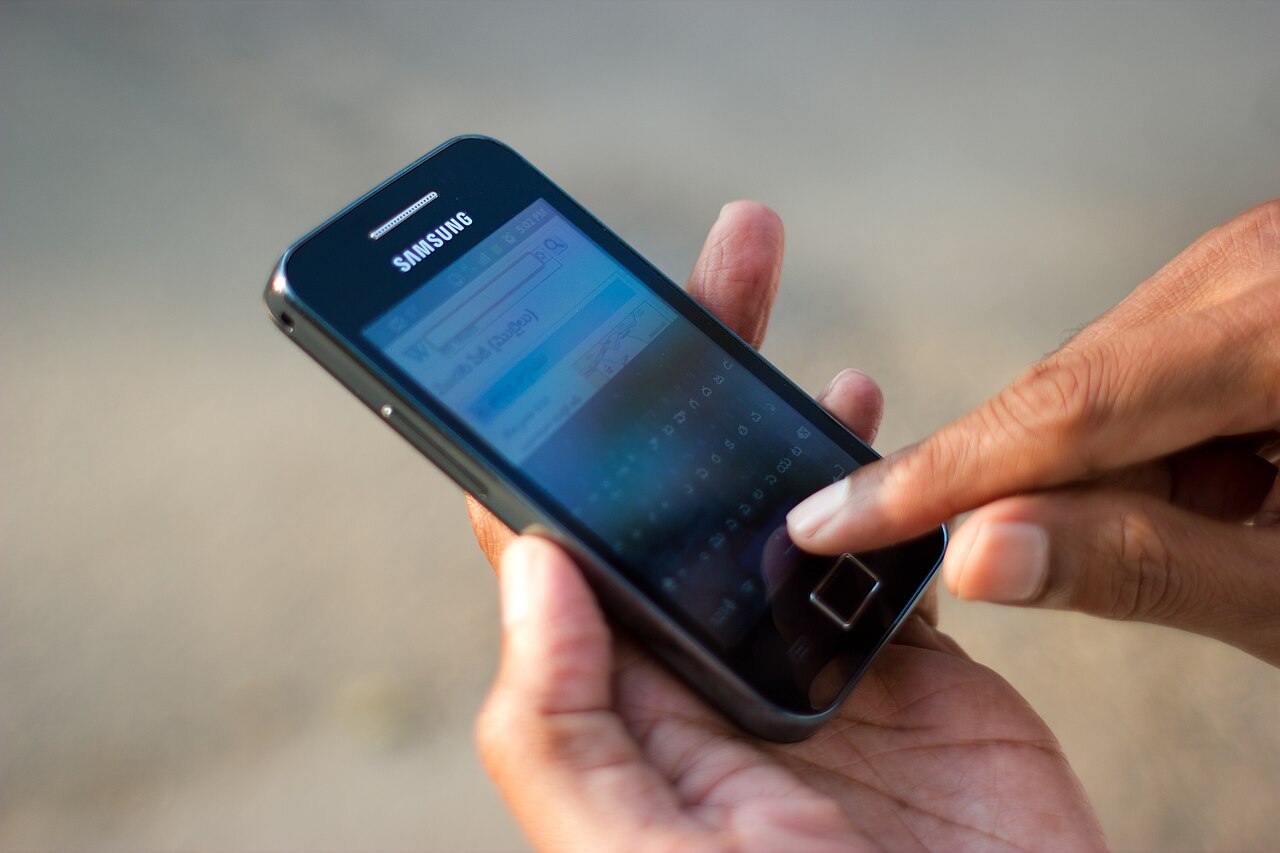

DigiLocker is a free digital document wallet run by the Ministry of Electronics and Information Technology (MeitY). It lets you fetch official copies of documents such as PAN, driving licence, vehicle RC, Class 10 and 12 marksheets and insurance policies directly from the issuing body. These issued copies are legally treated as equal to the physical originals.
With more than 72 crore registered users, according to a reply by IT Minister Ashwini Vaishnaw in the Rajya Sabha in August 2026, it is one of India’s most used digital public services. This guide explains how to set it up, which documents are valid and how to use it safely.
- What DigiLocker is and how it works
- Are DigiLocker documents legally valid
- Issued documents versus uploaded documents
- How to sign up for DigiLocker
- How to fetch your documents
- Common uses in daily life
- How to share a document from DigiLocker
- What to do if you lose your phone
- Tips to use DigiLocker safely
- Frequently asked questions
What DigiLocker is and how it works
DigiLocker started under the Digital India programme in 2015. Instead of storing photos or scans, it connects to government departments, education boards, insurers and other organisations, called issuers. When you request a document, the issuer sends a digitally signed copy straight to your account.
 Also readHow to Block a Lost or Stolen Phone on Sanchar Saathi (CEIR)
Because the document comes from the source, anyone verifying it can trust that it has not been edited. As of 31 July 2026, the government said 5,437 types of documents and services were available on the platform, from both Central and State governments.
Are DigiLocker documents legally valid
Yes, for issued documents. Rule 9A of the Information Technology (Preservation and Retention of Information by Intermediaries Providing Digital Locker Facilities) Rules, 2016 says documents issued through DigiLocker are deemed to be at par with original physical documents.
In 2018, the Ministry of Road Transport and Highways told states that a driving licence and registration certificate shown through DigiLocker or the mParivahan app must be accepted as valid under the Motor Vehicles Act. A photo of your licence saved in your phone gallery, however, is not accepted.
Issued documents versus uploaded documents
| Feature | Issued documents | Uploaded documents |
|---|---|---|
| Source | Sent directly by the issuing body | Scanned or photographed by you |
| Digital signature | Yes | No |
| Legal standing | At par with the original | Storage only |
| Examples | PAN, DL, RC, CBSE marksheet | Rent agreement, old certificates |
How to sign up for DigiLocker
- Download the DigiLocker app from Google Play or the App Store, or visit digilocker.gov.in. Make sure it is the official app published by the government.
- Tap Sign Up and enter your name, date of birth, gender and mobile number as per Aadhaar.
- Verify the OTP sent to your mobile.
- Set a six digit security PIN. You will use it to log in.
- Link your Aadhaar by entering the Aadhaar number and the OTP sent to your Aadhaar-linked mobile. This is needed to fetch most documents, since issuers match records using Aadhaar details.
How to fetch your documents
- Open the app and go to the search or “Issued Documents” section.
- Search for the issuer. For PAN, choose the Income Tax Department. For a driving licence or RC, choose the Ministry of Road Transport and Highways. For school marksheets, choose your board, such as CBSE.
- Enter the details asked for, such as licence number, vehicle registration number or roll number and year.
- Tap Get Document. The document is added to your Issued Documents list.
If a document does not appear, check that your name and date of birth match exactly across Aadhaar and the issuer’s records. Spelling differences are the most common reason fetch requests fail.
Common uses in daily life
- Traffic checks: Show your driving licence and RC from the app instead of carrying paper copies.
- Admissions and jobs: Many universities and employers accept marksheets and certificates fetched from DigiLocker. Students can read more in our education section.
- Bank and insurance KYC: Several banks, brokers and insurers accept DigiLocker documents for KYC, which saves time on paperwork.
- Air travel: The DigiYatra app for paperless airport entry can take your Aadhaar details from DigiLocker during setup.
How to share a document from DigiLocker
Many organisations now request documents directly from your DigiLocker account. When a bank, college or employer sends such a request, you log in, review which documents are being asked for, and give consent. The organisation receives a verified copy without you uploading anything.
You can also share a document yourself from the app. Open the document, tap the share option and choose how you want to send it. Shared links can be set to expire, which limits how long others can see your file.
What to do if you lose your phone
Your documents are stored in your account, not on the phone, so they are not lost with the device. Log in from a new phone or the website using your mobile number, OTP and security PIN.
If your SIM is lost as well, get a duplicate SIM from your operator first, since logins depend on the OTP. Our guide on blocking a lost phone through Sanchar Saathi in the technology section explains the next steps.
Tips to use DigiLocker safely
- Download the app only from official app stores and check the publisher.
- Never share your security PIN or OTP with anyone, including callers who say they are from DigiLocker.
- When sharing a document, use the share option inside the app and set the shortest validity possible.
- Check the activity log in your account from time to time to see who accessed your documents.
- Keep the mobile number linked to Aadhaar active, since DigiLocker logins depend on it.
For more explainers on government apps and digital services, visit our lifestyle section as well.
Frequently asked questions
Is DigiLocker free to use?
Yes. Signing up, fetching issued documents and storing them in DigiLocker is free for citizens.
Can traffic police reject my DigiLocker driving licence?
The Road Transport Ministry has said documents shown through DigiLocker or mParivahan are valid. A scan or photo in your gallery does not have the same standing.
Do I need Aadhaar to use DigiLocker?
You can create an account with a mobile number, but linking Aadhaar is needed to fetch most issued documents, as issuers verify your identity through it.
What if my document is not available in DigiLocker?
Not every issuer is connected yet. You can upload a scan for your own reference, but carry the original where official proof is required.
Sources: DigiLocker, MeitY; Free Press Journal, August 2026; India TV, on the MoRTH advisory.








