




To block a lost or stolen phone in India, first file a police complaint, then open the Sanchar Saathi portal or app run by the Department of Telecommunications and choose the option to block a lost or stolen handset. Enter the IMEI number, complaint details and ID proof, verify with an OTP, and save the request ID you receive.
Once the request is processed, the handset is blocked on all telecom networks in India. It cannot be used for calls, SMS or mobile data, even with a new SIM card. This guide explains each step, what to keep ready and how to unblock the phone if you get it back.
What is Sanchar Saathi and CEIR
Sanchar Saathi is a citizen portal launched by the Department of Telecommunications (DoT) in May 2023. One of its main services is the Central Equipment Identity Register, or CEIR, a national database of IMEI numbers that telecom operators use to block or allow handsets on their networks.
 Also readDigital Arrest Scam: How It Works and How to Stay Safe
The same platform also lets you check how many mobile connections are registered in your name, verify whether a handset is genuine and report suspected fraud calls through a facility called Chakshu. There is an official Sanchar Saathi app for Android and iPhone as well, so you can file the request from a family member’s phone if yours is gone.
Why blocking matters
A missing phone is more than the cost of the handset. It usually carries UPI apps, banking apps, email, photos and saved passwords. Blocking the IMEI makes the device useless on Indian networks, which reduces its resale value for thieves and helps police track it if someone inserts a new SIM.
The numbers show the system is being used widely. The Sanchar Saathi website lists over 59 lakh handsets blocked and nearly 37 lakh traced. According to a report on All India Radio’s News on AIR in October 2026, more than 14 lakh lost and stolen handsets have been recovered through the initiative.
What you need before you start
- IMEI number: A 15 digit number printed on the phone box and the purchase bill. Dual SIM phones have two IMEI numbers. If you still have the phone, dialling *#06# shows it.
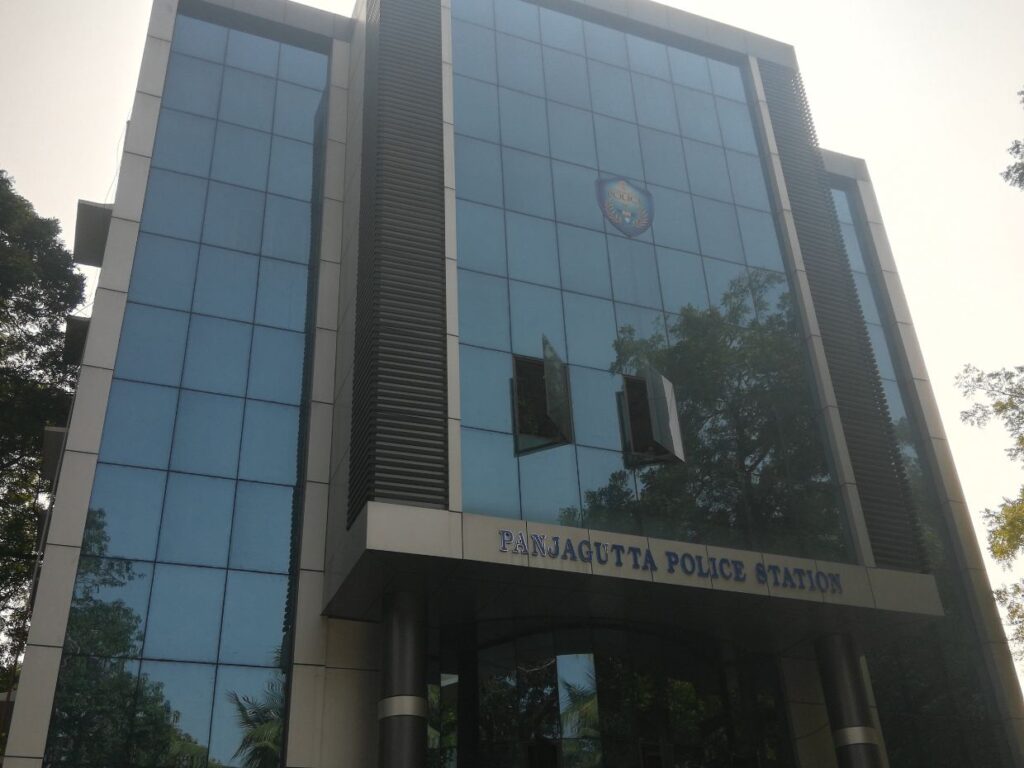
- Police complaint: The complaint or FIR number, the police station name and a copy of the complaint. Many state police websites allow you to file a lost article report online.
- ID proof: Aadhaar, PAN, voter ID, passport or another government ID.
- A working mobile number for OTP: The DoT user manual for CEIR advises getting a replacement SIM for your lost number from your operator first, since the OTP is sent to it. You may also use another number you have access to.
- Purchase invoice: Helpful, though the official manual lists it as optional.
How to block a lost phone on Sanchar Saathi: step by step
- Visit sancharsaathi.gov.in or open the Sanchar Saathi app.
- Under citizen services, select the option to block your lost or stolen mobile handset.
- Enter the mobile numbers that were in the phone, the IMEI numbers, the brand and model, and upload the invoice if you have it.
- Fill in where and when the phone was lost: state, district, police station, complaint number, and upload the complaint copy.
- Add the owner’s name, address and ID proof details.
- Enter the mobile number for OTP, type the captcha, verify the OTP and submit.
- Note down the request ID shown on screen. The CEIR manual describes it as an 18 digit ID that you will need later.
After submission, the request is forwarded to all telecom service providers, which block the IMEI on their networks. You can check progress using the “check request status” option and your request ID. If you forget the ID, there is a “forgot request ID” option that lists your requests after OTP verification on the number used during blocking.
What happens after the phone is blocked
The blocked phone cannot make or receive calls or use mobile data on any Indian network. If someone puts a new SIM in it, the CEIR system records the details of that user and shares them with the police for tracing, as per the DoT manual.
Some handsets in the market carry cloned IMEI numbers. To avoid disconnecting innocent users, CEIR keeps numbers already using that IMEI on an exception list, so their service continues while the stolen device is flagged.
How to unblock the phone once you find it
- Go back to the same service on Sanchar Saathi and select the option to unblock a found mobile.
- Enter your request ID, the mobile number for OTP and the reason for unblocking.
- Verify the OTP and confirm the unblock request.
- Check the status. Once processed, operators remove the block and the phone works normally again.
If the phone was recovered by police, they may also guide you through this. Remember to change your passwords and check your bank and UPI apps even after getting the device back.
Quick facts
| Item | Details |
|---|---|
| Run by | Department of Telecommunications, Government of India |
| Where to apply | sancharsaathi.gov.in or the Sanchar Saathi app |
| Key documents | IMEI, police complaint copy, ID proof |
| Cost | Free |
| Proof of request | Request ID for status and unblocking |
Other steps to take right away
- Ask your telecom operator to block the SIM and issue a duplicate SIM on the same number.
- Call your bank to freeze net banking and cards linked to the phone, and use the bank’s app or helpline to block UPI.
- Use Google’s Find My Device or Apple’s Find My to lock or erase the phone remotely, if you had it turned on.
- Change the passwords of your email and social media accounts from another device.
- If money is taken from your account, call the national cyber crime helpline 1930 immediately.
For more guides on staying safe online, see our technology section, and read about protecting your savings in our finance section.
Frequently asked questions
Can I block my phone without a police complaint?
No. The CEIR form asks for the police complaint number and a copy of the complaint. It is a required part of the request.
Is there any fee to block a phone on Sanchar Saathi?
No. Blocking, tracing requests and unblocking on Sanchar Saathi are free services of the Department of Telecommunications.
Will blocking the IMEI also block my SIM card?
No. Blocking the IMEI stops the handset. Your SIM has to be blocked separately by your telecom operator, which can also give you a duplicate SIM on the same number.
Can I check if a second-hand phone is blocked or stolen?
Yes. The “know genuineness of your mobile handset” service on Sanchar Saathi lets you check an IMEI before buying a used phone.
Sources: Sanchar Saathi portal, DoT; CEIR user manual, DoT; News on AIR, October 2026.








