

• About   |
  • Submit Guest Post |
  • Contact Us
No Result
View All Result
The Second Angle (TSA Magazine)
Advertise
  • Infotainment
    • Sports
    • People
    • Inspiring
  • Entertainment
    • Lifestyle
    • Home & Decoration
  • Buzz
  • Education
  • Travel
  • Finance
  • Healthcare
  • Technology
The Second Angle
No Result
View All Result
  • Infotainment
  • Entertainment
  • Buzz
  • Education
  • Travel
  • Finance
  • Healthcare
  • Technology
Advertisement
ADVERTISEMENT
Home Technology

Deepin OS Becomes The First Linux Distro To Offer Face Unlock

When Deepin first appeared on the scene, it blew everyone away with its stunning interface. Now, it has become the first Linus Distro to Offer Face Unlock.

by TSA Desk
December 20, 2022
in Technology
Reading Time: 3 mins read
Deepin OS Becomes The First Linux Distro To Offer Face Unlock

Its Foss News

Share on FacebookShare on WhatsApp
Advertisement Advertisement Advertisement
ADVERTISEMENT

As time passed and developers gained experience, their focus shifted to include design and features similar to those found in other commercial desktop OS offerings, such as Windows and macOS. Deepin was the first distribution to include Android app support, cloud sync, and other features.

Linux distributions have a wide range of desktop environments to choose from. Deepin appears mainstream, which may appeal to a younger audience. With the same goal in mind, Deepin developers in China have released version 20.5, the main highlight of which is facial recognition.

Table of Contents
  • What is Deepin?
  • Deepin OS becomes the first Linus Distro to Offer Face Unlock
  • New Features in Deepin 20.5
  • Face Unlock coming to Linux
  • Easy User Feedback Collection in App Store
  • Enhanced Mail App
  • Pinned Screenshots
  • Other Major Changes

What is Deepin?

Deepin is a Debian “stable” branch-based Linux distribution. It includes the Deepin Desktop Environment, which is based on Qt and is available for a variety of operating systems. The user base is primarily Chinese, but it is available in the repositories of most major Linux distributions as an alternative desktop environment.
Deepin OS becomes the first Linus Distro to Offer Face Unlock

New Features in Deepin 20.5

Based on user feedback, the new version added some new features. The stable kernel version has been upgraded to 5.15.24, which includes some bug fixes to improve security.

RelatedPosts

7 Conspiracy Theories That You Would Definitely Want To Believe In

Can You Download Videos From Facebook?

7 Most Futuristic Concept Cars in the World

7 Most Futuristic Concept Cars in the World

Let’s see what are the other features in the new release:

Face Unlock coming to Linux

We already know that such things exist on the horizon. After all, I wrote a comprehensive guide on how to add face unlock functionality to Linux distributions using programs such as Howdy. However, these items were more of a do-it-yourself kind of thing, extras for experienced and curious users.
Deepin OS Becomes the First Linux Distro to Offer Face Unlock
Image Source: news.its foss

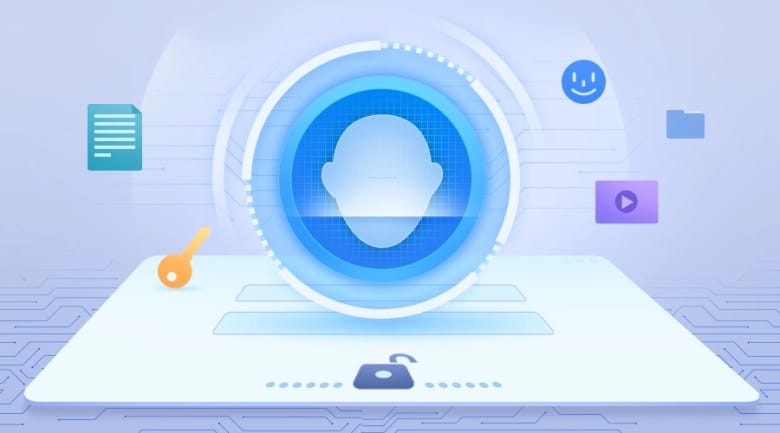
Deepin now provides face-based biometric authentication. It should be compatible with laptops that have a built-in webcam. After you’ve registered your face in Control Center, you’ll be able to use your Face ID to log in to the system the next time.

Easy User Feedback Collection in App Store

You can now easily provide feedback on an app directly from the App Store. That is not the case. When you have app installation or update issues, you can submit them directly to the app’s official support and get solutions (if the developer provides them).

Enhanced Mail App

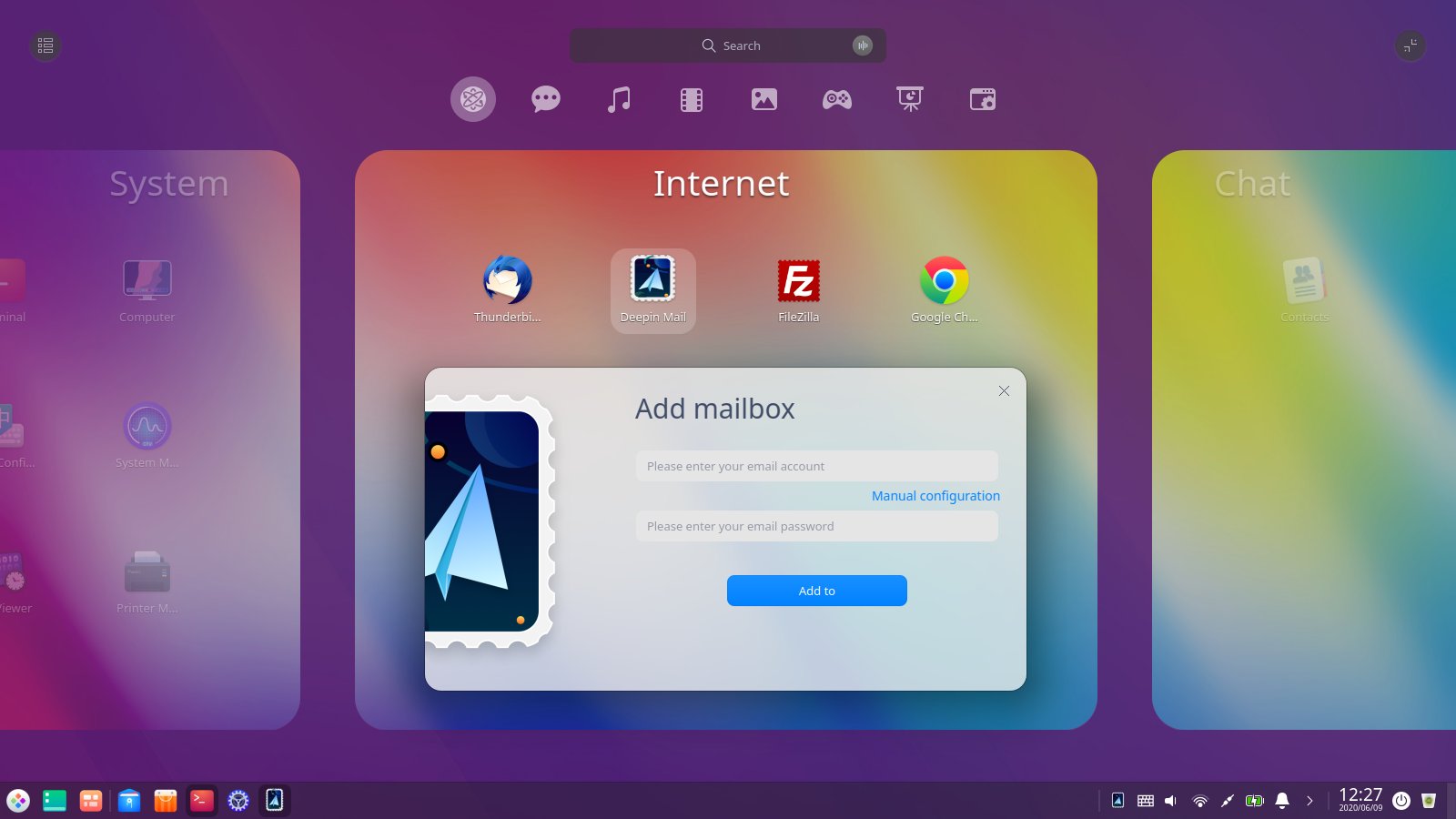
Custom folder management is now available in the Deepin Mail apps. It can also receive emails automatically after reconnecting to the network. The popular vue+tinymce framework and plugins have been used in place of the framework and plugins.
Deepin OS Becomes the First Linux Distro to Offer Face Unlock
Image Source: Twitter

You can now directly hump to new emails by clicking system notifications. To improve productivity, keep common and aggregated emails at the top of your inbox. Email attachments can be viewed as well.

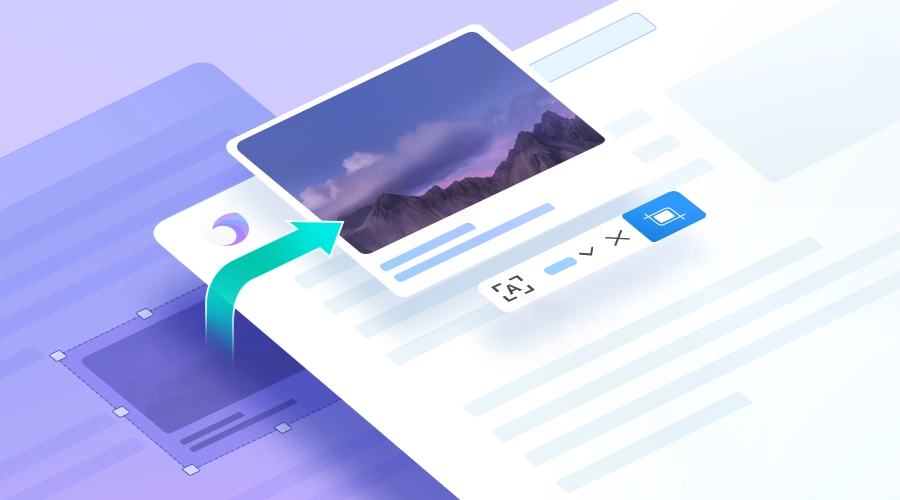
Pinned Screenshots

The built-in screenshot tools now allow you to pin screenshots. As a result, the screenshot remains on top of other application windows. This allows you to use other apps at the same time, increasing your efficiency. And, yes, the position of the pinned screenshot can be changed.

Other Major Changes

Other changes in the new Deepin 20.5 release include:

  • The stable kernel has been updated to 5.15.24.
  • A single wired network adapter can have multiple IP addresses assigned to it.
  • The interaction between password authentication and wireless networks has been optimized.
  • File types and extensions can now be used as keywords in system searches.
  • You can disable or enable devices using the Device Manager.
  • The performance of the document viewer when viewing DOCX files has been improved.

Other minor additions and improvements can be found here and there. Hope you this blog was helpful to you. Let us know your thoughts about these new features in the comment section below. Keep Reading at Techidroid for much such content. 

Also Checkout: 8 Helpful Ways How to Run Your Business From Your Smartphone
ShareSendTweet
Previous Post

10 Best Animes On Netflix To Watch Right Now

Next Post

Pakistan’s special forces storm counter-terrorism centre, kill all Taliban hostage-takers

Related Posts

7 Conspiracy Theories That You Would Definitely Want To Believe In
Technology

Can You Download Videos From Facebook?

500 million people view millions of videos on Facebook every day. Some Facebook users wish to save their favorite videos...

Read moreDetails
7 Most Futuristic Concept Cars in the World
Technology

7 Most Futuristic Concept Cars in the World

Concept cars are no longer only a showpiece to draw attention to an automotive company. This is true technological brilliance....

Read moreDetails
What Makes GPT-4 Unique From ChatGPT And How Is It Different?
Technology

What Makes GPT-4 Unique From ChatGPT And How Is It Different?

With inception of new versions and other competitive AI chatbots, there arises a question — What makes GPT-4 Unique From...

Read moreDetails
20 Most Amazing And Genius Product Packaging Designs Ever Created
Technology

20 Most Amazing And Genius Product Packaging Designs Ever Created

The majority of our items are packaged in some style. Certain products don't require as much packing because customers will...

Read moreDetails
7 Most Expensive Cars In The World
Listicles

7 Most Expensive Cars In The World

Cars have been defined as a symbol of both luxury and status. While most of us are using our cars...

Read moreDetails
Top Examples Of Interactive Marketing & How Brands Can Make The Most Of It
Business

Top Examples Of Interactive Marketing & How Brands Can Make The Most Of It

In today's fast-paced digital age, companies must continually find new ways to engage with consumers. One increasingly popular approach is...

Read moreDetails
Load More
Next Post
Pakistan’s special forces storm counter-terrorism centre, kill all Taliban hostage-takers

Pakistan’s special forces storm counter-terrorism centre, kill all Taliban hostage-takers

Important Links

  • About
  • Guest Post
  • Privacy Policy
  • Terms
  • Contact Us
  • Newsletter

© 2017-23. The Second Angle. All Rights Reserved. Developed and Managed by SquareBase.io

Welcome Back!

Login to your account below

Forgotten Password?

Retrieve your password

Please enter your username or email address to reset your password.

Log In
No Result
View All Result
  • Infotainment
    • Sports
    • People
    • Inspiring
  • Entertainment
    • Lifestyle
    • Home & Decoration
  • Buzz
  • Education
  • Travel
  • Finance
  • Healthcare
  • Technology

© 2017-23. The Second Angle. All Rights Reserved. Developed and Managed by SquareBase.io

This website uses cookies. By continuing to use this website you are giving consent to cookies being used. Visit our Privacy and Cookie Policy.