



What is Advanced Uninstall Manager app?
As the name says, the Advanced Uninstall Manager app is a program remover. Developed by Systweak Software, this uninstaller utility not only assists in the removal of unwanted apps but also speeds up starting time. Simply drag and drop the undesired application onto Advanced Uninstall Manager to altogether remove it. Additionally, you may click the scan button to get a list of programs installed on your System.
When a program is installed, it is accompanied by many matching files; these files take up space on the hard disc. Manually deleting them when uninstalling a program is not simple. As a result, we require an exceptional application that accomplishes all of this.
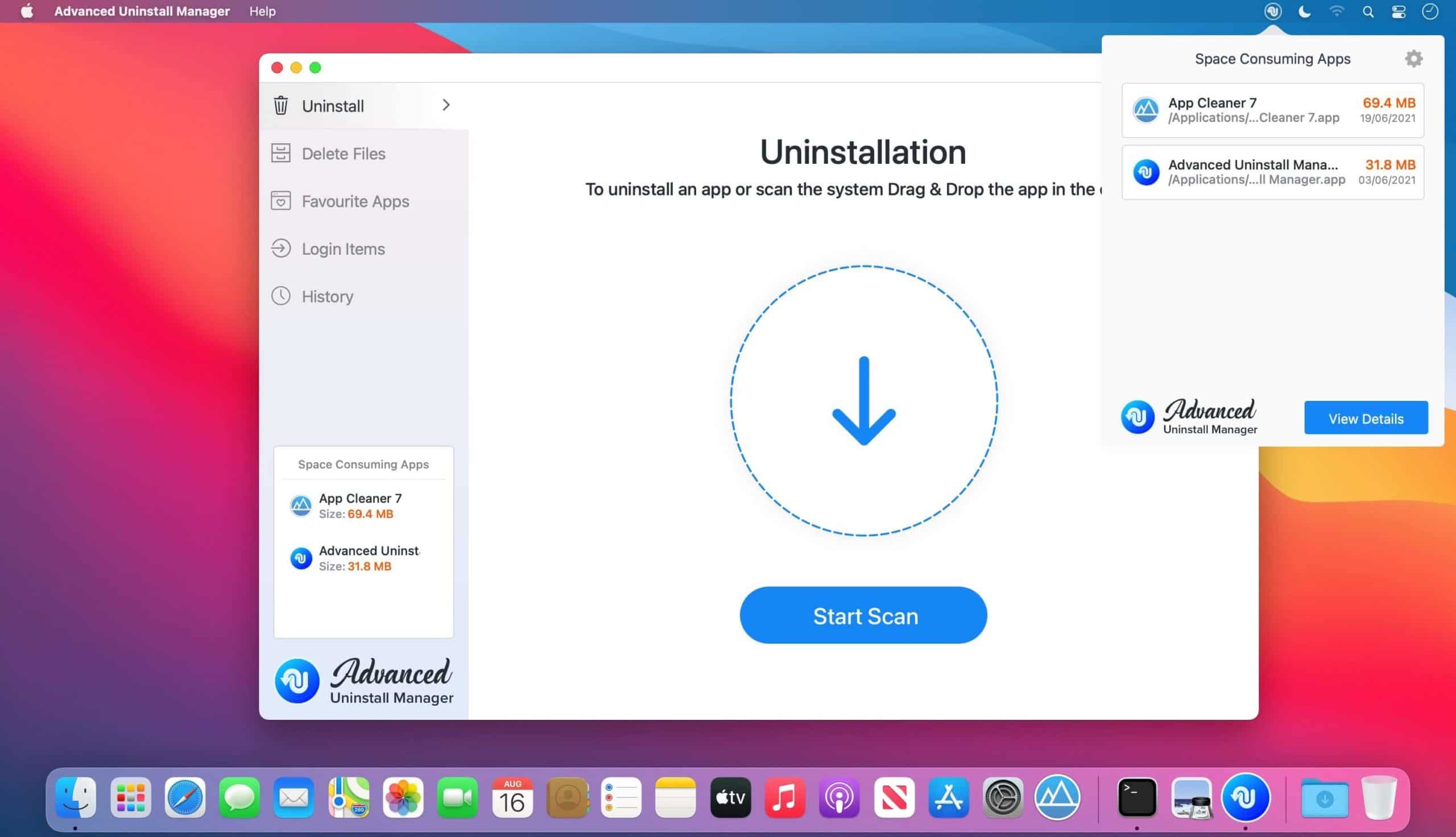
You do not need to worry about these small files if you have Advanced Uninstall Manager installed on your System. This sophisticated tool uninstalls selected applications completely and assists in recovering vital space that may be utilized to store other critical data.
Additionally, it assists in disabling unnecessary login elements that slow down the System’s performance and increase boot time.
Main Highlights
- Deletes all linked files completely, leaving no traces.
- Contributes to the reclamation of storage space.
- Accelerates the startup process.

Features of Advanced Uninstall Manager
- Uninstall – Advanced Uninstall Manager simplifies the process of removing applications. Simply drag and drop the software you desire to uninstall, and the application will automatically scan for and remove any associated files from your Mac.
- Login Items – Are you unsure what may be holding down the System’s bootup process? Not to worry; Advanced Uninstall Manager examines the system for all starting programs and login items and allows the user to disable undesirable ones. This contributes to a faster boot time.

Medium - Favorite Applications – Add an application to a favorite list to prevent it from being scanned and removed from your System.
- History — Using the review history feature, you may obtain information about all apps that have been removed and prevent yourself from installing unwanted applications.
- Bright Notice – When you attempt to install an app from your Favorite Apps list, you will receive a notification. This avoids unintended uninstallation of any critical software.

Why choose the Advanced Uninstall Manager?
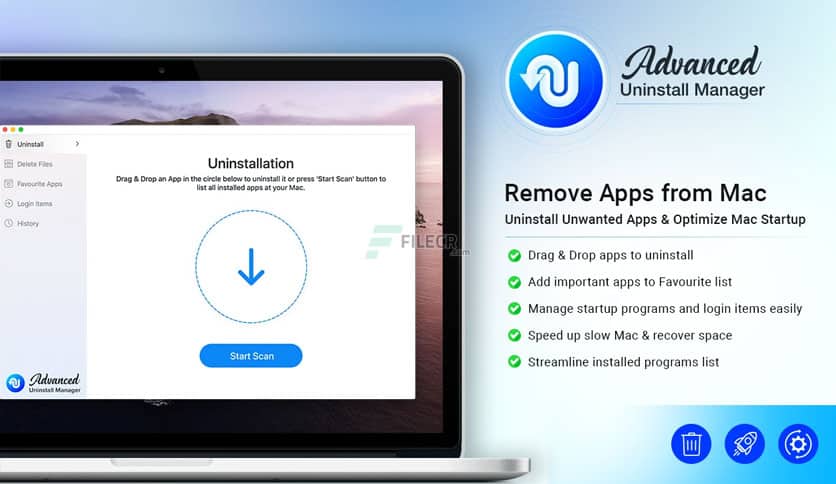
- Uninstallation is simple.
- Deletes all associated files without leaving any remnants.
- Assists in reclaiming storage space.
- Accelerates starting time.

file - Simple graphical user interface.
- It prevents critical applications from being removed accidentally.
- Scanned findings are organized into categories for convenient perusal.
Frequently Asked Questions
- How Do I Remove A Program From My Mac?
With Advanced Uninstall Manager, uninstalling any application from your Mac becomes a breeze. Drag and drop the program onto the tool, then right-click on it and select Delete.
- Which Operating Systems Are Compatible With Advanced Uninstall Manager?
Advanced Uninstall Manager requires macOS 10.11 or later.
- How Can I Download and Install Advanced Uninstall Manager on My Mac?
Advanced Uninstall Manager is available for download from the Mac App Store.


- Is Advanced Uninstall Manager Capable of Deleting System Applications?
It does not scan or uninstall native programs because they are included in the Advanced Uninstall Manager’s list of unprotected files. This is necessary since deleting these files may cause your Mac to malfunction.
- How Is The Favorite Apps Section Organized?
To avoid having particular applications deleted, you may add them to the Favourite Apps area. Advanced Uninstall Manager will prevent removing programs from the Favourite Apps area.
- Is It Capable of Increasing System Speed?
Yes, by removing unneeded programs from your Mac, you may improve the system’s performance and free up space on your computer.
- Why Is It Necessary To Utilize The Advanced Uninstall Manager?
Advanced Uninstall Manager is an excellent program for efficiently removing an application from your Mac, along with all of its associated files.
- What Is The Section For Login Items? Is It Going To Remove Applications From The System Startup Or Will It Uninstalls Them?
The Login Items Section contains a list of the apps that start automatically when your Mac boots. You can activate or disable applications from the menu according to your preferences. Please keep in mind that this step will not remove the program from the system altogether.
Also Checkout: 10 Best Dark Sky Alternatives To Use In 2022