




The best VLC alternatives in 2026 are mpv for raw playback quality on any desktop, MPC-HC and PotPlayer on Windows, IINA on the Mac, and MX Player or Infuse on phones and streaming boxes. All of them handle common formats such as MKV, MP4 and HEVC, and most are free. The right choice depends on your operating system and whether you care more about HDR and 4K picture quality, a clean interface or streaming from a home server.
VLC is still an excellent free player. Version 3.0.22, released in December 2025, added a dark mode on Windows and Linux, native Windows on ARM builds and a large batch of security fixes. People look elsewhere when they want smoother high-resolution playback, better HDR tone mapping, a more native look on macOS or a library view for a big film collection.
Quick picks by platform
| Player | Platforms | Price | Best at |
|---|---|---|---|
| mpv | Windows, macOS, Linux | Free, open source | Picture quality, HDR, scripting |
| MPC-HC | Windows | Free, open source | Lightweight, low resource use |
| PotPlayer | Windows | Free | Feature depth, codec options |
| IINA | macOS | Free, open source | Native Mac design |
| SMPlayer | Windows, Linux | Free, open source | Friendly front end for mpv |
| Kodi | Windows, macOS, Linux, Android | Free, open source | Home theatre library |
| Infuse | iPhone, iPad, Mac, Apple TV, Vision Pro | Free tier, paid Pro | Streaming from Plex, Jellyfin and NAS drives |
| MX Player | Android | Free with ads | Gesture controls on phones |
Best VLC alternatives for Windows
MPC-HC
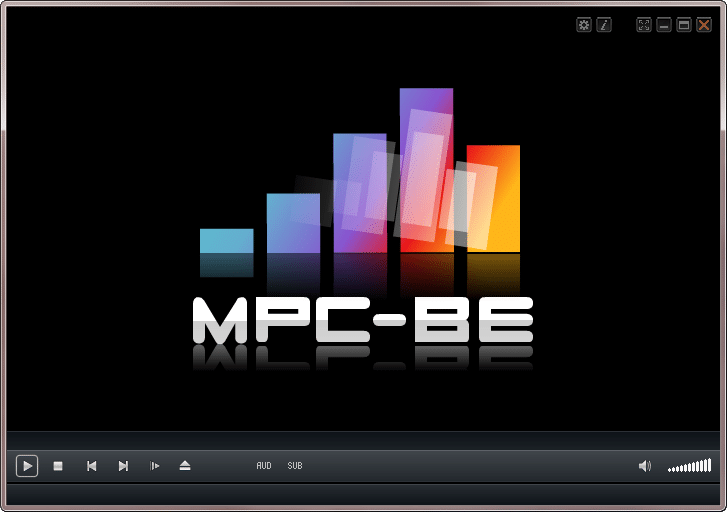
Media Player Classic Home Cinema is the small, fast player many Windows users install alongside VLC. The original project stopped years ago, but a community fork maintained by developer clsid2 on GitHub is very much alive, with version 2.8.2 released in September 2026. It bundles the LAV Filters codecs, opens almost anything and uses very little memory, which makes it a good fit for older laptops.
 Also readAlienware M15 R6 Review – Beast In Gaming Laptops
PotPlayer
PotPlayer, from South Korea’s Kakao, packs an enormous settings menu: video filters, audio normalisation, subtitle styling, 3D modes and hardware decoding through DXVA, NVIDIA and Intel options. It plays 4K HEVC smoothly on modest hardware. The trade-off is clutter, and you should untick any bundled offers during installation.

Windows Media Player (built in)
The modern Media Player app in Windows 11 is better than its reputation and needs no install. For HEVC files, you may need Microsoft’s HEVC Video Extensions from the Microsoft Store, which is a small paid add-on in most regions.
Best VLC alternative for picture quality: mpv
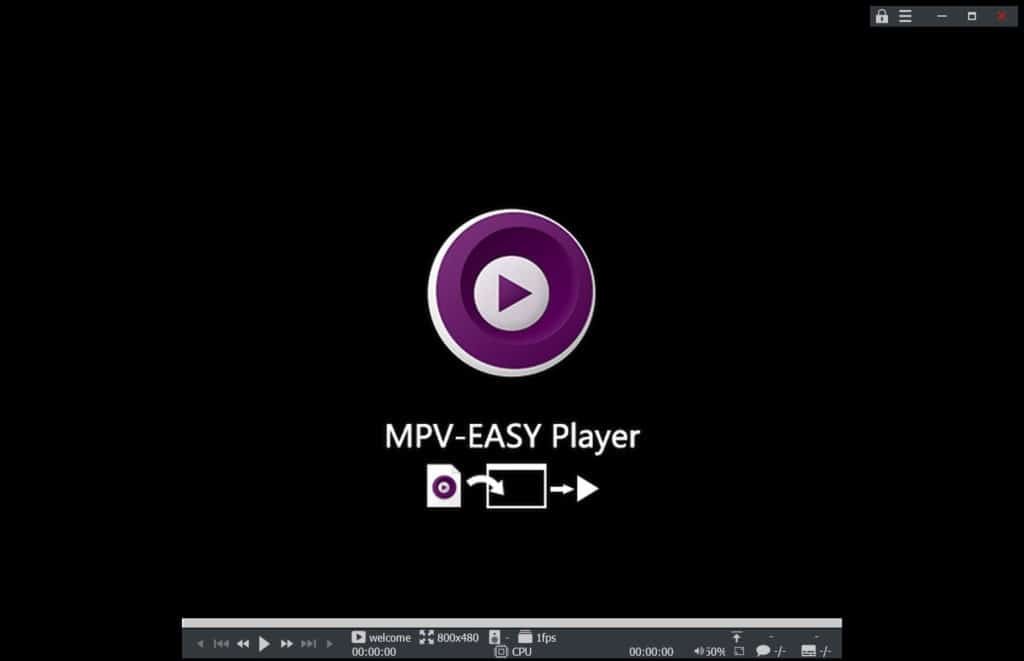
mpv is a minimal, keyboard-driven player with no menus by default, but its video engine is among the best available. Version 0.41 made the advanced gpu-next renderer the default, and version 0.42, released on 4 November 2026, improved HDR handling, Dolby Vision Profile 7 playback, Blu-ray menu navigation and direct ISO playback, according to Phoronix.
mpv suits people who want accurate colour on HDR monitors or who like to tune playback with a simple config file and user scripts. If you want the same engine with a normal interface, use SMPlayer or IINA, which sit on top of mpv.
SMPlayer
SMPlayer is a long-running front end that wraps mpv (or MPlayer) in menus, playlists and a YouTube search panel. It remembers where you stopped in each file and its settings for that file, which is handy for TV series.

Best VLC alternative for Mac: IINA
IINA is built on mpv but designed to look and behave like a native macOS app, with picture-in-picture, Touch Bar and trackpad gestures, and dark mode. Version 1.4 added a JavaScript plugin system and spatial audio support. It is free from iina.io and the most common recommendation for Mac users who find VLC’s interface dated.
Best options for TVs, phones and home media
Kodi
Kodi turns a PC, Android TV box or Raspberry Pi into a full media centre with posters, metadata and a remote-friendly interface. It is free and open source. Install add-ons only from the official Kodi repository, since third-party add-ons are a common source of piracy and malware.
Infuse
Infuse is the go-to player on Apple devices for people who keep films on a NAS drive or a Plex, Jellyfin or Emby server. It handles Dolby Vision, HDR10 and lossless audio passthrough on Apple TV. The free version covers basic playback, while Pro (sold as a subscription or one-time purchase) adds more formats and streaming sources.
MX Player
On Android, MX Player remains popular for its swipe gestures for brightness, volume and seeking, plus multi-core decoding. It is now part of Amazon’s MX Player service and the free app shows ads. If you want an ad-free option on Android, VLC for Android and mpv-android are both free.
How to choose: codecs, 4K and HDR
- Check hardware decoding. In any player, turn on hardware acceleration (DXVA or D3D11 on Windows, VideoToolbox on Mac). 4K HEVC and AV1 files will stutter without it on older PCs.
- Match the player to your screen. On an HDR monitor or TV, mpv, IINA, Infuse and Kodi do the best job. On a standard laptop screen, MPC-HC and PotPlayer are fine.
- Think about subtitles. All the players above support SRT and ASS subtitles. PotPlayer and SMPlayer have the most styling options.
- Download only from official sites. Fake “codec pack” sites are a known malware route. Use videolan.org, mpv.io, iina.io, GitHub releases or the official app stores.
If you need to convert audio rather than play it, our list of free MP3 converter apps covers the best tools. For more free software that replaces paid or ageing apps, see our best free productivity apps for 2026.
Frequently asked questions
What is the best free alternative to VLC?
mpv is the best free alternative for picture quality on Windows, Mac and Linux. On Windows, MPC-HC is the lightest option, and on Mac, IINA is the most polished.
Is MPC-HC still updated?
Yes. A community fork maintained by clsid2 on GitHub released version 2.8.2 in September 2026.
Which media player is best for HDR?
mpv handles HDR tone mapping very well, and IINA, Infuse and Kodi are strong choices on Mac, Apple TV and TV boxes.
Is PotPlayer safe?
PotPlayer is safe when downloaded from its official site. Untick any bundled offers during installation.
Do I need a codec pack?
Usually not. mpv, MPC-HC, PotPlayer and VLC include the codecs they need. Avoid third-party codec pack sites.