


• About   |
  • Advertise |
  • Contact Us
No Result
View All Result
The Second Angle (TSA Magazine)
Advertise
  • Infotainment
    • Sports
    • People
    • Inspiring
  • Entertainment
    • Lifestyle
    • Home & Decoration
  • Buzz
  • Education
  • Travel
  • Finance
  • Healthcare
  • Technology
The Second Angle
No Result
View All Result
  • Infotainment
  • Entertainment
  • Buzz
  • Education
  • Travel
  • Finance
  • Healthcare
  • Technology
Advertisement Advertisement Advertisement
ADVERTISEMENT
Home Technology

Top 8 VLC Alternative Media Players

VLC's best feature is that it supports almost all video formats and offers a better video-watching experience. Here are the best VLC Alternative Media Players.

by TSA Desk
March 22, 2023
in Technology
Reading Time: 4 mins read
Top 8 VLC Alternative Media Players

Shareus

Share on FacebookShare on WhatsApp
Advertisement Advertisement Advertisement
ADVERTISEMENT
5 min readGAdd The Second Angle as a preferred source on Google
Key takeaways
Media Player Classic: It is one of the best and most highly rated media player programs for the Windows operating system.PotPlayer: PotPlayer, like the VLC media player, supports a wide range of video and audio file formats.GOM Media Player: Despite the fact that GOM Media Player only supports popular file formats, the user interface is unrivaled by...DivX Player: Although there are numerous video player apps for Windows, not all of them support HEVC files.MPV: If you're looking for a sophisticated media player app for your PC, you should give MPV a shot.KM Player: KM Player is a media player app that is both visually appealing and highly customizable.Plus 2 more in the story below.

VLC Media Player is a free, powerful, and feature-rich software that can play a wide variety of audio, image, and video files. It can play multimedia files directly from removable media or the computer. In this article, we have compiled a list of the best VLC Alternative Media Players.

Additionally, the program can be accessed via popular websites such as Disney+, Hulu, Gaia, and Netflix. Live video from PlayStation Live, Xbox Live, Facebook, Twitter, and YouTube is also supported by VLC Multimedia Player. 

Unlike most competing programs, VLC Player does not display advertisements because it is supported by a non-profit organization. VLC, on the other hand, is not the only one of its kind.  In fact, there are a plethora of really great and feature-rich media player apps available that can be used in place of VLC. 

Alienware M15 R6 Review – Beast In Gaming LaptopsAlso readAlienware M15 R6 Review – Beast In Gaming Laptops
Table of Contents
  • Let’s dive into the list of the best VLC Alternative Media Players-
    • 1. Media Player Classic 
    • 2.PotPlayer 
    • 3. GOM Media Player
    • 4.DivX Player 
    • 5. MPV 
    • 6. KM Player 
    • 7. Parma Video Player 
    • 8. SM Player 

Let’s dive into the list of the best VLC Alternative Media Players-

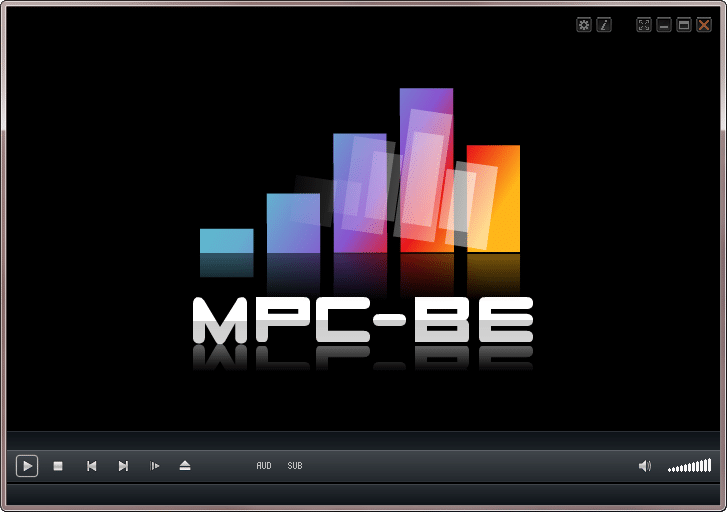
1. Media Player Classic 

It is one of the best and most highly rated media player programs for the Windows operating system. The fact that Media Player Classic supports a wide range of video file formats is a huge plus.
Top 8 VLC Alternative Media Players
image source: SourceForge


Not only that, but Media Player Classic also provides users with a few customization options to improve their video viewing experience.

2.PotPlayer 

PotPlayer, like the VLC media player, supports a wide range of video and audio file formats. Furthermore, PotPlayer’s user interface outperforms that of VLC Media Player, and it includes a few customization options.

Top 8 VLC Alternative Media Players
image source: noorbanupc

Larger file types could also be handled by the media player app for PC. The only disadvantage of PotPlayer is that it is not updated on a regular basis.

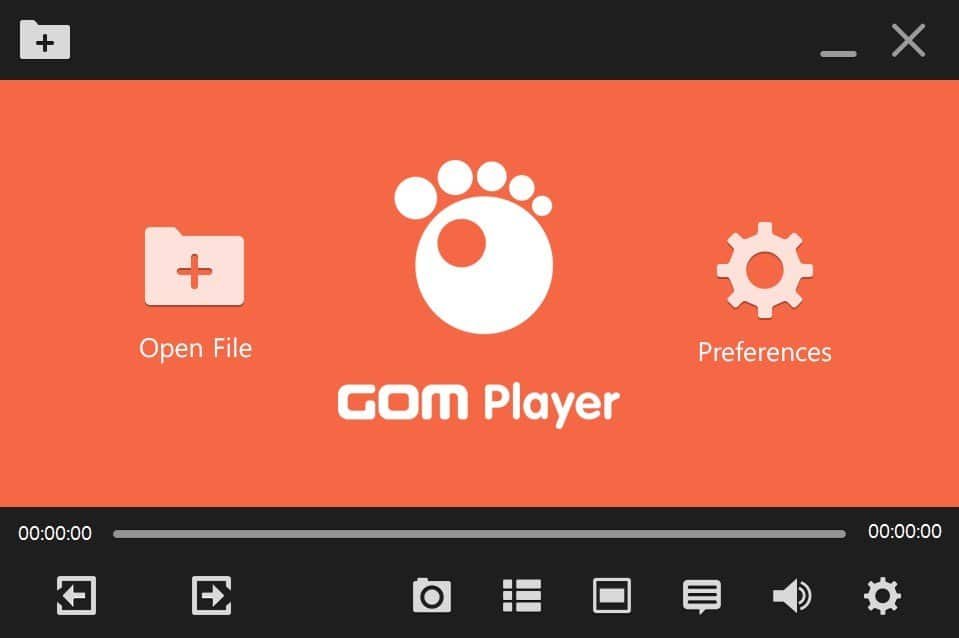
3. GOM Media Player

Despite the fact that GOM Media Player only supports popular file formats, the user interface is unrivaled by any other video player. What’s more, GOM Media Player includes a subtitle library that automatically searches for and downloads subtitles while playing a video. 
Top 8 VLC Alternative Media Players
image source: prog soft

GOM Player is a great media player. It comes pre-installed with codecs for both audio and video. As a result, there is no need to install codecs separately. It can read a variety of subtitle files, including RT, SRT, SUB, SMI, and others. It can also support a variety of video formats.

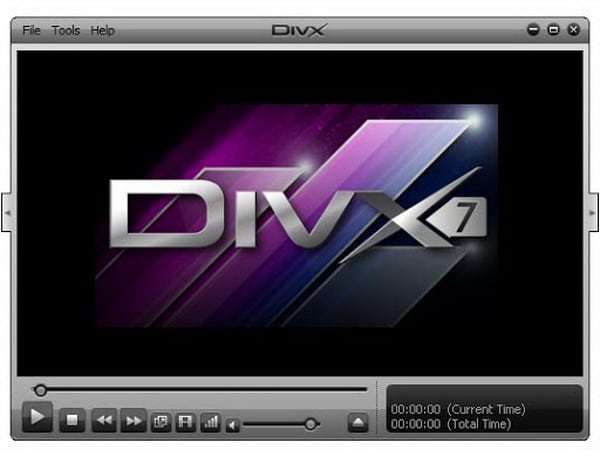
4.DivX Player 

Although there are numerous video player apps for Windows, not all of them support HEVC files. HEVC is a new file format that reduces the file size of high-resolution videos such as 4K and 8K.
Top 8 VLC Alternative Media Players
image source: leawo

DivX Player can easily play HEVC files. It also supports a variety of other popular file formats. So, if you want a VLC alternative that looks good, DivX player might be the best option for you.

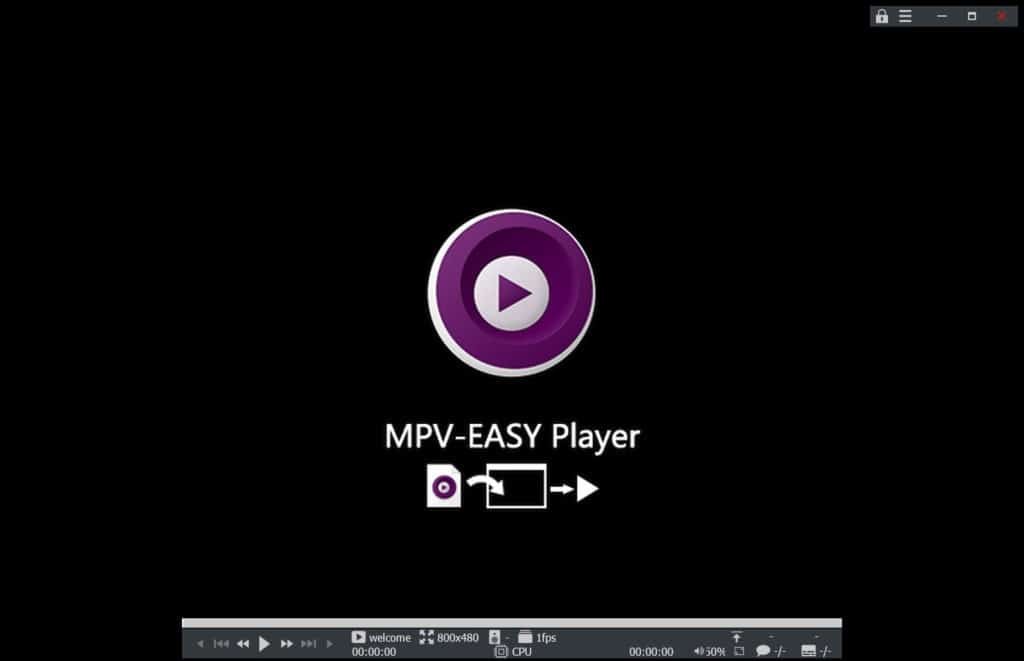
5. MPV 

If you’re looking for a sophisticated media player app for your PC, you should give MPV a shot. It supports a variety of media file formats, as well as audio and video codecs.
Top 8 VLC Alternative Media Players
image source: finest soft

MPV media player is free and open-source, with cross-platform support. It’s also entirely free to download and use. Subtitles and hardware acceleration are also supported by MPV media players.

6. KM Player 

KM Player is a media player app that is both visually appealing and highly customizable. It supports a wide range of media file formats and provides high-quality playback. KM Player’s most recent version can even play 4K video files.

Top 8 VLC Alternative Media Players
image source: pcliquids.blogspot

It is also available in over 36 different languages. This media player is used by 360 million people on their desktops and mobile devices.

The best thing about the KM player is that it is a lightweight audio and video player for desktop devices. You can now watch your favorite movies, TV shows, and videos on your Windows and Android devices.

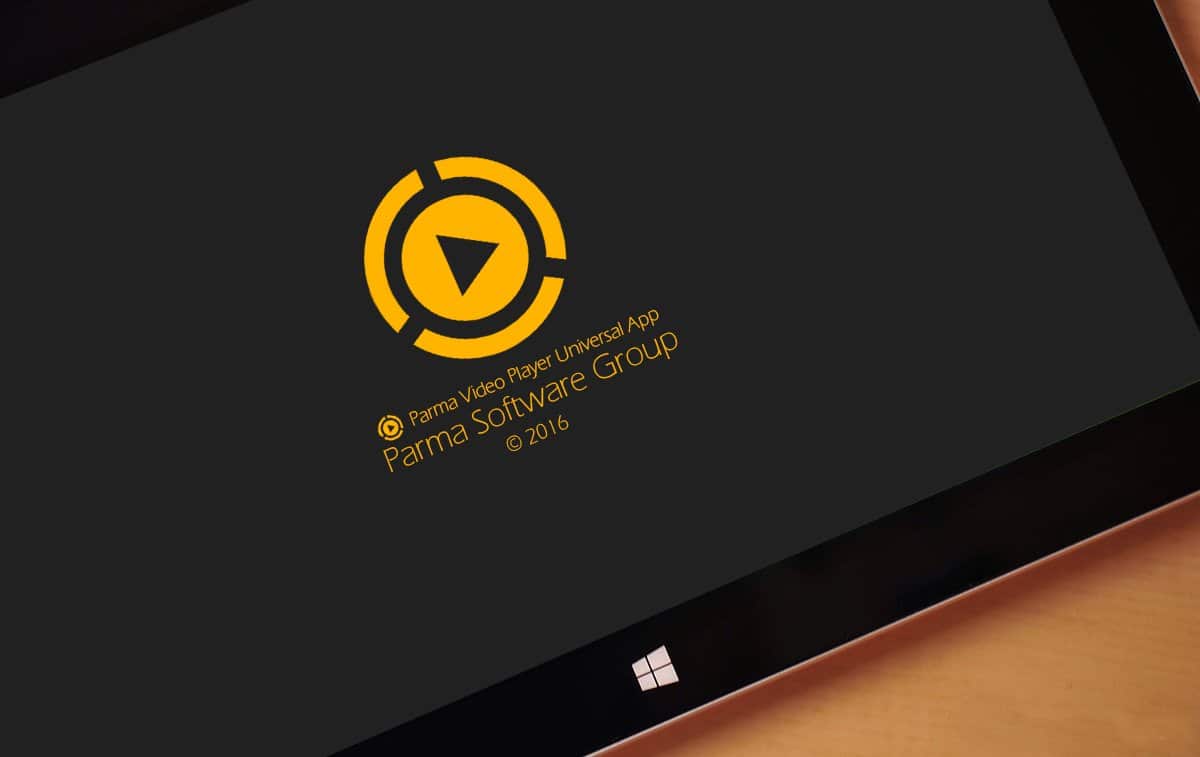
7. Parma Video Player 

The Parma Video player, for example, is available on the Microsoft Store and is one of the best media players for Windows. The tool now has the ability to locate and list all video files on the device. Furthermore, it supports nearly all major video and audio file formats.
Top 8 VLC Alternative Media Players
image source: mspoweruser

It automatically scans your PC’s storage and lists all media files after installation. Furthermore, Parma Video supports. srt subtitle files.

8. SM Player 

Players can easily play virtually all video and audio formats. The great thing about SMPLayer is that it has codecs built in. This means you won’t have to manually search for and install codec packs in order to play a specific file for
Top 8 VLC Alternative Media Players
image source: techsupportalert

It can also play videos from the popular video-sharing platform YouTube. Furthermore, the media player is highly customizable, as it includes a plethora of themes and icons.

Also check out: Alienware M15 R6 Review – Beast In Gaming Laptops

Enjoyed this story?Share it with your friends
WhatsAppLinkedInXFacebookEmail
See more TSA Mag stories on GoogleAdd us as a preferred source and our stories will show up more often in your Top Stories.
GAdd The Second Angle as a preferred source on Google
ShareSend
Tweet
Previous Post

Best NBA Experiences in America

Next Post

North Korea fires cruise missiles as allies stage drills

Related Posts

Person checking a laptop screen for signs that their email address was exposed in a data breach
Technology

How to Check If Your Email Was in a Data Breach (2026 Guide)

How to check if your email was in a data breach using Have I Been Pwned, Google, Apple and Mozilla...

Read moreDetails
Customer scanning a UPI QR code with a smartphone to make a small payment
Technology

What Is UPI Lite Limit in 2026? Wallet, Payment Caps and Setup

What is UPI Lite limit in 2026: Rs 1,000 per payment and Rs 5,000 balance. How to enable it, auto...

Read moreDetails
Smartphone showing mobile network settings used to add an eSIM in India
Technology

How to Activate eSIM in Jio, Airtel and Vi: Step-by-Step Guide

How to activate eSIM in Jio, Airtel and Vi: check phone support, follow official app steps, know the charges, switch...

Read moreDetails
10 Best Free Productivity Apps in 2026 and What Each Plan Offers
Technology

10 Best Free Productivity Apps in 2026 and What Each Plan Offers

The best free productivity apps in 2026, including Notion, Todoist, Trello and Obsidian, with free plan limits checked on each...

Read moreDetails
A man in Bengaluru looking at his smartphone
Technology

DigiLocker Guide: How to Use It and Which Documents Are Valid

A simple DigiLocker guide for India: how to sign up, fetch your PAN, driving licence and marksheets, share them safely,...

Read moreDetails
A young person using a mobile phone
Technology

How to Block a Lost or Stolen Phone on Sanchar Saathi (CEIR)

Lost your mobile? Here is how to block a lost phone on Sanchar Saathi using CEIR, the documents you need,...

Read moreDetails
Load More
Next Post
North Korea fires cruise missiles as allies stage drills

North Korea fires cruise missiles as allies stage drills

About

The Second Angle

The Second Angle (TSA Mag) is an infotainment and lifestyle magazine covering entertainment, travel, technology, health, education and finance.

Important Links

  • About The Second Angle
  • Advertise With Us
  • Editorial Policy
  • Privacy Policy
  • Terms and Conditions
  • Contact Us
  • Careers
  • Newsletter

Explore

  • Infotainment
  • Entertainment
  • Buzz
  • Education
  • Travel
  • Finance
  • Healthcare
  • Technology
Advertise with us

© 2017-2026. The Second Angle. All Rights Reserved. Developed and Managed by Squarebase.io

Welcome Back!

Login to your account below

Forgotten Password?

Retrieve your password

Please enter your username or email address to reset your password.

Log In
No Result
View All Result
  • Infotainment
    • Sports
    • People
    • Inspiring
  • Entertainment
    • Lifestyle
    • Home & Decoration
  • Buzz
  • Education
  • Travel
  • Finance
  • Healthcare
  • Technology

© 2017-2026. The Second Angle. All Rights Reserved. Developed and Managed by Squarebase.io

We use cookies to keep TSA fast and relevant. Read our Privacy Policy.





