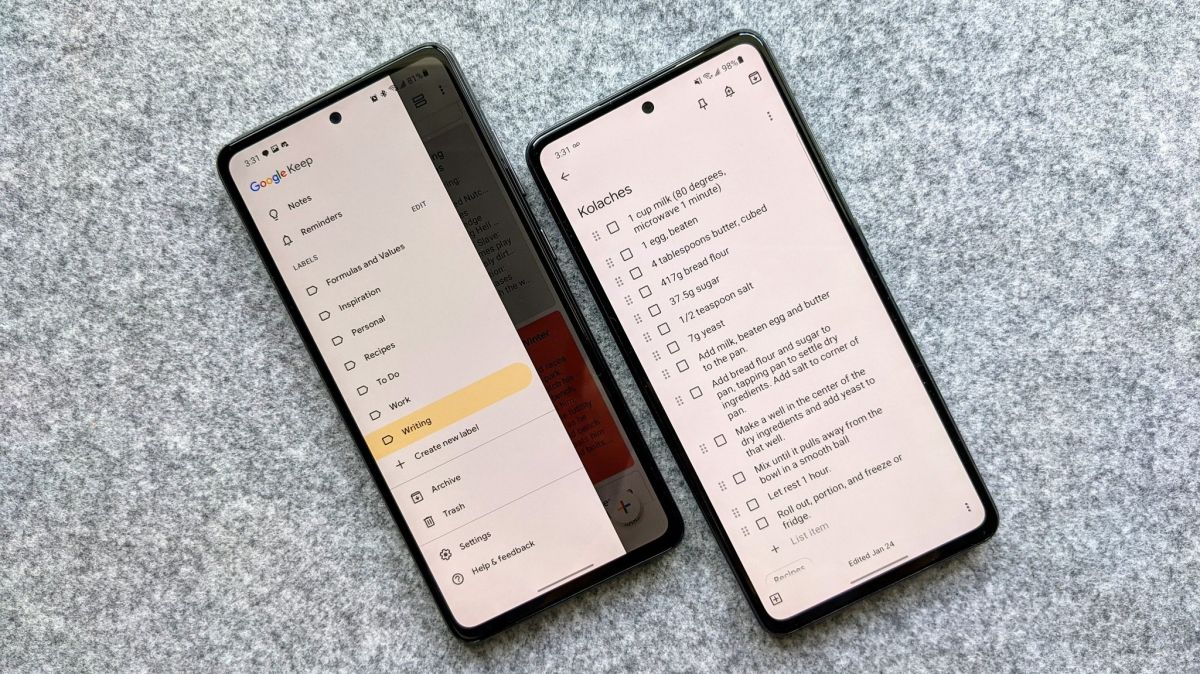

As it is hard to carry paper and pen all the time in this high pace world, modern technology takes it over with ease and comfort offering a whole range of note-taking features on the go. Following the article, we are going to mention for you the 10 best note-taking apps for Android.
There is a sure chance of your Android smartphone already has a notepad or note-taking app in-built. While all the note-taking applications are destined to do the very simple job of writing and saving up important notes, the best of them add more vibrant features to it such as to-do lists, handwriting, adding images, and priority tags.
Digital note-taking can cover everything from your grocery lists to business meetings and there is no easier way to carry your notes along than on a smartphone.
 Also readHow To Turn On Dark Mode In Snapchat
Check out these 10 Best Note Taking Apps for Android-
1. Microsoft OneNote
When Microsoft does something they do it large, being the very first in the league of note-taking platforms, OneNote stands out to be our number one recommendation. Microsoft OneNote comes out to be a very complete note-taking application with multi-platform support and easy compatibility with the Microsoft Office ecosystem.
With all the ease of taking notes, OneNote adds advanced features such as embedding images or Excel sheets and capturing information from emails. It is very compatible with cloud support so that you can access your notes on mobile as well as on computers. It also includes handwriting, drawing, and clipping features along with a flexible canvas.
Moreover, it eases the search job with the scan notes feature and you can always organize your notes with tags, labels, and categorizations. You can also share your notes directly from OneNote in a workspace and people can also add comments on it. Microsoft OneNote is a very professional note-taking app that comes for free but holds more potential with the premium version.
2. Evernote
Evernote is one of the most celebrated applications in this category of note-taking and work management. It holds powerful features and delivers them with ease. Along with typed notes, it holds a large scale of features such as handwritten notes, to-do lists, planners, scan documents, and collaboration.

Evernote assists the note-taking job with powerful media backing as you can create notes in form of texts, photos, audio, video, PDFs, and web clippings. It also supports cloud storage thus you can sync your notes and access them over multiple devices.
The collaborative features are seamless as you can share and discuss the content around your workspace easily. The app is free and the paid premium version includes more powerful features.
3. BlackNote
A note-taking app needs to take notes efficiently and BlackNote does the same. BlackNote is a simple yet powerful note-taking app that does the work with minimum fuss. The features include note organization, to-do lists, widgets, tags, and more. The interface of this app is sleek and smooth which makes it a favorite on the list.
You can enlist notes on the basis of preference and can lock the app for privacy reasons. The app works very seamlessly with Android OS. The free app comes with ads as you can always purchase a premium to have it sorted with the ads. Overall a sleek and simple note-taking app.
4. ColorNote
ColorNote is a very vibrant note-taking application that adds a color part to your daily-life notes. Along with all the basic features such as taking notes, and creating to-do lists and planners, ColorNote enables you to change and improvise the background color of the notes.
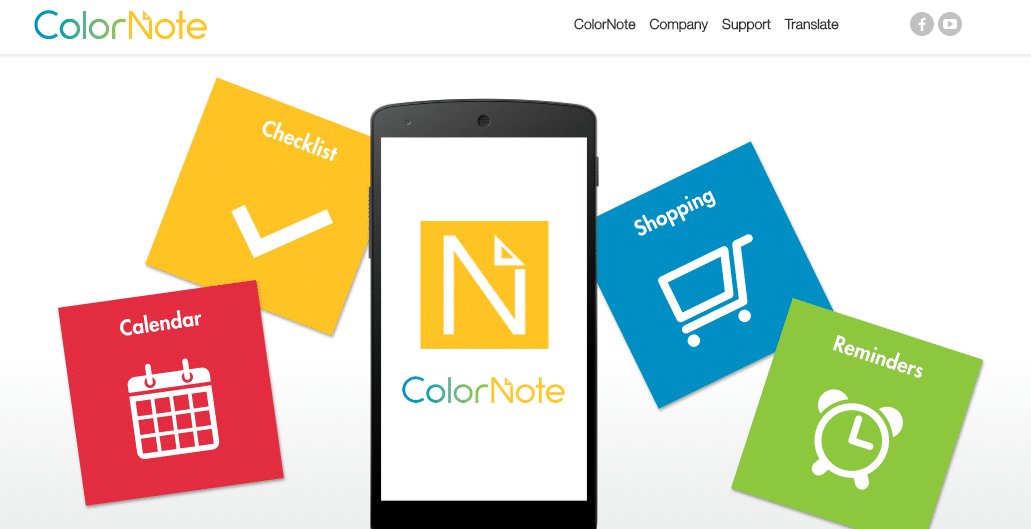
This feature could be very helpful in the categorization of different genres of notes. Other noted features are calendar and backup support with cloud integration. The app is completely free with all its features. A real deal.
5. Google Keep
It is already a deal when something comes from the house of Google and Google Keep doesn’t fail to set that upright with the note-taking job. It offers unlimited notes along with handwriting, adding images and audio features. It also supports the documents scan feature which means you can use your phone camera to scan handwritten notes, receipts, invoices, and other documents to have them listed on your notes.

Google Keep is professionally very compatible within workplaces as you can always share and collaborate on notes with others. It also supports color-coded tags for organization purposes along with reminders. As the app is Google made, it indeed offers multi-platform support and cloud storage. The app is free to download from Google Play Store.
6. Material Notes
A very streamlined app that does the job efficiently. Material Notes app offers great delivery with creating notes, to-do lists, planners, and reminders. The app is color-coded hence it is very comprehensive to organize the notes along with its card-style interface. You can always mark preferred notes and can sort them based on urgency.

Material Notes also has a search option to easily get back to your important notes in no time. The widget access gives you the first touch to reach your notes. To ensure privacy, one can safely lock the notes under a 4-digit pin. It also allows easy sharing of notes over devices. The app is free to download with additional features and in-app purchases.
7. Simplenote
A very note-taking app lifting up a ton of features with sheer performance. Simplenote is a simple note-taking application that does the work quickly and with quality. Simplenote just lets you note anything and everything very quickly and have it saved on the cloud to let you access them through other devices.

Likewise, other note-taking apps also enable to-do lists and planners with tags and pin organization features. Simplenote is a very go-to note-taking app and it comes completely free to download and use.
8. Keep My Notes
A rather well-equipped note-taking app with a plethora of powerful features. Keep My Notes delivers all the advanced note-taking features from handwritten notes using a finger or stylus to create notes using the built-in text-to-speech function. Keep My Notes does the extra work here.

It allows a range of formatting and enhancing options for your notes such as bold, underline, and italics with more features such as adding images and audio to the notes.
The vibrant widget feature lets you add sticky notes on your home screen for reminders. The interface is highly equipped with light and dark themes. One can also change text size and color. Keep My Notes also delivers security to protect your notes with a password.
The app comes in very handy for sharing notes and collaboration purposes along with cloud backup support. This power-packed application is free to download but you have to bear ads with the free version. However, you can get rid of ads in-app purchases.
9. DropBox Paper
Dropbox Paper is our next recommendation on the list as it does a very professional job with note-taking and work management. The app is highly celebrated among workplaces due to its collaborative features.
Once you have a Dropbox account, you can just drop important notes in Dropbox that eventually get saved up on the cloud. Thus, it is available on various devices and also lets you edit your notes even without internet connectivity and syncs the changes once you are connected to the internet again.

Dropbox Paper makes it better with management and organization of notes as you can set them up in folders and tags. The collaborative feature is seamless with annotations and comments. The app also integrates with many useful apps and productivity tools such as Google Docs.
10. Tick Tick
Tick Tick is an off-beat recommendation as it is more of a to-do list app but that’s somehow what a good note-taking application does. You can use the to-do list feature also as a note-taking tool with ease.
Offering important features such as folders, subtasks, tags, sorting, and search makes it a very firm note-taking application.

Adding more to the features, Tick Tick has an in-built calendar view, task reminders, voice input support, productivity timer, and real-time collaborative editing. Nothing but a great deal among the list of best note-taking apps for Android.
Digital note-taking can cover everything from your grocery lists to business meetings and there is no easier way to carry your notes along than on a smartphone. Some of the Best Note Taking Apps for Android are mentioned above. Let us know your favorite pick in the comment section below!
Also check out: How To Turn On Dark Mode In Snapchat