• About   |
  • Advertise |
  • Contact Us
No Result
View All Result
The Second Angle (TSA Magazine)
Advertise
  • Infotainment
    • Sports
    • People
    • Inspiring
  • Entertainment
    • Lifestyle
    • Home & Decoration
  • Buzz
  • Education
  • Travel
  • Finance
  • Healthcare
  • Technology
The Second Angle
No Result
View All Result
  • Infotainment
  • Entertainment
  • Buzz
  • Education
  • Travel
  • Finance
  • Healthcare
  • Technology
Advertisement
ADVERTISEMENT
Home Technology

7 Ultimate Tips for Safer Online Shopping

by TSA Desk
May 6, 2024
in Technology
Reading Time: 4 mins read
7 Ultimate Tips for Safer Online Shopping

Unsplash

Share on FacebookShare on WhatsApp
Advertisement Advertisement Advertisement
ADVERTISEMENT
5 min readGAdd The Second Angle as a preferred source on Google
Key takeaways
Shop Only On Well-known Or Popular Websites: Search results can be manipulated to mislead or infect your device with malware.Look For The Lock When In Doubt: Check your browser's URL bar if you're unsure if the website you're purchasing from is genuine.Examine The Seller Before Purchasing: Do your research if a website makes you worried.False or Leave Out Personal Information on Purchase Orders: Apart from your postal address and payment method, there's no reason why an online retailer has to know...Don't Shop Online With Your Debit Card: Your bank money is directly accessible to scammers if your debit card is hacked.Use Your Phone to Pay in Stores: In offline businesses, using your smartphone to pay for purchases has become commonplace.Plus 1 more in the story below.

The world has a lot of advantages when purchasing online. With this fantastic service, you can compare rates, find the best deals, and have items delivered right to your door. With the right e-tailers, even returns are simple. As technology advances, so do the risks. Cases of identity theft and online shopping fraud are increasing continuously. What should we do to avoid being scammed? Let’s find out in this comprehensive article – ‘7 Ultimate Tips for Safer Online Shopping’.

Many online shoppers are still not aware of basic secure online purchasing guidelines, even as hackers and scammers continue to refine their methods. You don’t need to belong to them. Continue reading and take preventative action to safeguard your hard-earned money and ensure safe shopping.

Table of Contents
  • Ultimate Tips for Safer Online Shopping
    • 1. Shop Only On Well-known Or Popular Websites
    • 2. Look For The Lock When In Doubt
    • 3. Examine The Seller Before Purchasing
    • 4. False or Leave Out Personal Information on Purchase Orders
    • 5. Don't Shop Online With Your Debit Card
    • 6. Use Your Phone to Pay in Stores
    • 7. Protect Your Privacy When Using Free Wi-Fi
  • Final Words

Ultimate Tips for Safer Online Shopping

1. Shop Only On Well-known Or Popular Websites

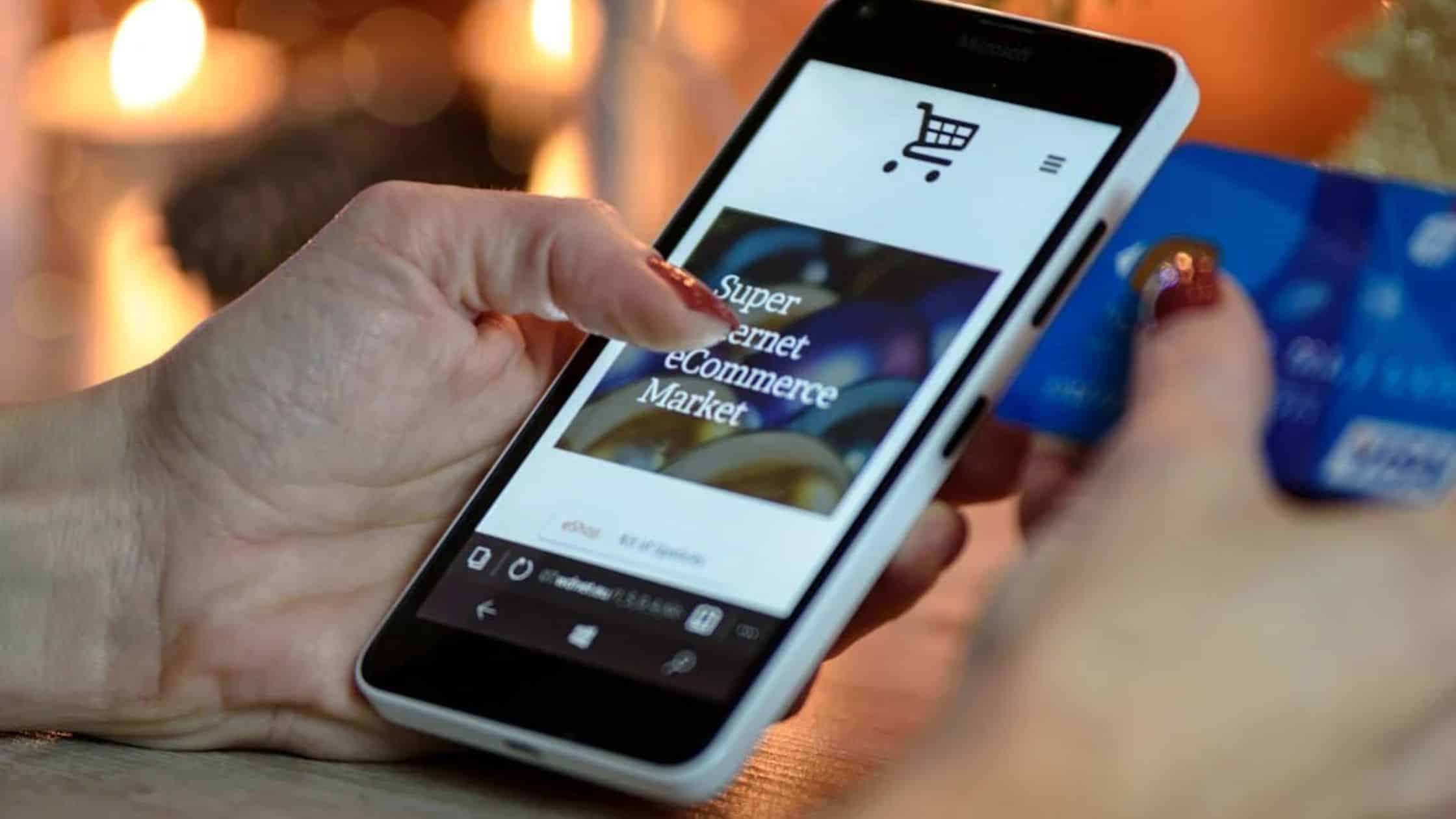
Search results can be manipulated to mislead or infect your device with malware. Considering that everyone knows that Amazon.com (Amazon.in in India) sells anything and everything, a fantastic offer isn’t worth the risk. Similarly, virtually all big-box retailers, including Target, Best Buy, and Home Depot, have an online presence.

Enhancing Your E-commerce Business with Migration to Magento 2Also readEnhancing Your E-commerce Business with Migration to Magento 2
7 Ultimate Tips for Safer Online Shopping
Pexels

The oldest tactics in the book are to watch out for misspellings and sites that use a different top-level domain (.net instead of.com, for example). Yes, these websites’ sales may appear alluring, but that’s just how they fool you into providing your personal information. 

2. Look For The Lock When In Doubt

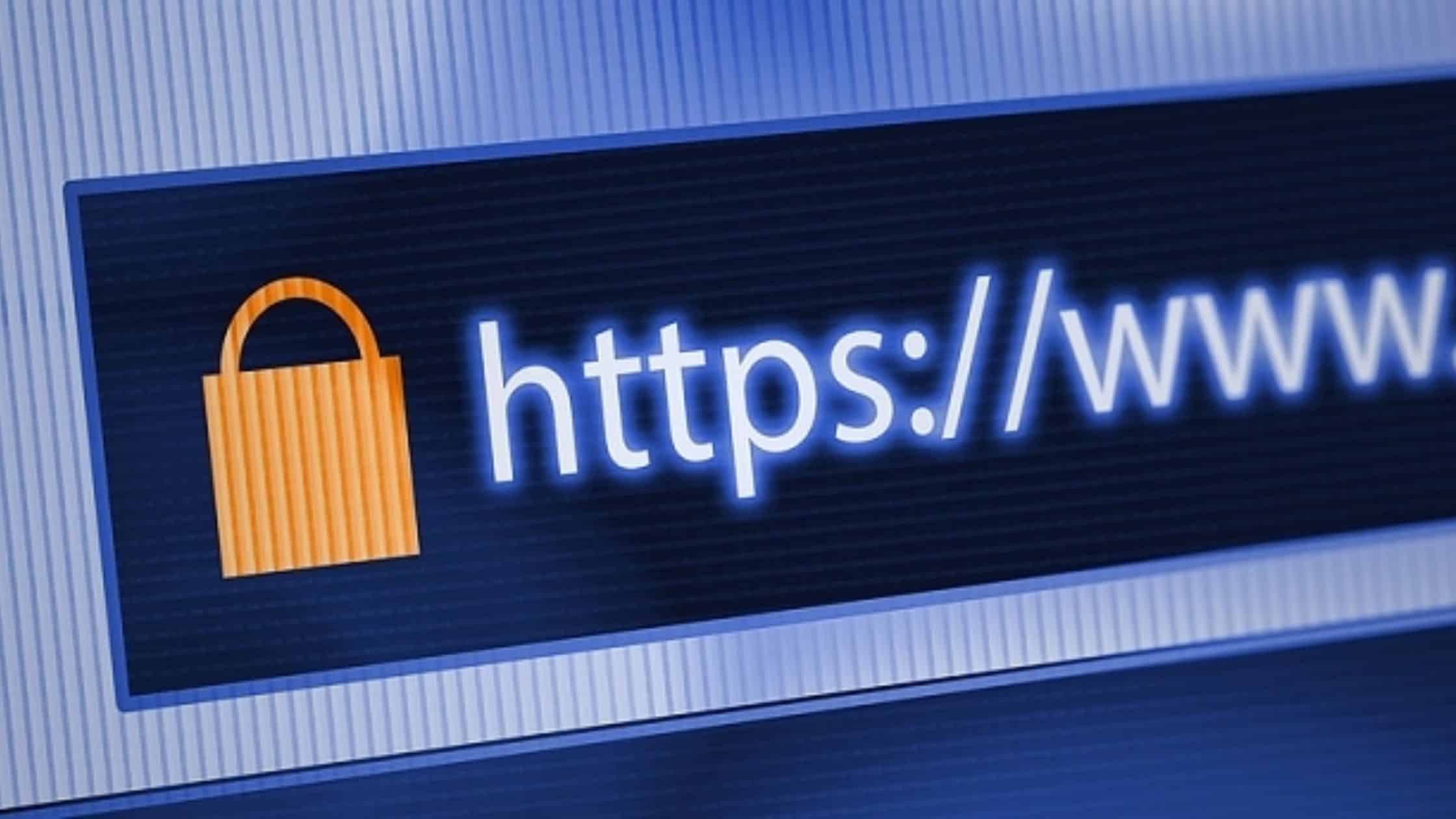
Check your browser’s URL bar if you’re unsure if the website you’re purchasing from is genuine. Never purchase online from a website without a lock symbol next to the URL. The lock icon indicates SSL (secure socket layer) encryption on the website. This implies that, as compared to an unencrypted website, your data transfers are safer.
7 Ultimate Tips for Safer Online Shopping
Unsplash

The usual way of determining if a website uses SSL is to check if its URL begins with https://, which is present even on non-shopping websites. Even without the additional S, Google Chrome marks any page as “not secure.” A website without it needs to be considerably more noticeable.

3. Examine The Seller Before Purchasing

Do your research if a website makes you worried. The ‘Better Business Bureau’ has a fraud tracker and an internet directory. There are tons of reviews of retailers on Yelp and Google. Check the credibility of companies before providing your credit card number. The most frequent cybercrime complaint is non-delivery or non-payment for a reason: it is financially and emotionally painful.
7 Ultimate Tips for Safer Online Shopping

Still, it is possible to manipulate internet reviews. Trust your gut if all you can see are favourable comments, but you are unsure if those who wrote them are actual customers.

Make sure you have a working phone number and a physical location for the supplier if nothing else. You have somewhere to take your complaint if things go wrong. Call them before placing your order to find out about their return policy and how to handle any problems that may arise afterwards.

Also Checkout – Data of 2.9 crores Indian job seekers leaked on Dark Web: Report

4. False or Leave Out Personal Information on Purchase Orders

Apart from your postal address and payment method, there’s no reason why an online retailer has to know your birth date, middle name, Social Security number, or any other personal details. Feel free to lie if a store asks you for that information to finish your purchase. 

7 Ultimate Tips for Safer Online Shopping
Unsplash

It is easier for fraudsters to steal your identity if they have more information about you. By default, give up as little personal information as you can. Large websites are frequently compromised, so protecting your personal data is crucial.

5. Don’t Shop Online With Your Debit Card

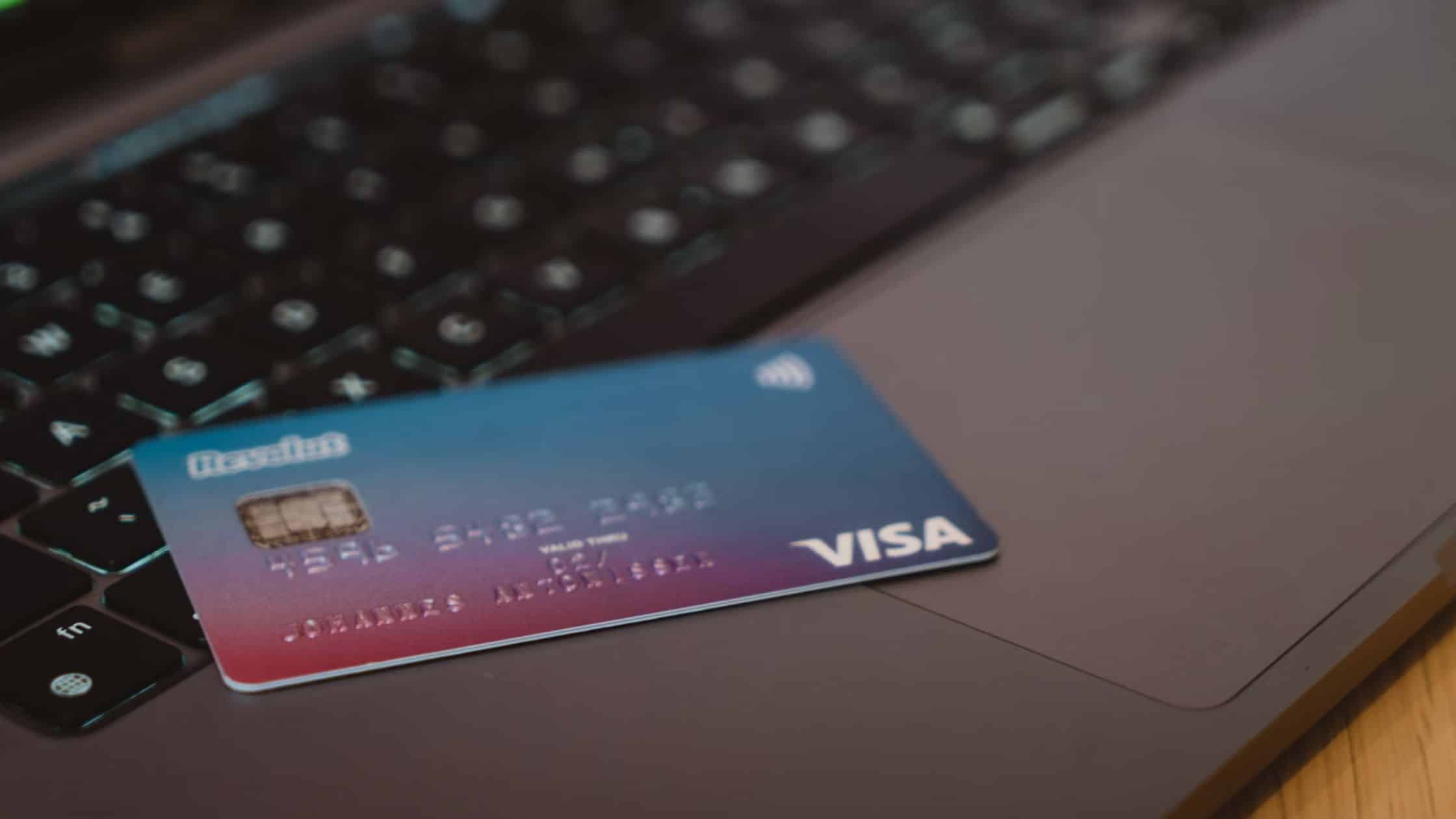
Your bank money is directly accessible to scammers if your debit card is hacked. When making online purchases, using a credit card or a mobile payment app makes sense. To further increase online shopping safety, several banks and security providers provide disposable credit card numbers.
7 Ultimate Tips for Safer Online Shopping
Unsplash

Examine your checking, debit, and credit card statements online regularly. When you notice something is off, take up the phone to ensure it is quickly resolved. When it comes to credit cards, don’t pay the bill unless you are confident that every transaction is correct. If there are issues, you have 30 days to report them to the bank or credit card company, yet you can still be responsible for the charges.

6. Use Your Phone to Pay in Stores
7 Ultimate Tips for Safer Online Shopping
Unsplash

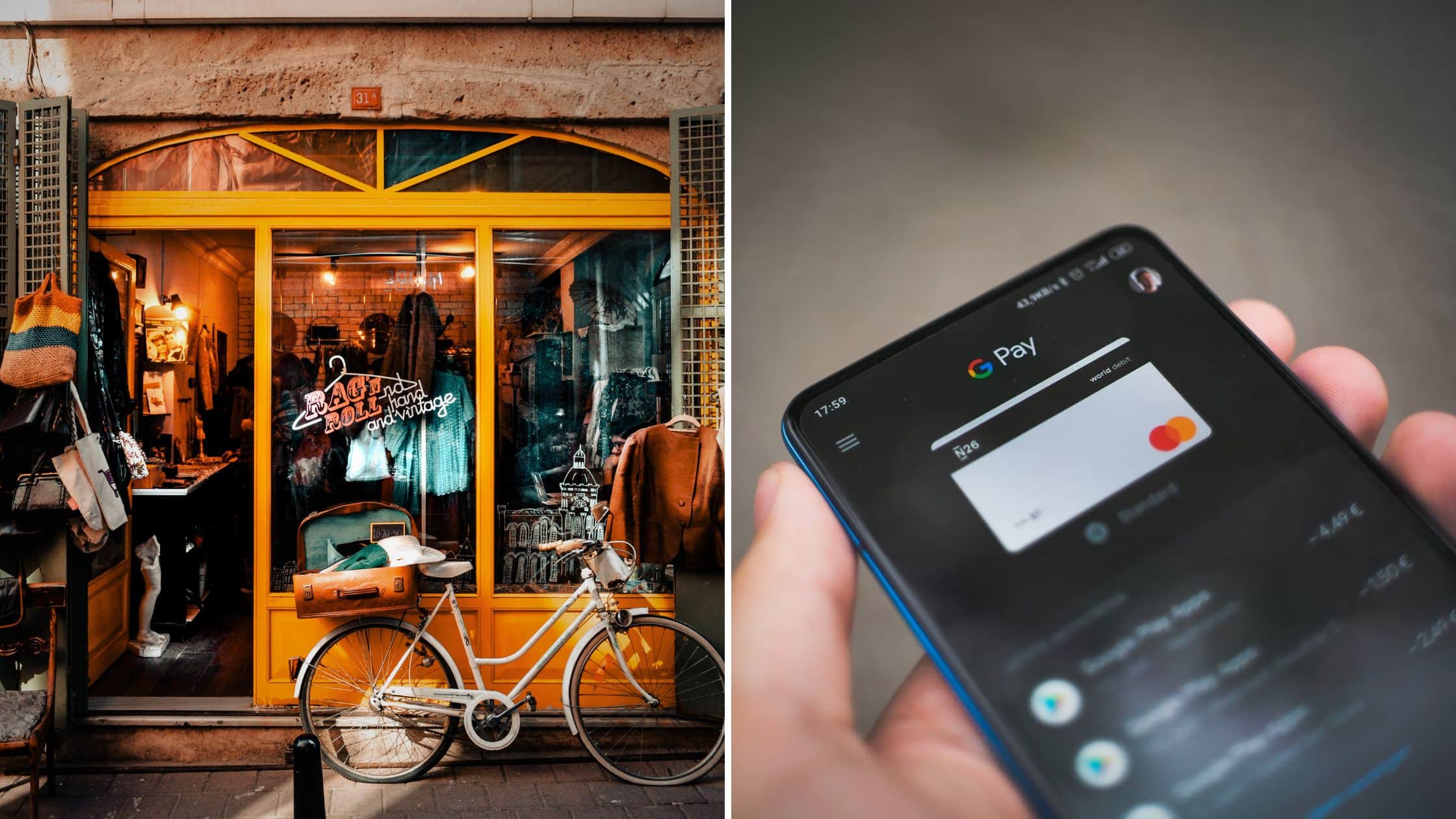
In offline businesses, using your smartphone to pay for purchases has become commonplace. Verifying your identity with your smartphone when you use mobile payment software like Apple Pay or Google Pay makes it impossible for someone else to steal your financial information or identity. You’re also staying away from card skimmers.

7. Protect Your Privacy When Using Free Wi-Fi
7 Ultimate Tips for Safer Online Shopping
Unsplash

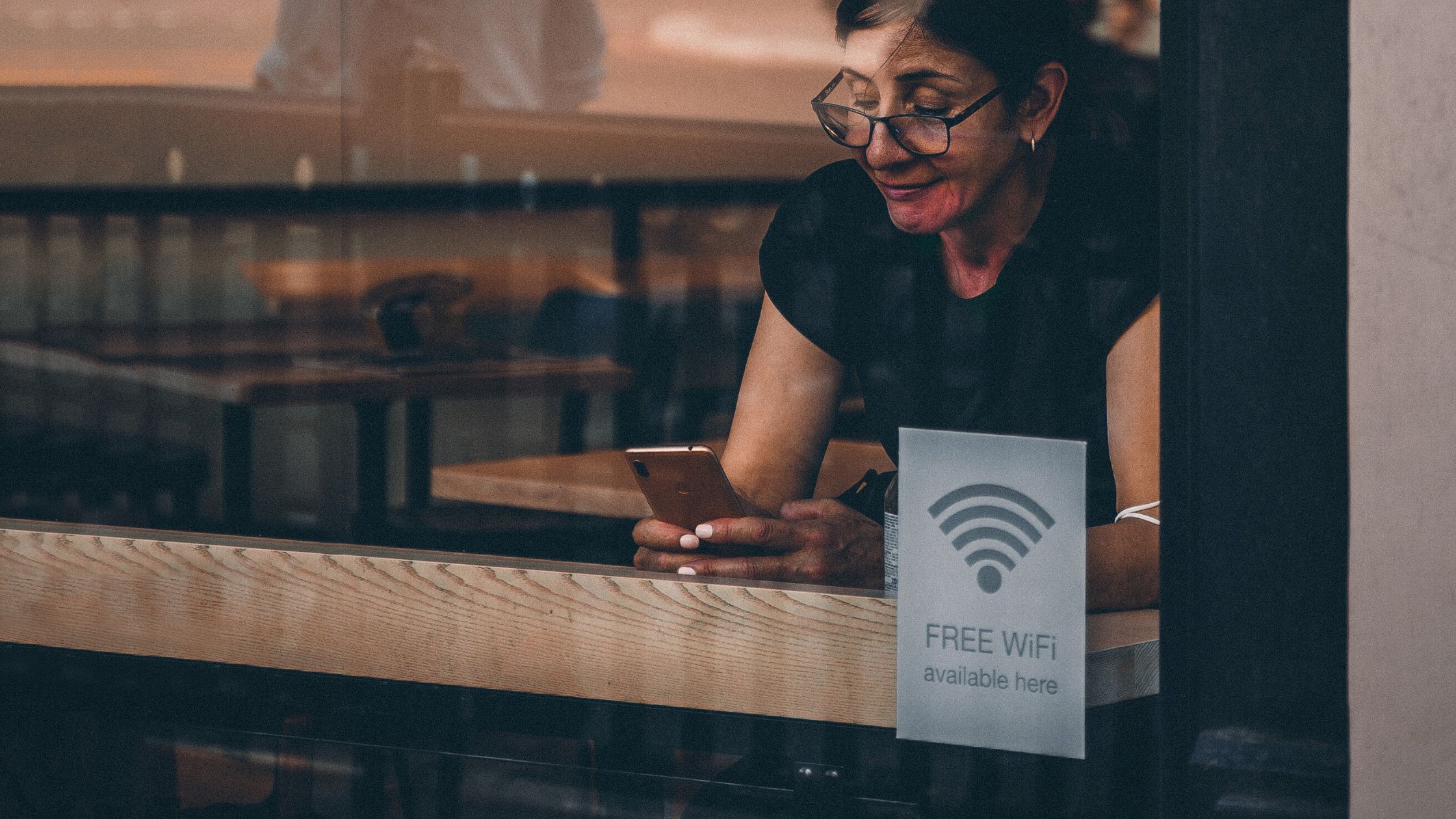
When using a public hotspot for shopping, stay on well-known networks, such as those offered by Starbucks or Barnes & Noble, even if they are free. You should utilise a virtual private network (VPN) for further security. 

Final Words

Shopping online may be a pleasant experience. You may shop online with peace of mind if you make efforts to protect yourself. Taking a few additional precautions can reduce the likelihood of any disasters. Have a safe shopping!

Also Checkout – India’s Leap In Online Payments- What Makes India Ahead Of The First World Countries?


Enjoyed this story?Share it with your friends
WhatsAppLinkedInXFacebookEmail
See more TSA Mag stories on GoogleAdd us as a preferred source and our stories will show up more often in your Top Stories.
GAdd The Second Angle as a preferred source on Google
ShareSend
Tweet
Previous Post

The Psychology of Altcoin Season: Why Investors Flock to Alternative Cryptocurrencies

Next Post

Russia Announces Nuclear Drills In Response To Comments By Western Officials

Related Posts

10 Best Free Productivity Apps in 2026 and What Each Plan Offers
Technology

10 Best Free Productivity Apps in 2026 and What Each Plan Offers

The best free productivity apps in 2026, including Notion, Todoist, Trello and Obsidian, with free plan limits checked on each...

Read moreDetails
A man in Bengaluru looking at his smartphone
Technology

DigiLocker Guide: How to Use It and Which Documents Are Valid

A simple DigiLocker guide for India: how to sign up, fetch your PAN, driving licence and marksheets, share them safely,...

Read moreDetails
A young person using a mobile phone
Technology

How to Block a Lost or Stolen Phone on Sanchar Saathi (CEIR)

Lost your mobile? Here is how to block a lost phone on Sanchar Saathi using CEIR, the documents you need,...

Read moreDetails
A person looking at a smartphone screen in a dark room
Technology

Digital Arrest Scam: How It Works and How to Stay Safe

A digital arrest scam uses fake police or CBI officers on video calls to scare people into paying. Learn the...

Read moreDetails
Iris scan being taken during Aadhaar biometric data collection in Kolkata
Technology

How to Lock Aadhaar Biometrics Online: Step-by-Step Guide

Learn how to lock Aadhaar biometrics on the myAadhaar portal or the new Aadhaar app, what changes after locking, and...

Read moreDetails
MyLitBag App Review 2022 | Amazing PDF Binder For Lawyers
Technology

MyLitBag App Review 2026: iPad PDF Binder for Lawyers Explained

MyLitBag app review: features, how the iPad PDF binder for lawyers works, pricing, pros and cons, and why to check...

Read moreDetails
Load More
Next Post
Russia Announces Nuclear Drills In Response To Comments By Western Officials

Russia Announces Nuclear Drills In Response To Comments By Western Officials

About

The Second Angle

The Second Angle (TSA Mag) is an infotainment and lifestyle magazine covering entertainment, travel, technology, health, education and finance.

Important Links

  • About The Second Angle
  • Advertise With Us
  • Editorial Policy
  • Privacy Policy
  • Terms and Conditions
  • Contact Us
  • Careers
  • Newsletter

Explore

  • Infotainment
  • Entertainment
  • Buzz
  • Education
  • Travel
  • Finance
  • Healthcare
  • Technology
Advertise with us

© 2017-2026. The Second Angle. All Rights Reserved. Developed and Managed by Squarebase.io

Welcome Back!

Login to your account below

Forgotten Password?

Retrieve your password

Please enter your username or email address to reset your password.

Log In
No Result
View All Result
  • Infotainment
    • Sports
    • People
    • Inspiring
  • Entertainment
    • Lifestyle
    • Home & Decoration
  • Buzz
  • Education
  • Travel
  • Finance
  • Healthcare
  • Technology

© 2017-2026. The Second Angle. All Rights Reserved. Developed and Managed by Squarebase.io

We use cookies to keep TSA fast and relevant. Read our Privacy Policy.