• About   |
  • Advertise |
  • Contact Us
No Result
View All Result
The Second Angle (TSA Magazine)
Advertise
  • Infotainment
    • Sports
    • People
    • Inspiring
  • Entertainment
    • Lifestyle
    • Home & Decoration
  • Buzz
  • Education
  • Travel
  • Finance
  • Healthcare
  • Technology
The Second Angle
No Result
View All Result
  • Infotainment
  • Entertainment
  • Buzz
  • Education
  • Travel
  • Finance
  • Healthcare
  • Technology
Advertisement Advertisement Advertisement
ADVERTISEMENT
Home Technology

4 Best Tips to Maximise The Life of Your Phone Battery

by TSA Desk
May 10, 2024
in Technology
Reading Time: 3 mins read
4 Best Tips to Maximise The Life of Your Phone Battery

Unsplash

Share on FacebookShare on WhatsApp
Advertisement Advertisement Advertisement
ADVERTISEMENT
5 min readGAdd The Second Angle as a preferred source on Google
Key takeaways
Reduce Screen Brightness: To help extend the life of your battery, reduce the brightness of any screen you're using to at...Reduce The Amount Of Time Until Sleep Mode: When a device senses inactivity, laptops, phones, and tablets turn off their screens.Switch To Power-saving Mode: Even though low-power mode isn't something you want to use all the time, many modern computers, smartphones, and...Be Aware Of Apps That Consume A Lot Of Power: Using your smartphone for activities that require greater processing power from the system, including viewing videos or playing...

Among those 50 years and older, four out of five said they now rely more on technology than they did to remain in touch with friends and family. Older individuals use technologies like Apple TV and YouTube to stream videos, group text friends, and navigate traffic jams when travelling. Therefore, their batteries may run out of power rapidly. Continue reading our blog to know the best ways to maximise the life of your phone battery.

A variety of conditions can cause poor phone battery life. However, you may extend the life of your battery and use your device for longer. Additionally, following these suggestions might delay the point at which your battery runs out of energy entirely.

Table of Contents
  • Best Hacks To Maximise The Life of Your Phone Battery:
    • 1. Reduce Screen Brightness
    • 2. Reduce The Amount Of Time Until Sleep Mode
    • 3. Switch To Power-saving Mode
    • 4. Be Aware Of Apps That Consume A Lot Of Power
  • Conclusion

Best Hacks To Maximise The Life of Your Phone Battery:

1. Reduce Screen Brightness

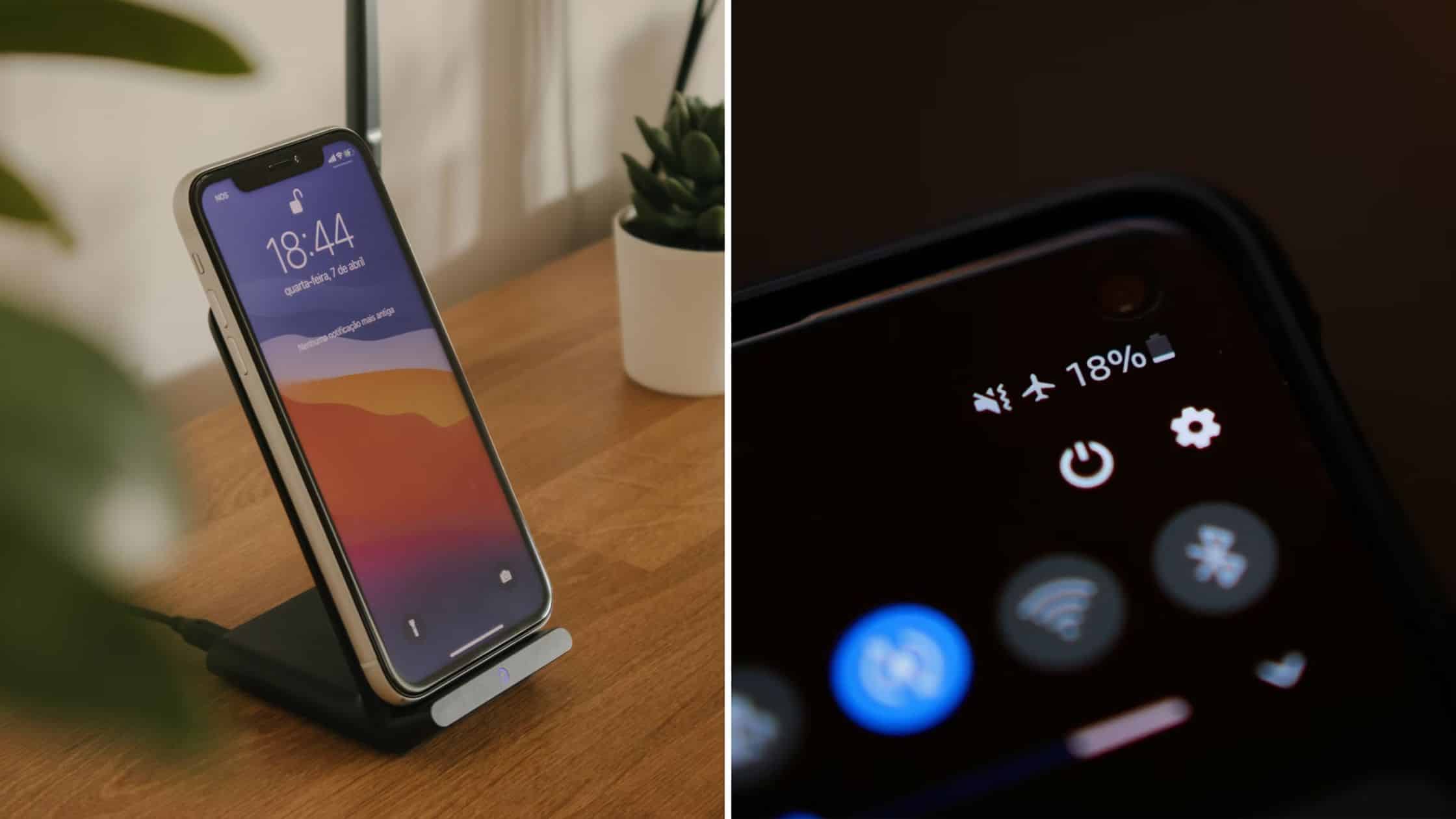
To help extend the life of your battery, reduce the brightness of any screen you’re using to at least half. Usually, the Settings or Options section has this.

3 Easy Tips to Improve Your Wi-Fi SignalAlso read3 Easy Tips to Improve Your Wi-Fi Signal
4 Best Tips to Maximise The Life of Your Phone Battery
Unsplash

For example, with a Samsung Galaxy, you may swipe down twice from the top of the screen on an Android phone. The sun symbol is at the bottom, to the left of a narrow bar. By moving your finger along this line, you can manually reduce your phone’s or tablet’s brightness. Remember that various Android devices have different settings, so your phone may appear somewhat different when following the instructions shown here and elsewhere in the article.

To open the Control Center on an iPhone or iPad, slide down from the upper right corner of the screen or up from the bottom edge if you’re using an iPhone 8 or earlier. The Control Center features a thick brightness bar denoted by a ☼ sun icon. Depending on the orientation of your phone, you may drag the light-dark line to the left or lower with your finger to reduce brightness.

Also Checkout – 3 Practical Ways For Reducing Screen Time With Its Benefits

2. Reduce The Amount Of Time Until Sleep Mode

When a device senses inactivity, laptops, phones, and tablets turn off their screens. In this manner, while you’re not gazing at their display, they won’t be consuming power to light it.
4 Best Tips to Maximise The Life of Your Phone Battery
Unsplash

For a laptop or tablet, you should aim for 10 to 15 minutes of awake time, but you might want to turn off your smartphone earlier. Any gadget that goes into sleep mode stops its display and pauses its background operations.

To wake it up, you’ll need to enter your password again (or use a biometric approach), which is a solid deterrent to people playing pranks on you and taking your phone or sending offensive messages under your name.

3. Switch To Power-saving Mode

Even though low-power mode isn’t something you want to use all the time, many modern computers, smartphones, and tablets have it. You can enable it under Settings, where it typically results in a darkened display, a black-and-white screen, and the disablement of unnecessary wifi services.
4 Best Tips to Maximise The Life of Your Phone Battery
Unsplash

When a battery is almost entirely run out, specific devices will automatically transition to a power-saving mode. You can manually handle it on your phone.

  • Go to Settings | Battery and Device Maintenance | Battery | Power Mode on an Android phone. The phone will indicate how much power is remaining in the battery. Tapping More battery settings will allow you to select an adaptive battery option, which may prolong battery life depending on your usage habits.
  • Go to Settings | Battery | Low Power Mode on an iPhone to locate the toggle switch. When you flip the switch to the green position, your phone will instantly enter Low Power Mode.

4. Be Aware Of Apps That Consume A Lot Of Power

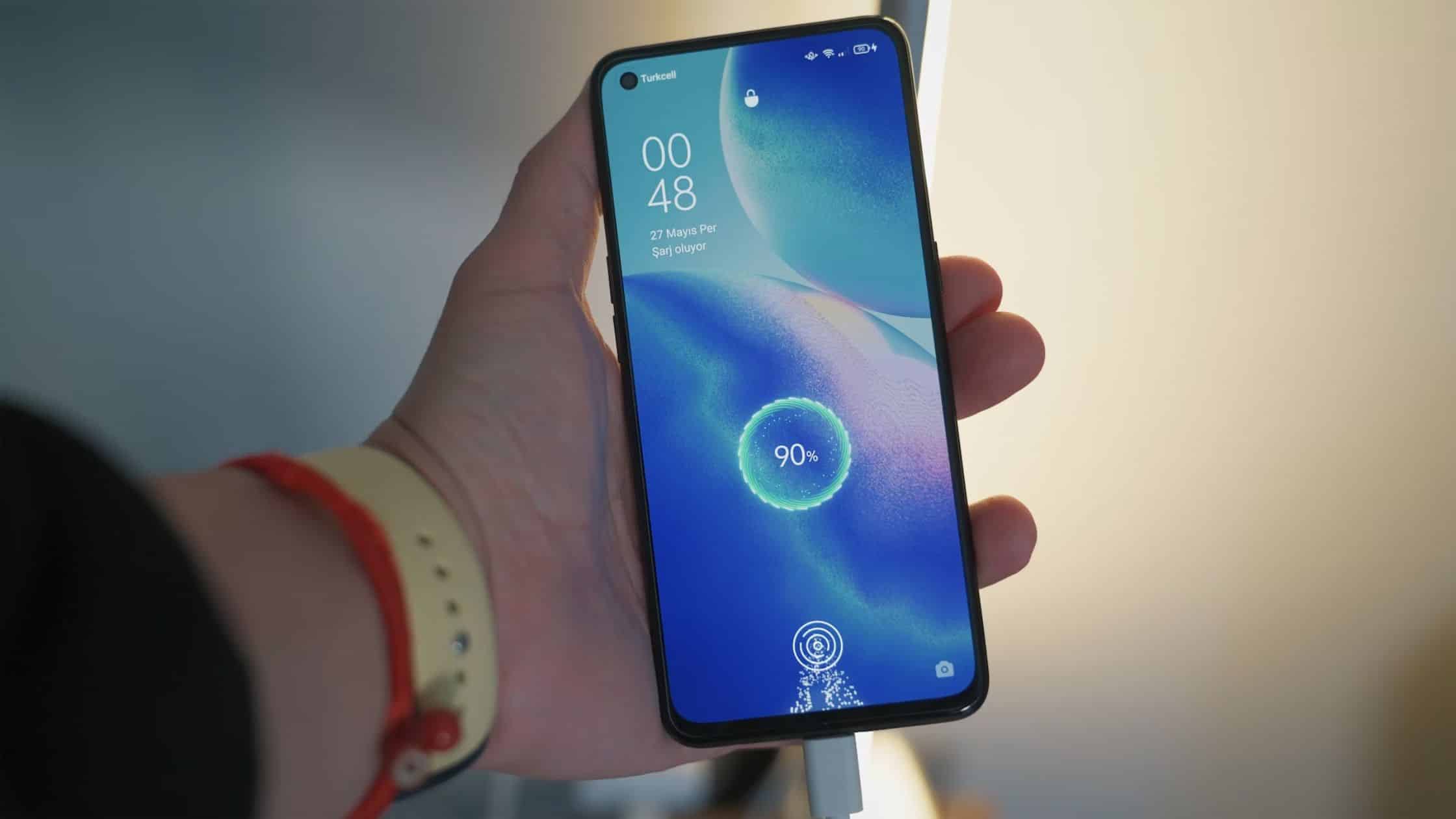
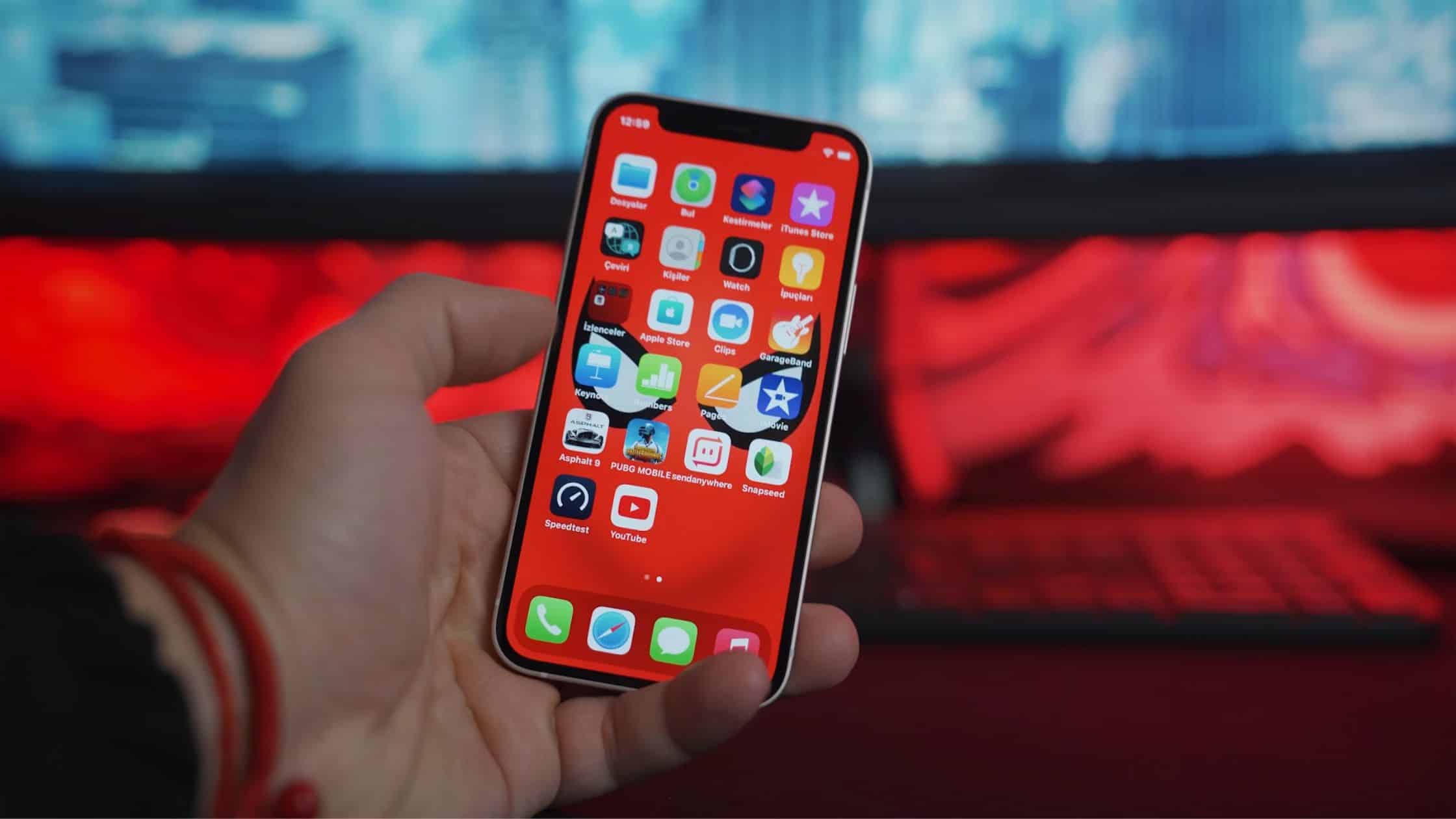
Using your smartphone for activities that require greater processing power from the system, including viewing videos or playing multiplayer games, may cause the battery to discharge more quickly, regardless of the model. Thus, it’s a good idea to check that your device is powered on or fully charged.
4 Best Tips to Maximise The Life of Your Phone Battery
Unsplash

Additional apps that use a lot of processing power and thus battery life are 3D image rendering tools, productivity tools like Apple iMovie and Adobe Photoshop, and complicated games. Typing notes or using the internet are less strenuous jobs.

Conclusion

These are some ways to maximise the life of your phone battery. If you stay out of severe temperatures, charge your phone sensibly, utilise battery-saver mode, and update your software, your phone’s battery will last longer and function better. Additionally, you may utilise a power bank to prevent emptying the battery and check its health for any problems by turning off any connectivity options you are not using.

Also Checkout – 7 Ultimate Tips For Safer Online Shopping 

Enjoyed this story?Share it with your friends
WhatsAppLinkedInXFacebookEmail
See more TSA Mag stories on GoogleAdd us as a preferred source and our stories will show up more often in your Top Stories.
GAdd The Second Angle as a preferred source on Google
ShareSend
Tweet
Previous Post

Triple murder suspect in Mexico surfer deaths allegedly confessed to girlfriend he killed ‘3 gringos’: report

Next Post

4 Ways to Be a More Carefree and Energetic Person

Related Posts

Person checking a laptop screen for signs that their email address was exposed in a data breach
Technology

How to Check If Your Email Was in a Data Breach (2026 Guide)

How to check if your email was in a data breach using Have I Been Pwned, Google, Apple and Mozilla...

Read moreDetails
Customer scanning a UPI QR code with a smartphone to make a small payment
Technology

What Is UPI Lite Limit in 2026? Wallet, Payment Caps and Setup

What is UPI Lite limit in 2026: Rs 1,000 per payment and Rs 5,000 balance. How to enable it, auto...

Read moreDetails
Smartphone showing mobile network settings used to add an eSIM in India
Technology

How to Activate eSIM in Jio, Airtel and Vi: Step-by-Step Guide

How to activate eSIM in Jio, Airtel and Vi: check phone support, follow official app steps, know the charges, switch...

Read moreDetails
10 Best Free Productivity Apps in 2026 and What Each Plan Offers
Technology

10 Best Free Productivity Apps in 2026 and What Each Plan Offers

The best free productivity apps in 2026, including Notion, Todoist, Trello and Obsidian, with free plan limits checked on each...

Read moreDetails
A man in Bengaluru looking at his smartphone
Technology

DigiLocker Guide: How to Use It and Which Documents Are Valid

A simple DigiLocker guide for India: how to sign up, fetch your PAN, driving licence and marksheets, share them safely,...

Read moreDetails
A young person using a mobile phone
Technology

How to Block a Lost or Stolen Phone on Sanchar Saathi (CEIR)

Lost your mobile? Here is how to block a lost phone on Sanchar Saathi using CEIR, the documents you need,...

Read moreDetails
Load More
Next Post
4 Ways to Be a More Carefree and Energetic Person

4 Ways to Be a More Carefree and Energetic Person

About

The Second Angle

The Second Angle (TSA Mag) is an infotainment and lifestyle magazine covering entertainment, travel, technology, health, education and finance.

Important Links

  • About The Second Angle
  • Advertise With Us
  • Editorial Policy
  • Privacy Policy
  • Terms and Conditions
  • Contact Us
  • Careers
  • Newsletter

Explore

  • Infotainment
  • Entertainment
  • Buzz
  • Education
  • Travel
  • Finance
  • Healthcare
  • Technology
Advertise with us

© 2017-2026. The Second Angle. All Rights Reserved. Developed and Managed by Squarebase.io

Welcome Back!

Login to your account below

Forgotten Password?

Retrieve your password

Please enter your username or email address to reset your password.

Log In
No Result
View All Result
  • Infotainment
    • Sports
    • People
    • Inspiring
  • Entertainment
    • Lifestyle
    • Home & Decoration
  • Buzz
  • Education
  • Travel
  • Finance
  • Healthcare
  • Technology

© 2017-2026. The Second Angle. All Rights Reserved. Developed and Managed by Squarebase.io

We use cookies to keep TSA fast and relevant. Read our Privacy Policy.