




Digital art posters are becoming increasingly popular, and as a result, more people demand them. They’re also effective for visually relaying information, which is especially handy if you’re not good with words. Here in this post, we are going to have a look at some of the best drawing and painting apps for android.
These apps are designed for widescreen Android smartphones that accept both touch and pen input. If you have one, these applications might provide you with more features than other sketching apps on the market. There are several drawing applications for Android that may assist you in sketching your ideas and increasing your creativity. Check out our list of the finest drawing apps for Android for pros and aspiring artists. You may choose which one provides the greatest experience for you.
A list of the 10 best drawing and painting apps for android are given below:
1. Adobe Illustrator Draw
It is a drawing software for Android phones developed by Adobe. It has received honors and is widely used for drawing. It has a variety of drawing capabilities and tools that designers require. You can personalize your brushes, use different pen tips, create several drawings, and use undo/redo buttons, among other things.
 Also readWeb 2.0 VS Web 3.0 – Major Differences You Need To Know
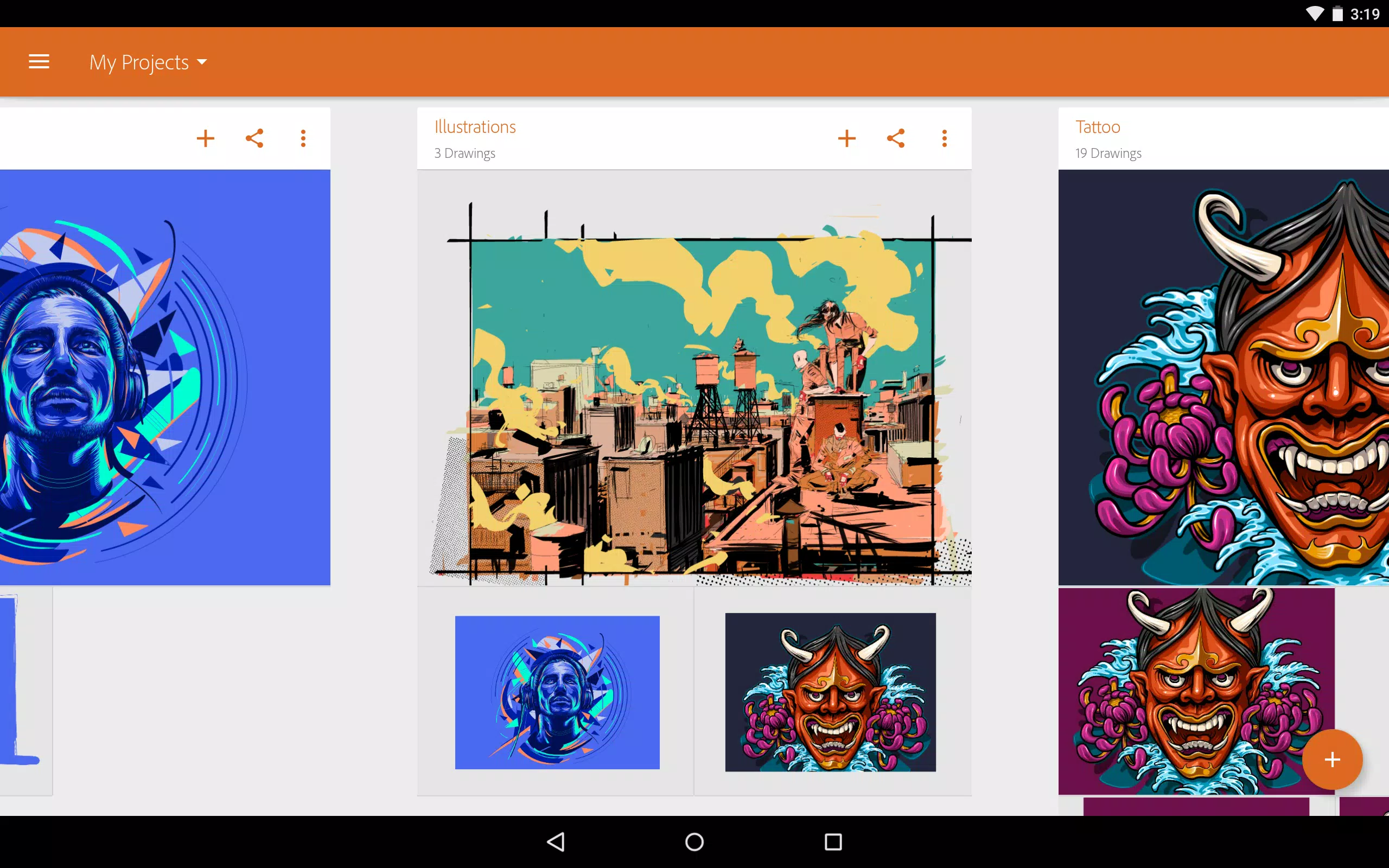
You can share your work with others through social media or other means. On the desktop, you may begin by importing designs from Adobe Capture CC or exporting designs from Adobe Draw CC to Illustrator CC.
2. The Sketchbook app
This app has received accolades for being the best drawing software on both the iOS and Android platforms. It is appropriate for both professional artists and those who are new to the field of drawing. Sketchable has ten customizable brushes, six blending settings, and up to three layers.
You may also open and export PSD files while retaining layers and blending modes. You have the option of undoing everything indefinitely. The free version of this program is ad-supported, but it has all of the required functionality.
If you wish to access more features, SketchBook also offers a paid version. It is available as an in-app purchase and includes over 160 customizable brushes as well as dozens of other handy features.
3. IbisPaint
Ibis is jam-packed with features that are intended to make the creative process more fun. DrawPlus allows you to film yourself while drawing and broadcast the resulting video. One of its distinguishing traits is the ability to:
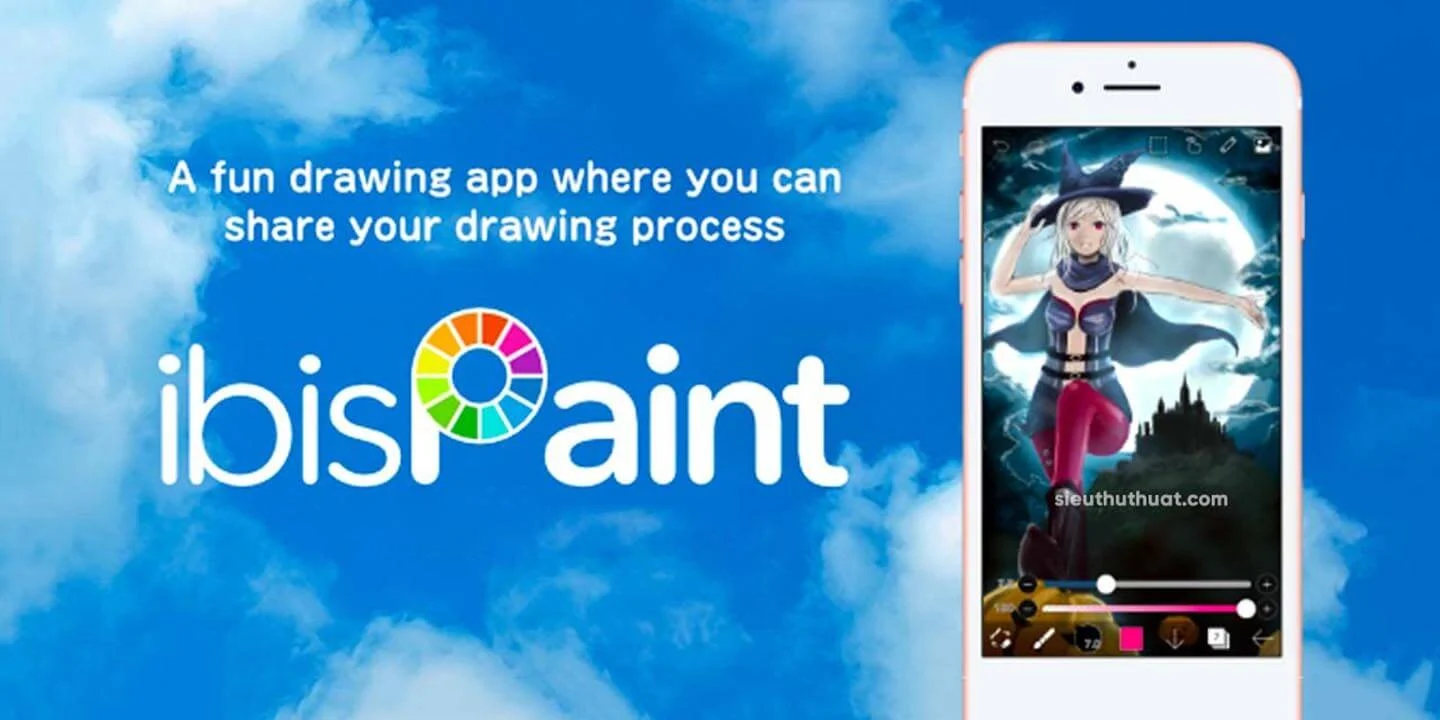
In addition, this program includes 142 brushes in a variety of styles, including dip pens, felt-tip pens, digital pens, and airbrushes. You may also customize the brush size, layer functionalities, and the regions you wish to work on.
4. PaperColor
Paper color is designed to be as realistic as possible in order to provide you with the entire drawing experience. It includes essential features like different brush kinds, rulers, erasers, and so forth.
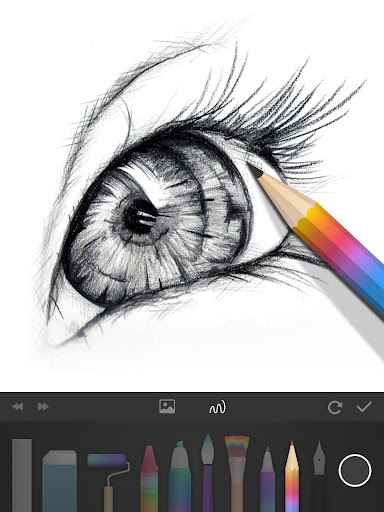
You may use a photo as the map backdrop, make it translucent to make it easier to view your map, or leave it static. Alternatively, you may trace the original image with a pen or pencil and then draw over it. A base map can assist you in determining how to make straight lines more quickly.
They also include a plethora of other capabilities, such as the ability to add text, customize covers, and use graphical tools. The software supports a wide range of painting techniques. It has the capability of reaching the level of artwork.
5. MadiBang Paint
It is a comic book artist-designed digital painting and comic-making tool. Excellent tools, effects, brush modification possibilities, and exporting choices for all formats are included. The program is available in mobile, Mac, and Windows versions.
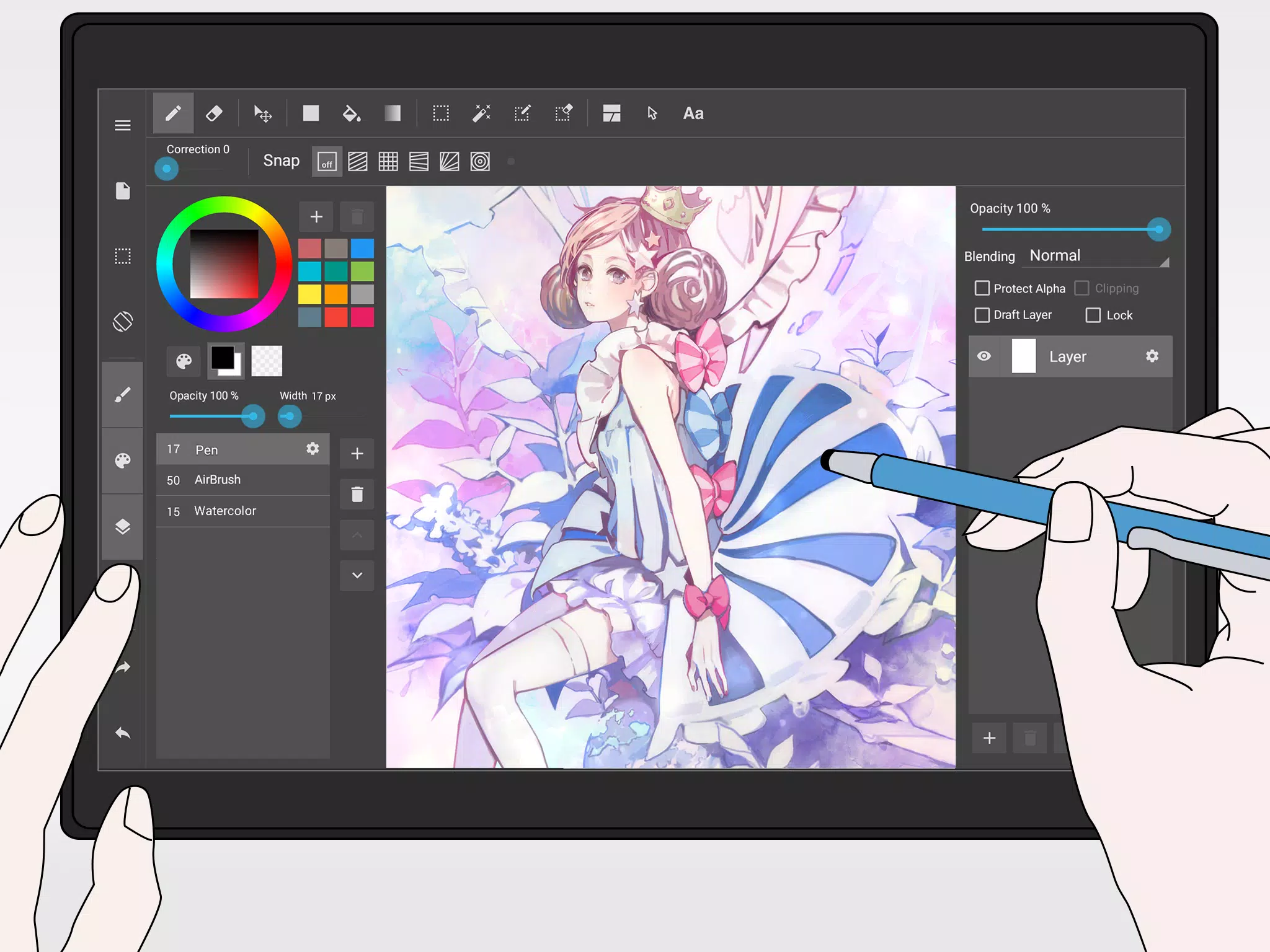
Inkify is a good choice for comic-style graphics. It includes over a hundred free brushes, textures, backgrounds, and comic-creation tools. You can organize, back up, and distribute your work more effectively if you have access to cloud storage. There are many free features in the app, however, there are some optional in-app purchases. The software is free to download, however, it is supported by adverts.
6. ArtFlow
It is a painting software for Android that is suitable for both children and adults. ArtFlow has over 70 distinct brushes and tools, as well as other features such as the option to undo and redo adjustments. With this latest sketching program, Sketch Club has upped its game, enabling you to work on up to 16 separate layers with 11 different blending settings for more realistic designs.
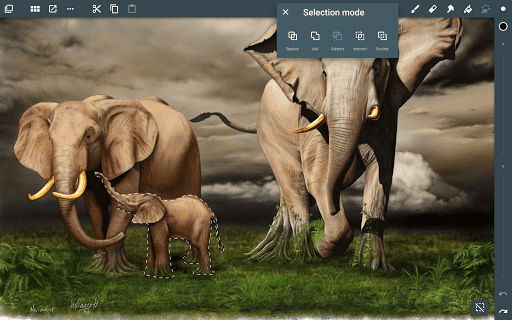
This program lets you input any of your photographs from the built-in gallery or camera and export your drawings as PSD, PNG, or JPEG files. This app’s UI is simple to use and comprehend.
7. Infinite Painter
This app may not be as well-known as the other programs on our list, but it is no less effective. It has over 160 brushes, limitless layer support, paper textures, different transformation tools, and perspective assists, as well as a transform tool that distorts the whole view of your document. This updated edition now adds a blend mode, which allows you to mix colors by stacking them on top of one another and modifying their attributes as you go.

Users may create the colors they want by using custom brushes. You may save your work in a variety of formats. PSD, PNG, and JPG file types are all supported by the program.
8. Concepts
If you’re interested in the genre, Concepts might be a highly useful vector-based drawing tool. It primarily caters to sophisticated users by offering a number of tools. This app’s free edition has five-layer support, an endless canvas, and vector brush tools. It also works with a variety of Bluetooth active stylus from Apple, Adonit, Fifty-Three, and others.
There is a pro edition of the software that enables more sophisticated features and capabilities. In addition to CAD-style tools, importing and exporting options, transformations, and access to an object library are available.
9. Picsart
Picsart with over 50 million downloads and counting, is one of the most popular drawing applications on Google’s Play Store. This program allows you to produce fantastic doodles and fun picture alterations regardless of your skill level!
Other features include a variety of sketching tools, paper, and font stickers to help bring your ideas to life. Picsart has capabilities like layers, zoom for fine work, and cross-device sync, allowing sketches to be created from any device.
10. Sketch Master
It is a simple, lightweight drawing software for Android. It is intended to be easy and beneficial to all users. With Sketchbook’s user-friendly interface, you can draw with ease.
You can use seven different brushes, three different zoom settings, and up to 3000 percent zoom. You may also upload photos shot with your phone or imported from your photo library to social media. The app displays all of the free version’s features without requiring any in-app purchases. Sketch Master is available for free download, however, it contains advertisements.
CONCLUSION
If you’re seeking sketching applications, there are a plethora of excellent alternatives available that may fit your needs better than those on our list. Adobe offers a number of drawing programs available, including Adobe Illustrator Draw, Photoshop Sketch, and Fresco. Here was the rundown on some of the best drawing and painting apps for android. It may be preferable to shun ad-supported apps in favor of free alternatives. Even if the program can only give limited access to its sophisticated functions, most users can get by without them.
Also, Checkout: Web 2.0 VS Web 3.0 – Major Differences You Need To Know
Source: TechiDroid








