The Indian Rupee symbol (₹) was designed by D. Udaya Kumar, a postgraduate in design from IIT Bombay. His entry won a national competition run by the Government of India, and the Union Cabinet approved the symbol on 15 July 2010. The design blends the Devanagari letter “Ra” with the Roman capital “R”.
Before 2010, the rupee was written as “Rs” or “Re”, the same way several other countries wrote their currencies. The new sign gave the Indian rupee its own identity, alongside currencies such as the US dollar, euro, pound and yen.
- Why did India need a rupee symbol?
- How was the rupee symbol chosen?
- Who is D. Udaya Kumar?
- Quick facts about the ₹ symbol
- What does the rupee symbol design mean?
- When did the ₹ symbol appear on notes and coins?
- What is the Unicode for the rupee symbol?
- How to type the rupee symbol on Windows
- How to type the rupee symbol on a Mac
- How to type ₹ on Android and iPhone
- Frequently asked questions
Why did India need a rupee symbol?
The word rupee, or rupiah, is used for the currencies of Pakistan, Nepal, Sri Lanka and Indonesia as well. Writing “Rs” did not make it clear which country’s money was meant, especially in international trade and documents.
 Also readGandhi Jayanti: Teachings of Gandhi That Still Hold True Today
A unique symbol solved this problem. It also allowed the rupee to be added to computer character sets and keyboards, so that it could be typed and printed as easily as the dollar sign.
How was the rupee symbol chosen?
In February 2009, the government opened a nationwide competition for a symbol that would reflect Indian culture and ethos. The contest was open to resident Indian citizens.
About 3,000 designs were received. A jury headed by a Deputy Governor of the Reserve Bank of India shortlisted five entries, and these were placed before the Union Cabinet. The Cabinet, chaired by Prime Minister Manmohan Singh, picked Udaya Kumar’s design on 15 July 2010. The winner received a prize of Rs 2.5 lakh.
Who is D. Udaya Kumar?
D. Udaya Kumar was 31 years old when his design was selected. He had studied industrial design at IIT Bombay and, at the time of the announcement, was joining the Department of Design at IIT Guwahati as a faculty member.
He said the symbol was based on the Indian tricolour, with the two lines at the top and the white space between them.
Quick facts about the ₹ symbol
| Detail | Fact |
|---|---|
| Designer | D. Udaya Kumar |
| Competition launched | February 2009 |
| Entries received | About 3,000 |
| Shortlisted | 5 designs |
| Cabinet approval | 15 July 2010 |
| Prize money | Rs 2.5 lakh |
| Unicode code point | U+20B9 (Indian Rupee Sign) |
| HTML code | ₹ or ₹ |
| Based on | Devanagari “Ra” and Roman “R” |
What does the rupee symbol design mean?
The ₹ sign is made of two scripts joined into one shape:
- Devanagari “Ra” (र): the left part of the symbol follows this letter, which has a horizontal line on top, called the shirorekha.
- Roman “R”: the symbol uses the capital R without its vertical stroke, so it is readable to people who use the English alphabet.
- Two parallel lines at the top: these are linked to the tricolour of the national flag. They also look like an equals sign, which has been read as a sign of balance and stability in the economy.
This mix of an Indian script and the Latin alphabet is what makes the symbol both Indian in origin and easy to recognise worldwide.
When did the ₹ symbol appear on notes and coins?
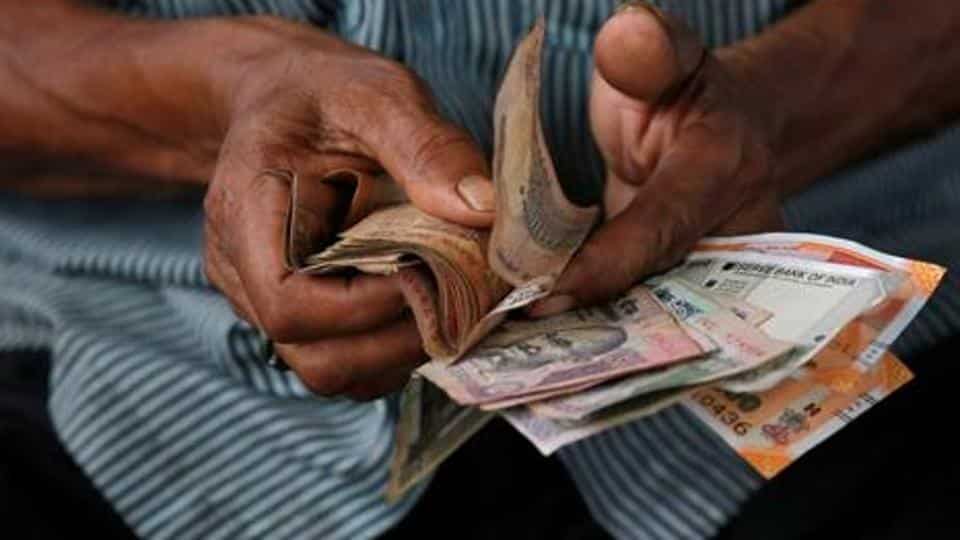
When the symbol was announced, the government said it would be adopted within 6 months in India and within 18 to 24 months globally. The Reserve Bank of India then started adding it to currency.
In September 2011, the RBI announced that it would issue Rs 10 notes carrying the ₹ symbol. In November 2011, it announced Rs 100 notes with the symbol. Coins carrying the sign also came into circulation from 2011, and today the symbol appears on all current notes and coins, as well as on cheques, price tags and bank statements.
What is the Unicode for the rupee symbol?
The rupee symbol has the Unicode code point U+20B9, with the official name “Indian Rupee Sign”. It sits in the Currency Symbols block of the Unicode Standard. In HTML, you can write it as ₹ (decimal) or ₹ (hexadecimal). There is no standard named HTML entity for the rupee.
The sign was added to the standard in Unicode version 6.0, released in October 2010, only a few months after the Cabinet approved it. Because it is part of Unicode, most modern fonts, phones and computers can show the symbol without any extra software.
How to type the rupee symbol on Windows
- Open Settings, go to Time and language, then Language and region, and add English (India) with the India keyboard layout.
- Switch to that layout from the taskbar.
- Press Ctrl + Alt + 4 (or AltGr + 4) to type ₹.
In Microsoft Word, you can also type 20B9, select those four characters and press Alt + X. Word will turn them into ₹. Another option is Insert, then Symbol, then More Symbols, and choosing it from the Currency Symbols subset.
How to type the rupee symbol on a Mac
- Place the cursor where you want the symbol.
- Press Fn + E (or Globe + E), or go to Edit, then Emoji and Symbols.
- Search for “rupee” and click the ₹ sign to insert it.
How to type ₹ on Android and iPhone
On most Android phones using Gboard, tap the ?123 key. If your keyboard language is set to English (India), the ₹ key shows up directly. If not, press and hold the currency key to see a list of symbols, and slide to ₹.
On an iPhone, tap the 123 key, then press and hold the currency key. A small menu with other currency signs, including ₹, will appear. Adding the English (India) keyboard in Settings, under General and Keyboard, makes the rupee sign the default currency key.
For more stories on money and the economy, see our Economy section, and for more fun facts, browse Infotainment.
Frequently asked questions
Who designed the Indian rupee symbol?
D. Udaya Kumar, an IIT Bombay design postgraduate, designed the ₹ symbol. His entry was selected from five shortlisted designs in a national competition.
When was the rupee symbol adopted?
The Union Cabinet approved the rupee symbol on 15 July 2010. It began appearing on notes and coins in 2011.
What is the rupee symbol based on?
It combines the Devanagari letter “Ra” and the Roman capital “R” without its vertical stroke. The two lines at the top are linked to the national flag.
What is the Unicode of the rupee sign?
The Unicode code point for ₹ is U+20B9, named “Indian Rupee Sign”. In HTML, it is written as ₹.
What is the shortcut key for the rupee symbol?
On Windows with the English (India) keyboard, press Ctrl + Alt + 4. In Microsoft Word, type 20B9 and press Alt + X.
Sources: Unicode Currency Symbols chart, RBI press release on Rs 100 notes with ₹, IMF Finance and Development, The Tribune, July 2010.